Picture this: it’s 3 PM on a Tuesday, you’ve been working from your kitchen chair since 8 AM, and your lower back feels like it’s staging a rebellion. Sound familiar? If you’ve been working from home for any length of time, you’ve probably experienced this uncomfortable reality. The truth is, your chair choice can make or break your entire work-from-home experience.
After spending countless hours researching ergonomics, testing different chairs, and speaking with physical therapists, I’ve learned that investing in a proper orthopedic office chair isn’t just about comfort—it’s about protecting your long-term health and maintaining productivity throughout your career.
Before we dive into chair recommendations, let’s talk about why this matters so much. The average remote worker spends about 10 hours a day sitting, which is more than most people sleep. During this time, poor seating can create a cascade of problems that extend far beyond simple discomfort.
When you sit in an unsupportive chair, your spine loses its natural S-curve. This forces your muscles to work overtime to maintain balance, leading to fatigue and tension. Over time, this can result in chronic pain conditions, reduced mobility, and even impact your mental wellbeing. I’ve seen colleagues develop everything from herniated discs to carpal tunnel syndrome simply because they didn’t prioritize proper seating.
The financial impact is equally concerning. According to workplace health studies, back pain alone costs workers thousands in medical expenses and lost productivity each year. When you consider that a quality orthopedic chair can last a decade or more, the investment suddenly makes perfect sense.
Understanding Orthopedic Design Principles
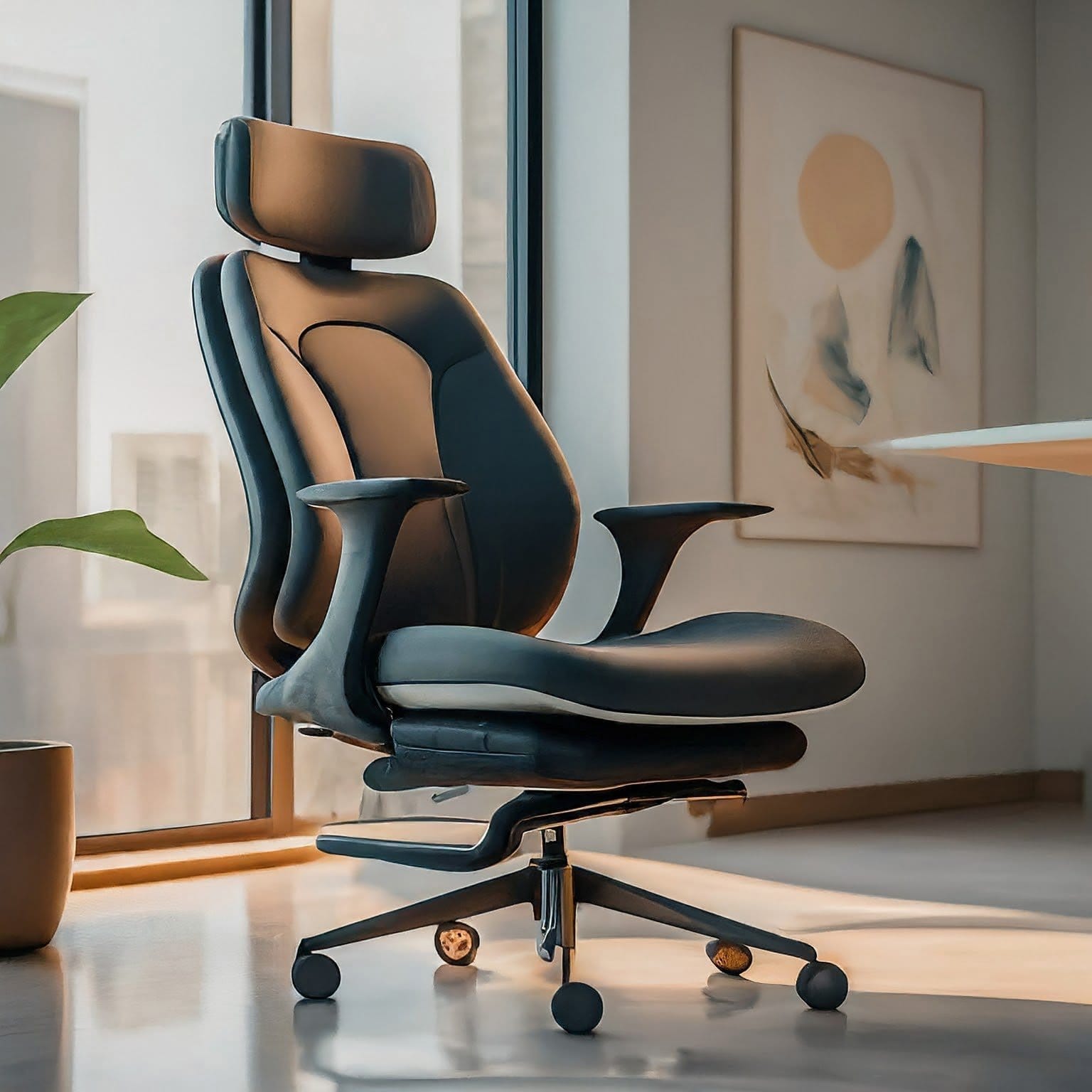
Orthopedic chairs aren’t just marketing fluff—they’re built on solid scientific principles. These chairs are designed to work with your body’s natural mechanics rather than against them. The goal is to maintain your spine’s natural alignment while reducing pressure on key areas like your tailbone, hips, and shoulders.
Think of your spine like a stack of building blocks. When properly aligned, each vertebra supports the next, creating a stable, balanced structure. But when you slouch or twist awkwardly, some blocks bear more weight than others, leading to uneven wear and potential damage over time.
A well-designed orthopedic chair acts like a supportive framework, helping maintain that ideal alignment throughout your workday. It’s not about forcing you into a rigid position—quite the opposite. The best chairs allow for natural movement while providing consistent support.
Essential Features That Actually Matter
Lumbar Support: Your Lower Back’s Best Friend
Let’s start with the most crucial feature: lumbar support. Your lower spine naturally curves inward, and this curve needs to be maintained when sitting. Without proper support, this area flattens out, putting enormous pressure on your spinal discs.
When evaluating lumbar support, look for adjustability in both height and depth. The support should fit snugly into your lower back’s natural curve without pushing you forward uncomfortably. I’ve found that the best systems allow you to fine-tune the position until it feels just right.
Some chairs offer inflatable lumbar support, which can be helpful for sharing the chair with family members of different heights. Others use rigid mechanisms that, while less flexible, often provide more consistent support over time.
Seat Dimensions: One Size Doesn’t Fit All
Here’s something most people don’t consider: seat depth significantly impacts your comfort and circulation. The ideal seat should support about 75% of your thigh length, leaving 2-4 inches between the seat edge and the back of your knees.
Too deep, and you’ll either slouch to reach the backrest or perch on the edge without back support. Too shallow, and you’ll feel like you’re sliding off constantly. Most quality orthopedic chairs offer seats between 17-20 inches deep, accommodating a wide range of body types.
Seat width is equally important, especially if you tend to shift positions throughout the day. A seat that’s too narrow feels restrictive, while one that’s too wide doesn’t provide adequate hip support. Look for seats that are 18-22 inches wide for optimal comfort.
Armrest Sophistication: Beyond Simple Up and Down
I used to think armrests were just a nice-to-have feature until I developed shoulder tension from typing without proper arm support. Quality armrests should adjust in multiple directions: height, width, depth, and angle.
The goal is to support your arms while keeping your shoulders relaxed. Your elbows should rest comfortably at about 90 degrees, with your wrists straight while typing. Poorly positioned armrests can actually increase tension in your neck and shoulders, so adjustability is crucial.
Look for armrests with soft, durable padding that won’t wear down quickly. Some premium chairs offer memory foam armrest pads that conform to your arms over time.
Material Matters: Comfort Meets Durability
The materials used in your chair affect both immediate comfort and long-term durability. Mesh backs have become increasingly popular because they promote airflow and prevent the sweaty-back syndrome that plagues many office workers. However, mesh quality varies dramatically—cheap mesh can sag or tear, while high-quality mesh maintains its shape and support for years.
Fabric chairs offer more traditional comfort and often provide better cushioning for longer sitting sessions. Look for commercial-grade fabrics that resist staining and wear. Leather chairs look professional and are easy to clean, but they can get warm and may not breathe as well as other options.
For seat cushioning, high-density foam is your best bet. It provides support without being too firm and maintains its shape over time. Some chairs use memory foam, which can be comfortable but may retain heat and lose support as it warms up.
The Aeron has achieved legendary status in the ergonomics world, and for good reason. Its revolutionary design eliminates traditional cushioning in favor of a supportive mesh system that distributes weight evenly across the entire seat and back.
What sets the Aeron apart is its attention to detail. The PostureFit SL system provides targeted lumbar and sacral support, addressing not just your lower back but also the area where your spine meets your pelvis. The chair’s tilt mechanism is incredibly sophisticated, maintaining proper back support even when reclined.
The Aeron comes in three sizes (A, B, and C) to accommodate different body types, which is unusual in the chair world. This sizing system ensures that the chair’s proportions match your body, rather than forcing you to adapt to a one-size-fits-all design.
If the Aeron is the luxury sports car of office chairs, the Leap V2 is the reliable sedan that gets everything right. Its LiveBack technology is genuinely innovative—the backrest actually flexes and moves with your spine, providing support that adapts to your movements throughout the day.
The Leap V2 excels in accommodating different sitting styles. Whether you’re a forward-leaner who hunches over documents or a back-relaxer who likes to recline during phone calls, this chair adjusts to support you properly. The Natural Glide System allows the seat to move with you as you recline, preventing the uncomfortable sliding that occurs with many chairs.
The Mid-Range Masters: Professional Quality Without the Premium Price
The Freedom chair embodies the “less is more” philosophy. Instead of multiple adjustment knobs and levers, it uses your body weight and movement to automatically provide appropriate support. The recline mechanism adjusts tension based on your weight, while the headrest moves with you to maintain neck support.
This simplicity is both a strength and a limitation. Users who like to fine-tune every aspect of their seating position might find it limiting, while those who prefer set-and-forget functionality will love its intuitive design.
Okamura chairs represent Japanese manufacturing excellence applied to ergonomic seating. The Contessa II features incredibly precise adjustments and build quality that rivals much more expensive chairs. Its mesh back provides excellent breathability, while the cushioned seat offers comfort for extended sitting.
The chair’s engineering is evident in small details—smooth-operating controls, perfectly balanced recline, and materials that feel substantial without being heavy. It’s a chair that reveals its quality through daily use rather than flashy features.
The Markus proves that good ergonomics doesn’t have to break the bank. While it lacks the sophisticated adjustments of premium chairs, it nails the basics: proper lumbar support, comfortable seat cushioning, and durable construction. The mesh back promotes airflow, and the chair’s clean design fits well in most home offices.
Its main limitation is adjustability—you get height adjustment and basic tilt, but that’s about it. However, for users who fit the chair’s target size range, it provides excellent value.
The Elusion series offers an impressive array of features at a budget-friendly price point. You get adjustable lumbar support, breathable mesh backing, and multi-position tilt lock. While the materials aren’t as refined as premium options, the chair delivers solid ergonomic support for everyday use.
The key with budget chairs is managing expectations. They won’t last as long as premium options, and the adjustments won’t be as smooth or precise. However, they can provide excellent short-term solutions or serve as stepping stones to higher-end chairs later.
Specialized Needs: Beyond Standard Sizing
Accommodating Larger Bodies
The office chair industry has historically ignored users who don’t fit standard sizing, but this is changing. Chairs designed for larger individuals typically feature reinforced frames, wider seats, and higher weight capacities while maintaining ergonomic principles.
Look for chairs specifically rated for your weight rather than assuming standard chairs will work. The engineering required to support 300+ pounds while maintaining proper ergonomics is significantly different from standard chair design.
Serta brings their mattress expertise to office seating with models that prioritize comfort for larger users. These chairs typically feature layered cushioning systems and robust frames designed to maintain support over time.
La-Z-Boy applies their recliner knowledge to create office chairs that feel like furniture rather than medical equipment. While not as adjustable as some options, they provide excellent comfort for users who prioritize cushioning over rigid ergonomic positioning.
Petite Users: Small Bodies, Big Needs
Shorter individuals face unique challenges in finding properly fitting chairs. Standard chairs often position controls too high, create pressure behind the knees, and fail to provide adequate back support for smaller frames.
Look for chairs with seat depth adjustment or shorter standard depths. Some manufacturers offer “petite” versions of popular models with modified proportions that better accommodate smaller users.
The Science of Proper Setup
Having the right chair is only half the battle—proper setup is equally crucial. Even the most expensive ergonomic chair becomes worthless if it’s adjusted incorrectly.
The Foundation: Getting Your Base Right
Start with seat height, as this affects everything else. Your feet should rest flat on the floor (or footrest) with your thighs parallel to the ground. Your knees should be at approximately 90-degree angles, but don’t obsess over exact measurements—comfort is more important than geometric precision.
If your desk is too high after adjusting your chair properly, consider a keyboard tray to bring your typing surface to the right level. If it’s too low, desk risers can help achieve proper monitor height.
Lumbar Support: Finding Your Sweet Spot
Lumbar support adjustment is highly individual. The support should fill the gap between your lower back and the chair, providing a gentle forward pressure that maintains your spine’s natural curve. It shouldn’t push you forward uncomfortably or create pressure points.
Start with the support positioned at belt level and adjust up or down until it feels right. The depth adjustment (if available) should provide support without making you feel like you’re being pushed out of the chair.
Armrest Optimization: Supporting Without Restricting
Proper armrest positioning reduces shoulder and neck tension while preventing carpal tunnel syndrome. Your arms should rest lightly on the armrests with your shoulders relaxed and elbows at about 90 degrees.
The armrests should support your arms without lifting your shoulders or forcing them downward. When typing, your wrists should be straight, with your hands floating over the keyboard rather than resting heavily on a wrist rest.
Monitor and Keyboard Alignment
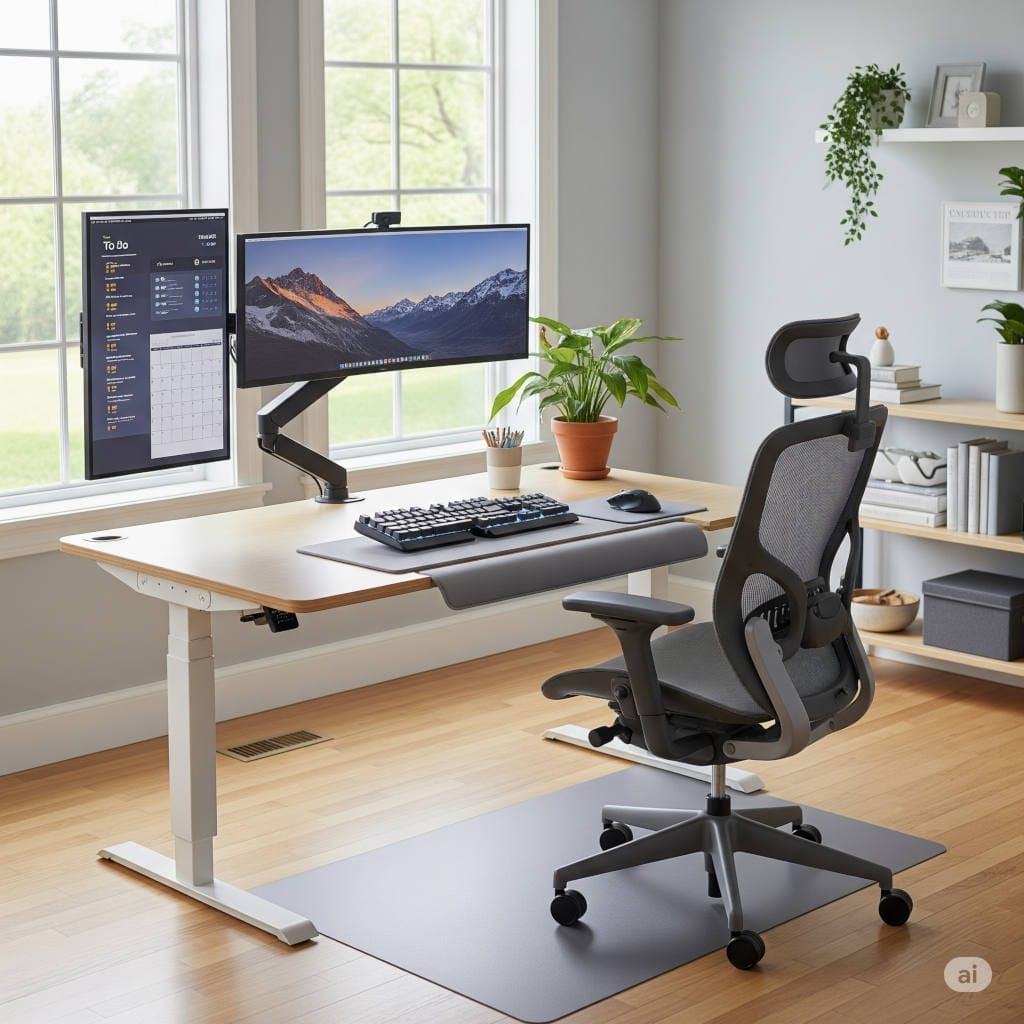
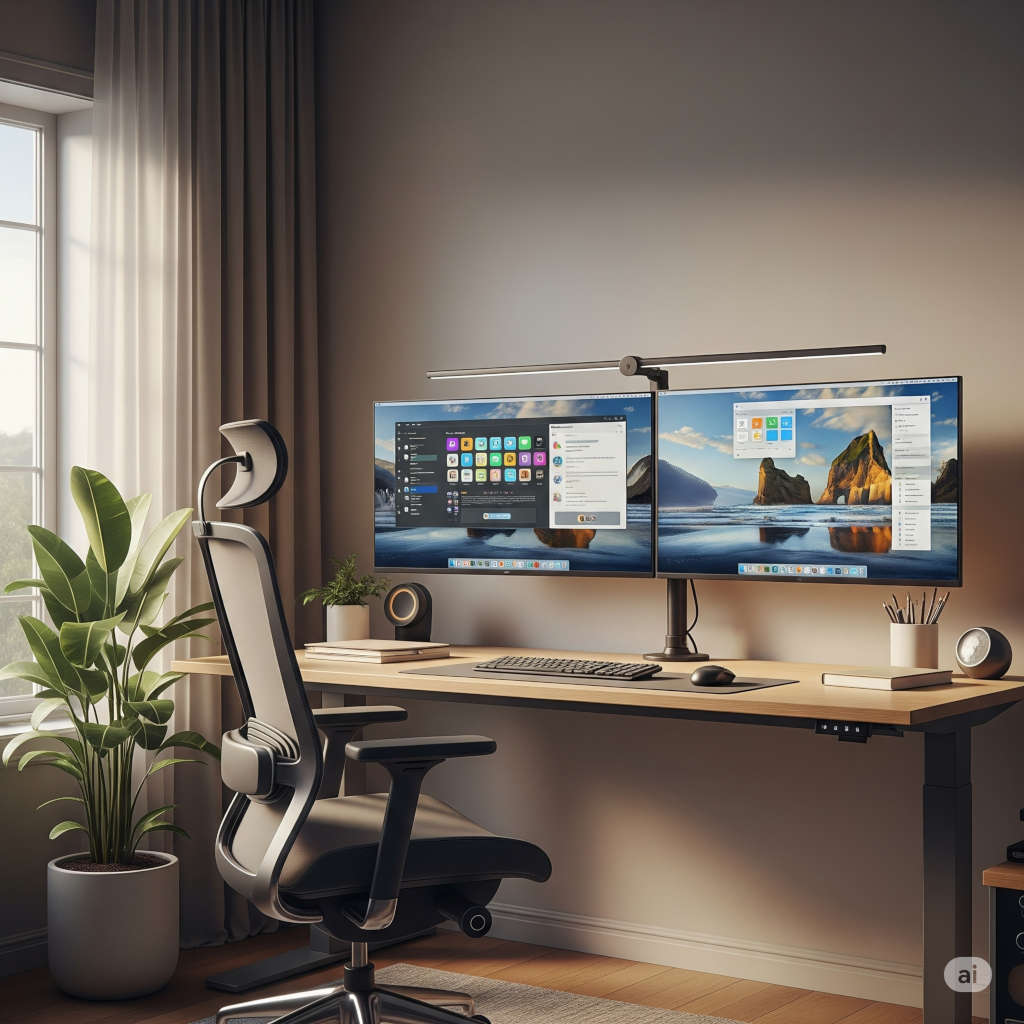
Your chair setup must work with your desk configuration. The top of your monitor should be at or slightly below eye level, positioned about arm’s length away. This prevents neck strain from looking up or down at your screen.
Your keyboard should be positioned so your elbows remain at your sides with your forearms parallel to the floor. If you use a laptop, consider an external keyboard and mouse to achieve proper positioning.
Movement: The Missing Piece
Here’s something many ergonomics guides don’t emphasize enough: the best chair in the world can’t compensate for complete stillness. Our bodies are designed for movement, and prolonged static postures—even ergonomically correct ones—can cause problems.
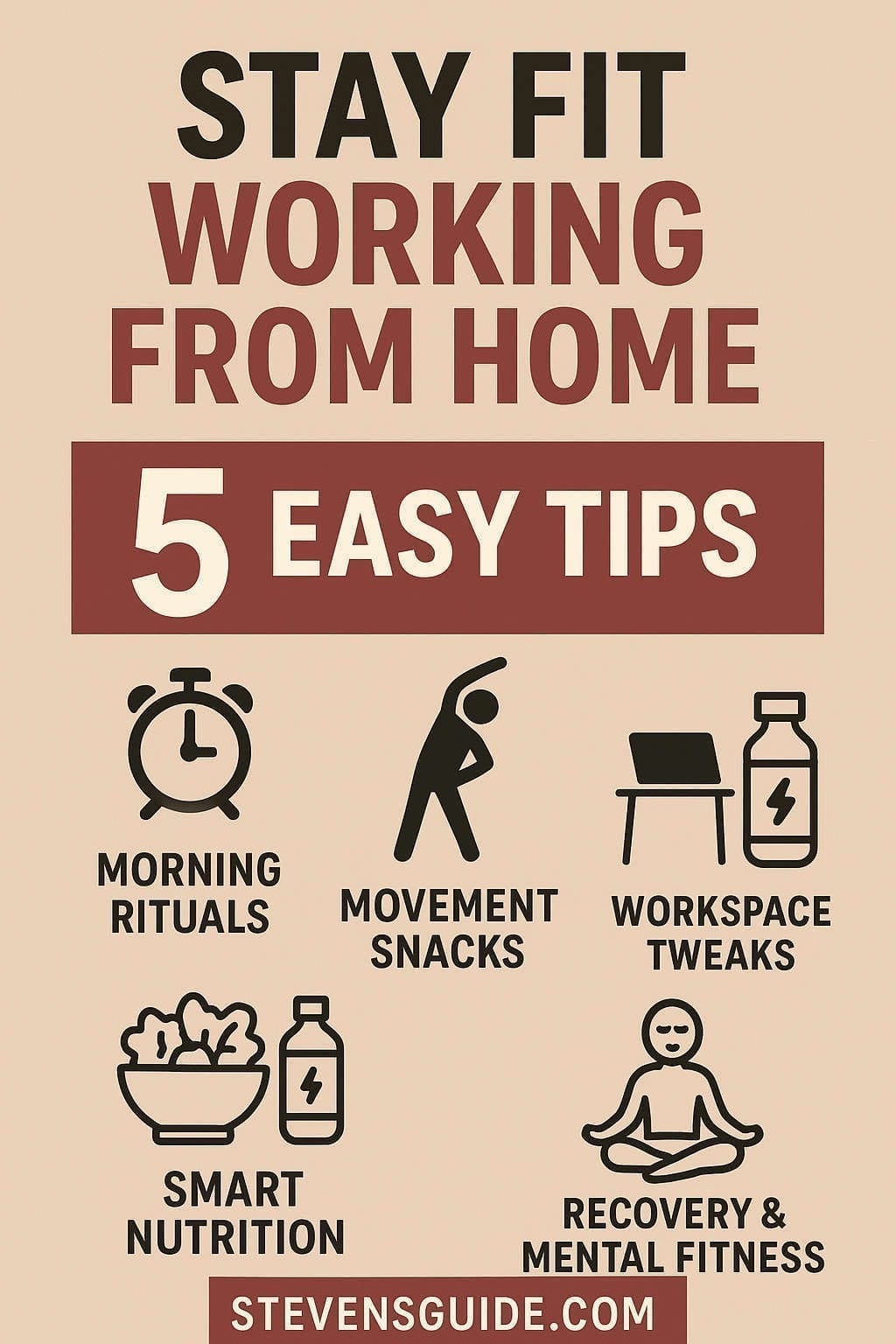
Build movement into your workday routine. Set reminders to stand and stretch every 30-45 minutes. Use phone calls as opportunities to walk around. Consider a standing desk converter for portions of your day.
Your chair should facilitate this movement, not restrict it. Look for chairs that allow you to shift positions comfortably throughout the day. Some of the best chairs encourage subtle movements that keep your muscles active even while seated.
Maintenance: Protecting Your Investment
A quality orthopedic chair represents a significant investment, and proper maintenance ensures it continues providing optimal support for years to come.
Daily Care
Keep your chair clean with regular vacuuming or wiping down, depending on the materials. Mesh chairs benefit from occasional vacuuming to remove dust and debris that can clog the weave. Leather chairs should be cleaned with appropriate leather cleaners to prevent cracking and maintain flexibility.
Periodic Maintenance
Check and tighten bolts quarterly, as regular use can cause connections to loosen over time. Lubricate moving parts according to manufacturer recommendations—this typically involves applying small amounts of appropriate lubricant to pivot points and adjustment mechanisms.
Replace worn components promptly. Casters wear out over time, especially on hard floors. Armrest pads can compress or tear with heavy use. Most quality chair manufacturers offer replacement parts, making repairs more economical than replacement.
Professional Service
Consider professional maintenance for premium chairs, especially those under warranty. Many manufacturers offer refurbishment services that can restore chairs to near-new condition for a fraction of replacement cost.
Making the Financial Decision
When evaluating chair investments, consider the total cost of ownership rather than just the initial price. A $1,200 chair that lasts 12 years costs $100 per year, while a $200 chair that needs replacement every two years costs the same annually while providing inferior support.
Factor in potential health costs as well. Physical therapy sessions, medical consultations, and lost productivity due to discomfort can easily exceed the cost of a quality chair. Many users find that proper seating reduces their need for massage therapy, chiropractic visits, and pain medications.
Warranty and Support Considerations
Premium chair manufacturers typically offer extensive warranties—Herman Miller provides 12 years, while Steelcase offers 12 years on mechanisms and structure. These warranties reflect confidence in build quality and provide peace of mind for your investment.
Consider the manufacturer’s reputation for customer service and parts availability. Companies that have been in business for decades are more likely to support their products long-term compared to newer manufacturers without established service networks.
Trial Periods and Return Policies
Many manufacturers and retailers offer trial periods for office chairs, recognizing that comfort is highly individual. Take advantage of these programs when possible—a chair that feels great in a showroom might not work for extended daily use.
Some companies offer satisfaction guarantees that go beyond standard return policies. While these typically involve restocking fees, they provide additional protection for your investment.
Special Considerations for Home Offices
Working from home presents unique challenges that differ from traditional office environments. Your home office chair needs to blend into your living space while providing professional-grade support.
Aesthetic Integration
Consider how your chair will look in your home environment. A massive, industrial-looking chair might provide excellent ergonomics but clash with your home’s aesthetic. Many modern ergonomic chairs offer attractive designs that work well in residential settings.
Color and material choices affect both appearance and maintenance. Darker colors hide wear better but may show dust more readily. Light colors can brighten a space but require more frequent cleaning.
Noise Considerations
Home offices often share space with family activities, making quiet operation important. Quality chairs with well-engineered mechanisms typically operate more quietly than budget alternatives. Consider this factor if you take calls throughout the day or work in shared spaces.
Multi-User Scenarios
If family members share your workspace, adjustability becomes even more critical. Look for chairs with easy-to-use controls and memory positions if available. Some couples find that investing in two different chairs optimized for each person’s body type works better than finding one chair that compromises for both users.
Future-Proofing Your Investment
Technology continues to evolve the way we work, and your chair choice should accommodate these changes. Consider how your work habits might evolve over time and choose a chair that can adapt to different scenarios.
The trend toward hybrid work arrangements means your chair might need to serve different functions on different days. On collaborative days, you might spend more time in video calls. On focused work days, you might prefer a more reclined position for deep thinking.
Some newer chairs incorporate technology like app-controlled adjustments or usage monitoring. While these features aren’t essential, they might become more valuable as workplace wellness programs evolve.
Conclusion: Your Personal Ergonomic Journey
Choosing the right orthopedic office chair is ultimately a personal journey. What works perfectly for your colleague might not suit your body type, work style, or aesthetic preferences. The key is understanding the principles of good ergonomic design and finding a chair that implements them in a way that works for your specific needs.
Take time to evaluate your current setup honestly. What problems are you experiencing? Are you dealing with back pain, neck tension, or general discomfort? Understanding your specific issues will help guide your chair selection.
Don’t rush the decision. A quality orthopedic chair is an investment that will affect your daily comfort and long-term health for years to come. Research thoroughly, test options when possible, and consider your chair purchase as important as any other major home office investment.
Remember that the perfect chair is one that disappears from your awareness during the workday. When you’re not thinking about discomfort, pressure points, or the need to constantly readjust your position, you know you’ve found the right fit.
Your body will thank you for taking the time to choose wisely. A proper orthopedic chair isn’t just about preventing problems—it’s about enabling your best work by removing physical distractions and supporting your body’s natural alignment throughout your entire career.
Invest in your health, your comfort, and your productivity. Your future self will appreciate the care you took in creating a workspace that truly supports your wellbeing.