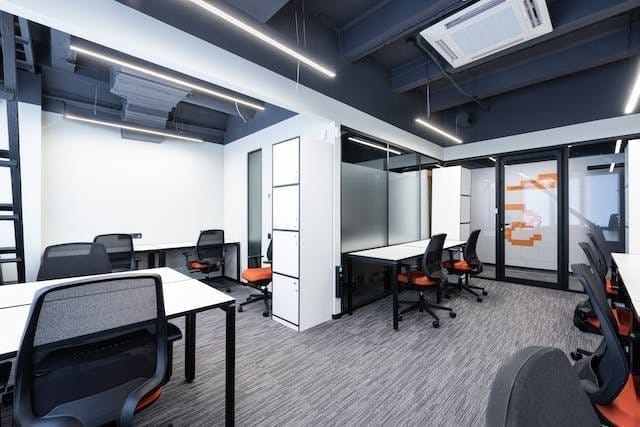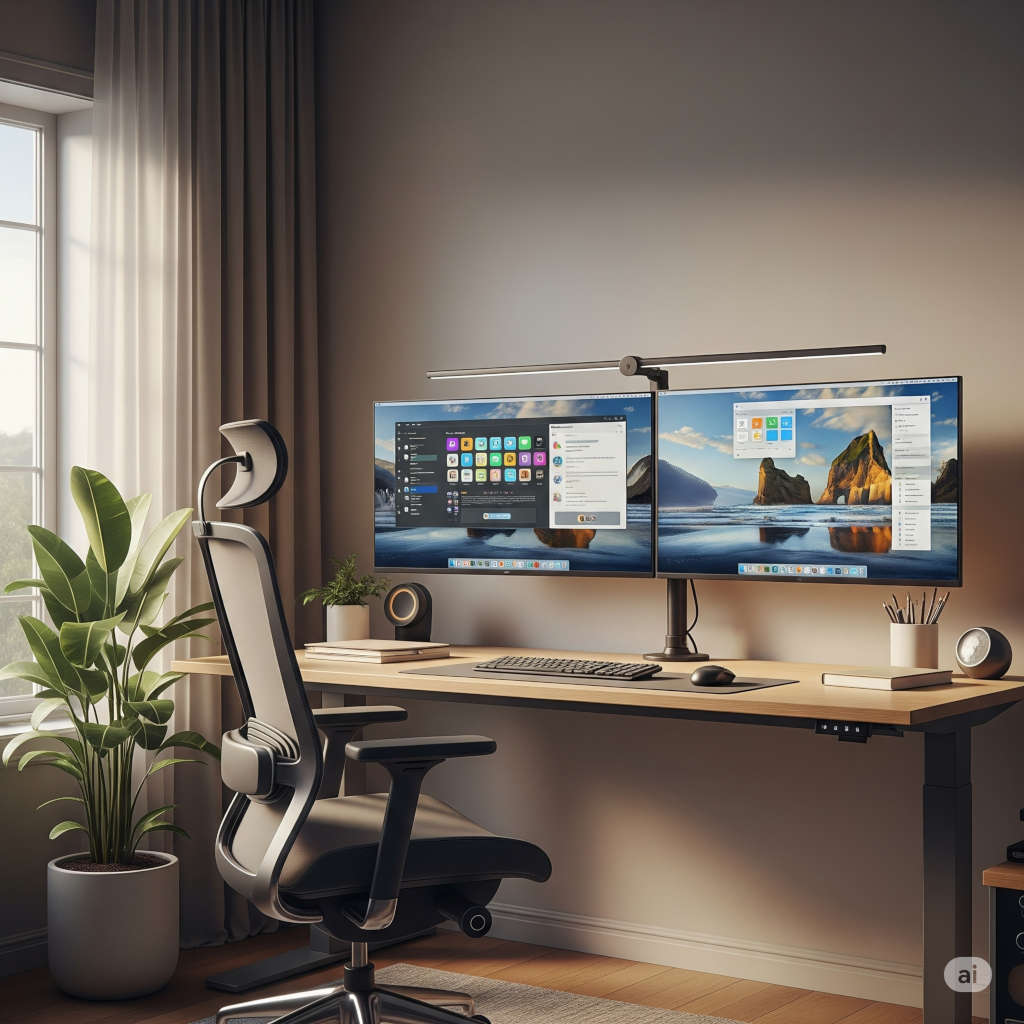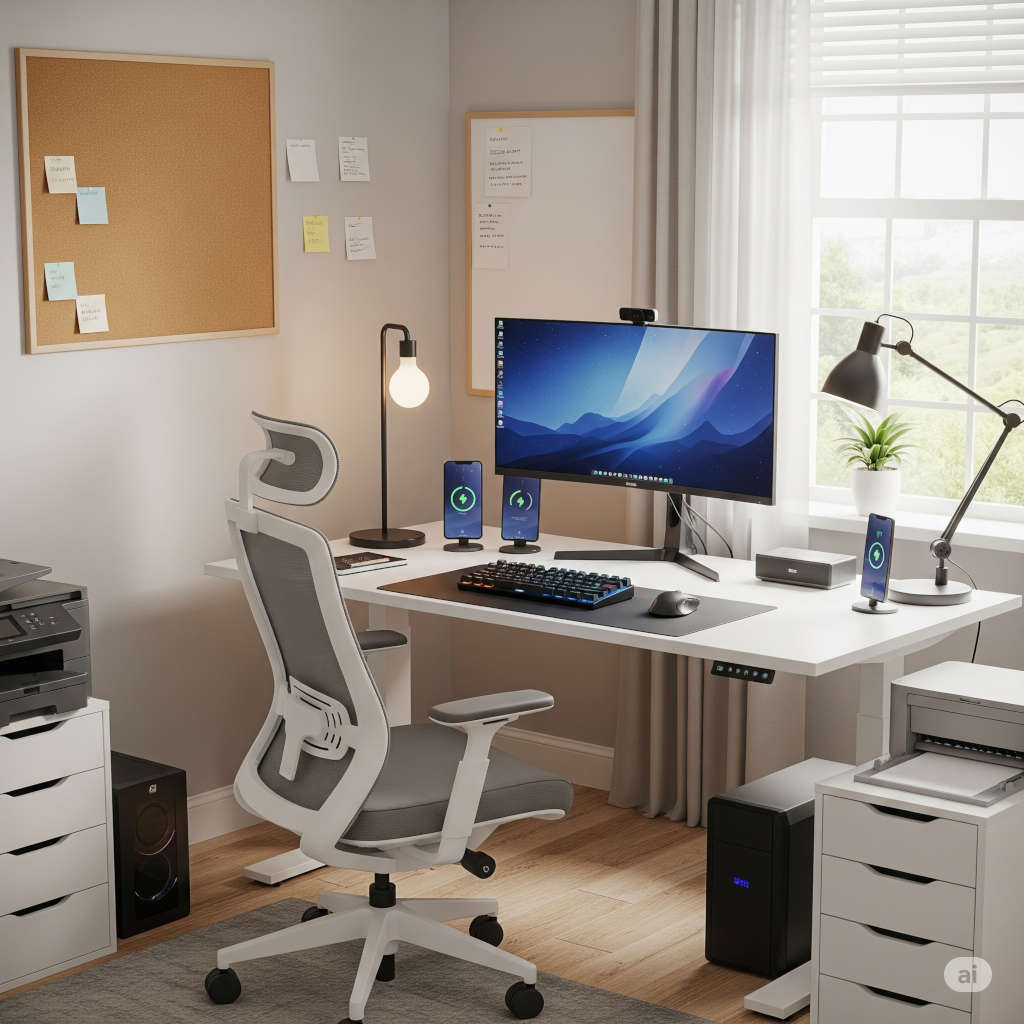
Over the past few years, working from home has gone from a temporary solution to a permanent way of life for millions around the globe. What started as a scramble to set up a makeshift workspace in 2020 has now become an intentional effort to design environments that foster productivity, health, and comfort. As we settle into 2025, the modern home office is smarter, more ergonomic, and more stylish than ever before.
But with so many options on the market, it can be overwhelming to figure out what truly makes a difference. That’s why we’ve put together a guide to the must-have home office gear in 2025. Whether you’re upgrading your current setup or starting from scratch, these essentials will help you create a space where you actually want to work every day.
Start With the Right Foundation: Ergonomic Furniture
Comfort is king. If you’re sitting at a desk for eight or more hours a day, your furniture should support your body and keep you feeling good.
Smart Standing Desks: In 2025, standing desks are smarter and more customizable. Look for models with digital touchpads, memory presets, and app integration. The Uplift V2 and the Autonomous SmartDesk Pro are two examples that allow you to set standing reminders, adjust height precisely, and track your sit-stand activity throughout the day.
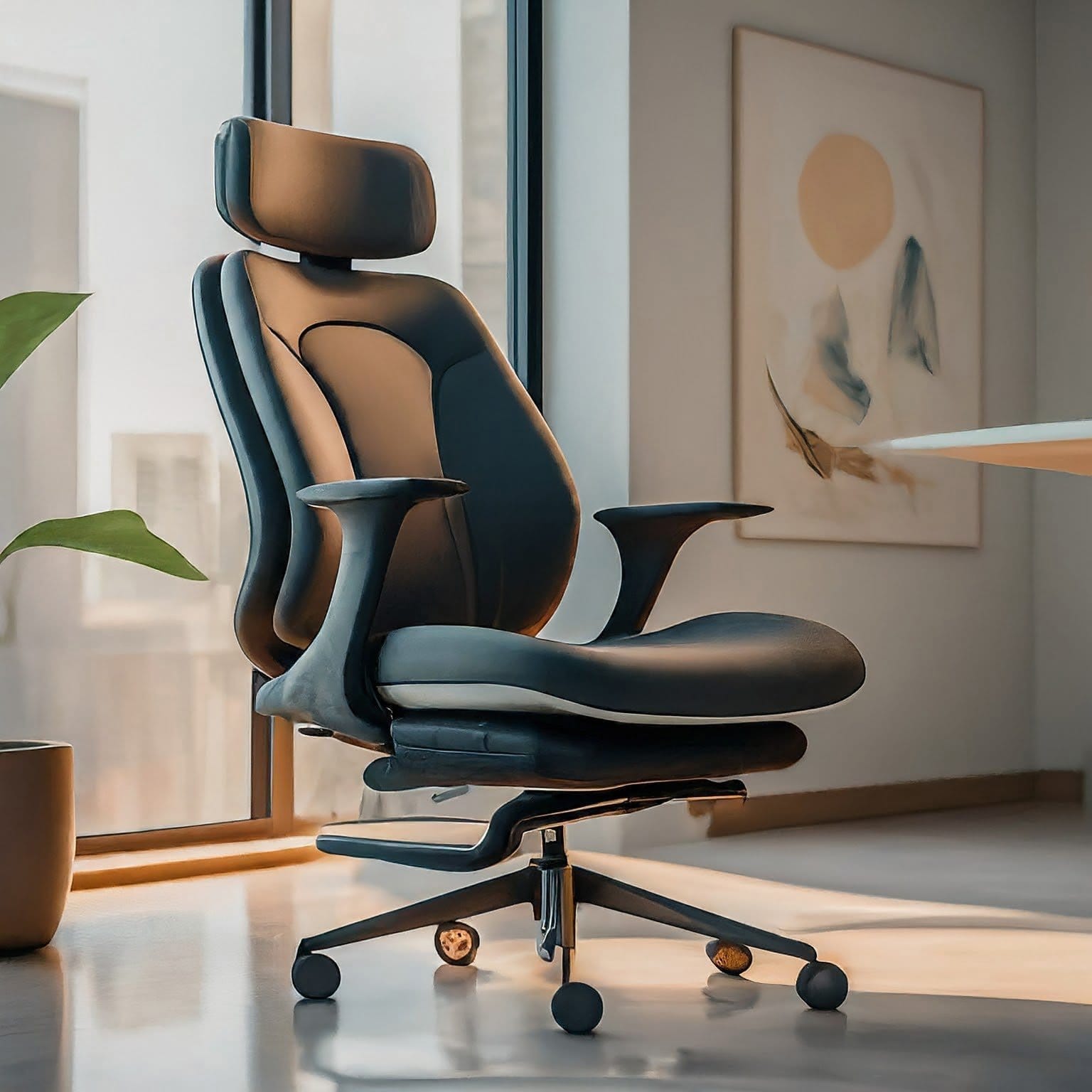
Ergonomic Office Chairs: Say goodbye to cheap chairs that destroy your back. Investing in a high-quality ergonomic chair is one of the best decisions you can make. The Herman Miller Aeron and Steelcase Karman are two standout options with breathable mesh, lumbar support, and intuitive adjustments that adapt to your body as you move.
Anti-Fatigue Accessories: Don’t underestimate the value of an anti-fatigue mat if you use a standing desk, or a footrest to improve circulation while sitting. These small touches add up and contribute to your overall comfort and posture.
Upgrade Your View: Modern Monitors and Displays
Today’s workflows often require multiple tabs, apps, or files open at once. A single small monitor just doesn’t cut it anymore.
Ultrawide Monitors: Instead of two separate screens, many professionals are opting for a 34-inch or 40-inch ultrawide monitor. These provide ample space for multitasking, video editing, or even financial modeling without annoying bezel gaps. Popular models include the LG UltraFine 5K2K and Dell UltraSharp U4025QW, which deliver sharp visuals and excellent color accuracy.
Monitor Arms: A good monitor arm allows you to position your screen exactly where you need it. Brands like Ergotron and VIVO offer flexible, adjustable arms that can declutter your desk and reduce neck strain.
Portable Monitors: For those who work on the go or just want a second screen without buying another full-size monitor, portable options like the ASUS ZenScreen OLED are lightweight, compact, and touch-enabled.
Power Your Work: Computers and Processing Tools
Your device is the engine of your home office. Whether you need something for everyday admin tasks or graphic-intensive creative work, 2025 has options for every type of professional.
Laptops: The newest MacBook Pro with Apple’s M4 chip or the Dell XPS 15 (2025 edition) are fast, powerful, and have all-day battery life. These machines can handle everything from Zoom calls to 4K video rendering.
Desktop Power: For those who prefer desktops, especially creative professionals, a custom-built PC with the latest NVIDIA RTX 50-series GPU and AMD Ryzen 9000 processor delivers unbeatable performance.
Docking Stations: If you use a laptop at your desk, a powerful dock like the CalDigit TS4 or Anker 777 Thunderbolt Dock connects everything—monitors, keyboards, audio, and power—with a single cable.
Get the Right Feel: Keyboards, Mice, and Input Devices
This is where productivity and comfort intersect. The right keyboard and mouse can speed up your workflow and prevent wrist pain.
Keyboards: If you’re typing all day, don’t settle for the basic keyboard that came with your device. Mechanical keyboards like the Keychron Q6 Pro or the Logitech MX Keys S offer a responsive, satisfying typing experience. Ergonomic options like the Logitech Ergo K860 promote natural wrist alignment.
Mice and Trackballs: Vertical mice, like the Logitech MX Vertical, support a more natural grip, reducing wrist tension. Trackballs from Kensington provide precision and require less desk space.
Styluses and Drawing Tablets: For digital artists, designers, or anyone who sketches, tools like the Wacom Intuos Pro or Apple Pencil Pro (2025) provide precise control and pressure sensitivity.
Look and Sound Your Best: Video Conferencing Gear
Remote meetings aren’t going away, and looking professional on camera makes a real difference.
Webcams: Forget your grainy built-in laptop webcam. Upgrade to a 4K model like the Opal Tadpole or Logitech MX Brio. These cameras use AI to adjust focus, lighting, and framing so you always look your best.
Microphones: Good audio can elevate your virtual presence. USB mics like the Shure MV7+ or Blue Yeti X deliver podcast-quality sound without requiring an audio interface.
Lighting: Ring lights like the Elgato Key Light Air provide soft, adjustable lighting that flatters your appearance and keeps your face well-lit, even in dim environments.
Backdrops: If your background is messy or distracting, consider using a retractable green screen or setting up a neutral wall with some tasteful decor. A tidy background adds professionalism to your calls.
Make It Smart: Home Office Gadgets for Automation
Smart tech can simplify your workflow and help you manage your time and energy better.
Plugs and Bulbs: Use smart plugs to schedule your equipment to turn on and off automatically. Smart bulbs can shift color temperature throughout the day to match your natural circadian rhythm.
Voice Assistants: A smart display like the Amazon Echo Show 15 or Google Nest Hub Max can help you manage your calendar, control lights, check the weather, or even start video calls hands-free.
Thermostats and Air Quality: Devices like the Ecobee Smart Thermostat Premium or the Dyson Purifier Cool help maintain a comfortable and healthy environment. Good air quality matters more than ever if you’re in your home office for most of the day.
Don’t Forget the Light: Visibility and Ambience
Proper lighting affects your mood, focus, and even your eyesight. Natural light is best, but not always possible.
Desk Lamps: A high-quality LED desk lamp like the BenQ e-Reading Lamp offers wide, flicker-free lighting that’s easy on your eyes. Look for lamps with adjustable brightness and color temperature.
Ambient Lighting: Adding RGB light strips or smart ambient lighting can set the mood and reduce screen contrast that causes eye fatigue.
Natural Light Simulators: If your space lacks windows, a light therapy lamp like the Verilux HappyLight Luxe can mimic natural daylight and improve your energy levels during dark mornings or gloomy days.
Create a Quiet Space: Audio and Noise Management
If you’re working from home with kids, roommates, or in a noisy neighborhood, managing sound is critical.
Noise-Canceling Headphones: The Sony WH-1000XM6 and Apple AirPods Max are leaders in active noise cancellation and offer crisp, immersive audio for both calls and music.
Soundproofing: Acoustic panels, heavy curtains, or even bookshelves can help absorb sound and reduce echo in your office.
White Noise Machines: A device like the LectroFan Evo creates a neutral background noise that can help drown out distractions and improve focus.
Prioritize Your Health: Wellness and Fitness Additions
Sitting for long periods has well-documented health risks. Your home office should support your physical and mental well-being.
Under-Desk Treadmills and Bikes: Devices like the WalkingPad X21 or the FlexiSpot Desk Bike allow you to stay active while working. They’re compact and surprisingly quiet.
Posture Devices: Wearables like the Upright Go 3 or the Lumo Lift 2 can gently vibrate when you slouch, training you to maintain better posture throughout the day.
Smart Water Bottles: Staying hydrated is often overlooked. A smart bottle like the HidrateSpark PRO tracks your water intake and reminds you to drink regularly.
Mental Wellness Tools: Consider keeping a mindfulness app open, adding an essential oil diffuser, or even setting up a mini Zen garden on your desk to help de-stress during breaks.
Make It Yours: Personalizing Your Space
Your home office doesn’t have to be sterile. A few aesthetic and organizational touches can make your workspace a place you look forward to using.
Cable Management: Keep things neat with under-desk cable trays, adhesive clips, and Velcro ties.
Decor: Add personality with framed art, photos, or motivational prints. A few potted plants (real or faux) can boost mood and air quality.
Mood Enhancers: Soft lighting, your favorite playlist, and even a comfortable throw blanket can all contribute to a cozy but productive vibe.
Final Thoughts
A well-equipped home office isn’t just about fancy gadgets—it’s about creating a space that makes work feel more enjoyable and sustainable. The best setup supports your body, sharpens your focus, and allows you to transition between work and rest more seamlessly.
As 2025 unfolds, remote and hybrid work will continue to dominate across industries. Investing in the right home office gear isn’t just smart—it’s necessary. Whether you’re a designer, developer, writer, teacher, or entrepreneur, your space should work for you.
Start small, prioritize comfort and productivity, and upgrade intentionally. Your back, brain, and workflow will thank you.
You might also like,
- Best Laptops for A-Level Students in 2025: Complete Buying Guide
- Top 10 Must-Have Office Equipment for Your Home Office Setup in 2025
- The Best Office Desks for Home: Elevate Your Work-from-Home Experience