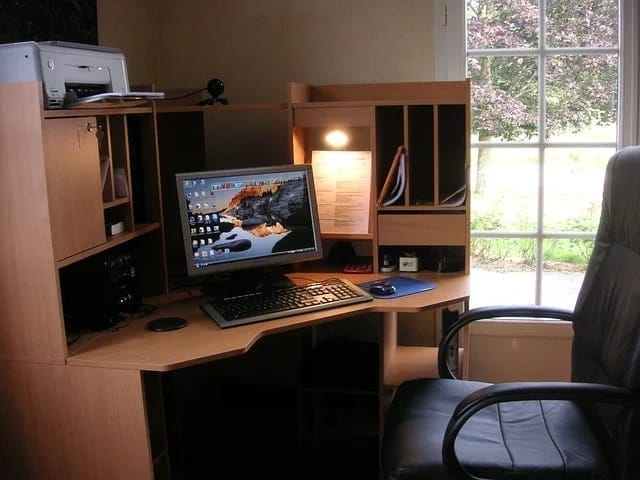
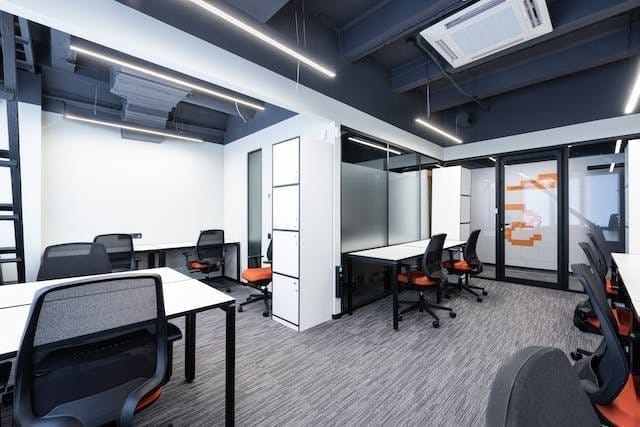
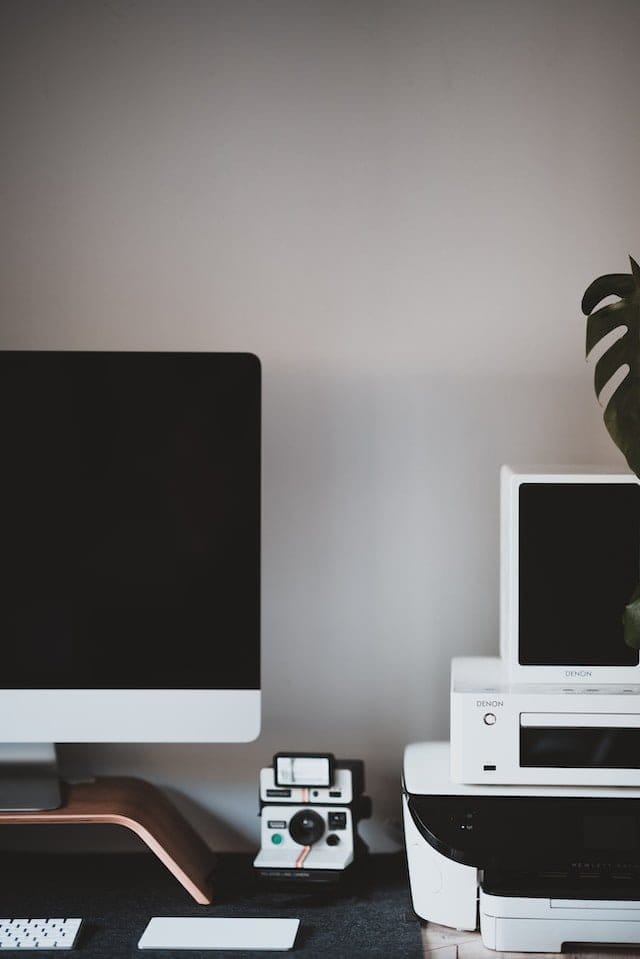
Remote work is no longer a trend; it’s a lifestyle shift that many professionals across the globe are embracing. Whether you’re a freelancer, full-time remote employee, entrepreneur, or starting a side hustle, setting up a functional home office is essential. But here’s the catch: throwing a laptop on a kitchen table and calling it an “office” won’t cut it.
To truly thrive working from home, you need a dedicated space equipped with the right tools that enhance productivity, support your health, and create a professional environment. In this guide, we’ll walk you through the top 10 essential office equipment you need before officially launching your home-based workspace. This isn’t just about tech gadgets; it’s about creating an efficient and comfortable setup that helps you stay focused and productive.
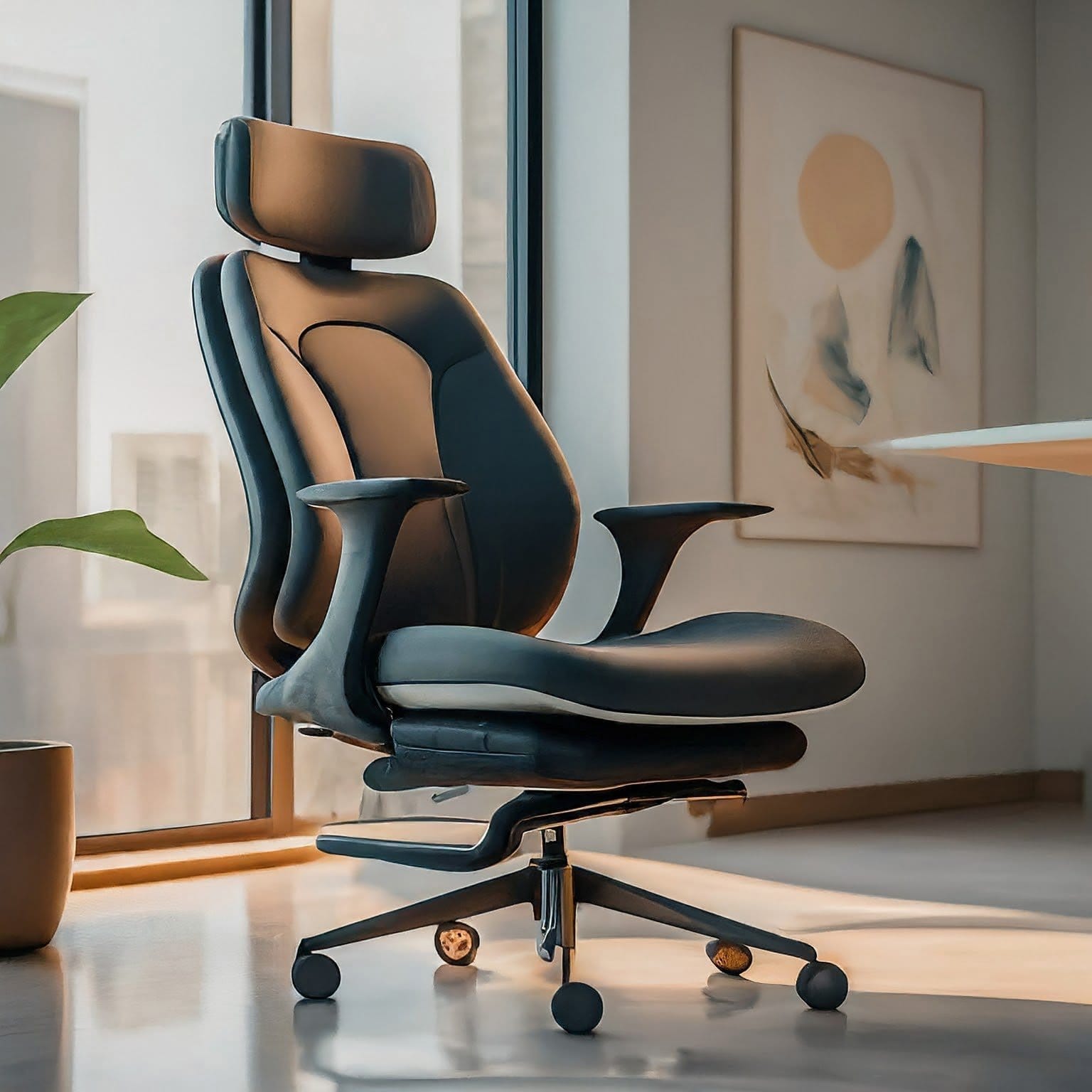
Let’s be real—you’re going to be sitting a lot. An ergonomic chair isn’t just a luxury; it’s a necessity. Poor seating can lead to back pain, poor posture, and reduced productivity. A good ergonomic chair offers proper lumbar support, promotes healthy posture, and reduces the strain on your spine during long work hours.
What to Look For:
Adjustable seat height and armrests
Lumbar support that fits the curve of your lower back
Take regular breaks to stretch, even with a high-end chair. Movement is still essential.
2. Height-Adjustable Desk: Sit or Stand When You Want
A height-adjustable desk (aka standing desk) gives you the freedom to alternate between sitting and standing, which can reduce fatigue and improve your energy levels throughout the day. It also helps prevent back and neck strain caused by prolonged sitting.
Can’t afford a full standing desk? Try a desk converter that sits on top of your existing table.
3. High-Speed Internet: The Lifeline of Remote Work
Imagine being on an important Zoom call and your screen freezes. Frustrating, right? A fast, stable internet connection is the backbone of any home office. You need enough bandwidth to handle video conferencing, cloud software, and large file uploads.
Ethernet cable for a direct connection to your work device
Upgrade Option:
If you work with large files or video editing, consider a fiber optic plan.
4. Dual Monitors or Ultrawide Monitor: Boost Your Multitasking Game
A single laptop screen won’t cut it if you’re juggling multiple apps, spreadsheets, or communication platforms. Dual monitors or an ultrawide screen can significantly increase your productivity by reducing the time you spend switching tabs.
Setup Options:
Two 24” or 27” monitors
One 34” ultrawide curved monitor
Mounting Solutions:
Use adjustable monitor arms to keep screens at eye level and free up desk space.
Use software like DisplayFusion or PowerToys to manage screen real estate more effectively.
5. External Webcam and Microphone: Show Up Professionally
Built-in webcams and microphones often offer subpar quality. If you’re on regular video calls, investing in a dedicated webcam and microphone can significantly improve how you present yourself.
Add a ring light or desk lamp to ensure you’re well-lit during calls.
6. All-in-One Printer and Scanner: Go Paper Smart
Even in a digital world, paperwork still exists. Whether it’s signing contracts, scanning receipts, or printing reports, a reliable all-in-one printer saves time and trips to the print shop.
Set your default printing mode to “draft” to save ink on non-essential documents.
7. Noise-Cancelling Headphones: Focus in Any Environment
Distractions are everywhere—doorbells, kids, barking dogs. Noise-cancelling headphones help you block out background sounds and zone into your work. They’re also great for attending virtual meetings with crystal-clear audio.
Tangled cords and messy wires can make even the nicest setup look chaotic. Good cable management helps you stay organized and reduces the risk of damage or tripping hazards.
Helpful Tools:
Cable trays or under-desk mounts
Velcro straps and zip ties
Desk grommets and cable clips
Smart Tips:
Label cables with tags or color codes
Use a charging station to organize USB-powered devices
Clean Setup = Clear Mind
A tidy workspace improves focus and reduces mental clutter.
9. Surge Protector and UPS: Protect Your Devices
Power surges can fry electronics, and unexpected blackouts could cause you to lose important work. A surge protector safeguards your devices, while a UPS (Uninterruptible Power Supply) gives you a window to save work and shut down safely.
10. Stationery and Storage Solutions: Stay Organized
Even the most high-tech setup needs some old-school organization. Having notebooks, pens, folders, and proper storage keeps your workspace tidy and your mind sharp.
Must-Haves:
Notepads, sticky notes, highlighters
Drawer organizers for office supplies
Filing system for physical documents
Whiteboard or corkboard for visual planning
Productivity Boosters:
Daily planner or desk calendar
Label maker for folders and bins
Minimalism Wins:
Only keep what you use regularly within arm’s reach to avoid clutter.
Bonus Section: Budget-Friendly Alternatives for New Remote Workers
Equipment
Affordable Alternative
Ergonomic Chair
Hbada Office Chair, IKEA Markus
Standing Desk
Desk riser (Flexispot M2B)
Dual Monitors
One monitor + tablet as second screen
Webcam & Mic
Use smartphone as webcam (apps like Camo)
Printer
Canon PIXMA TR4720
Headphones
Soundcore Life Q20 or JBL Tune 760NC
Cable Management
DIY with binder clips and twist ties
Surge Protection
Belkin 8-Outlet Surge Strip
Stationery
Dollar store organizers + DIY solutions
You don’t need to break the bank to get started. Focus on core functionality and upgrade over time.
Final Thoughts: Design a Workspace That Works for You
A well-equipped home office isn’t just about cool gadgets. It’s about building an environment that enhances focus, reduces stress, and makes your workday more efficient. Whether you’re on Zoom calls, deep in spreadsheets, or launching a startup from your spare room, the right tools will elevate your game.
Start with the basics. Invest wisely. And remember—your workspace should serve you, not the other way around.
What’s in your home office? Got a favorite tool or setup tip? Share your ideas in the comments below!