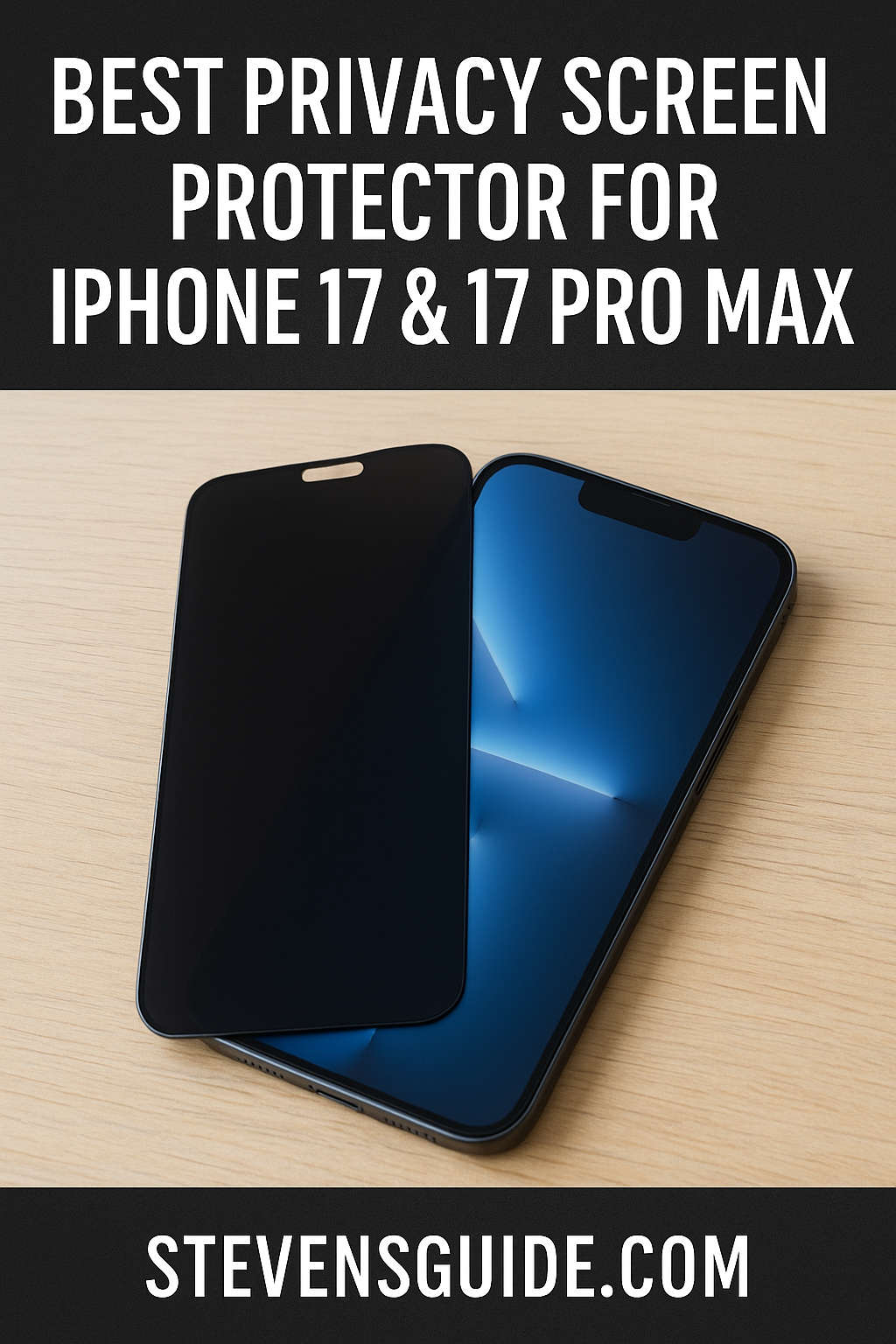
As our smartphones become extensions of our personal and professional lives, protecting the privacy of the information displayed on their screens has become increasingly important. Privacy screen protectors have emerged as a popular solution, allowing users to enjoy their devices without worrying about prying eyes. If you own the latest iPhone 17 or iPhone 17 Pro Max, understanding the nuances of these protectors is crucial, given the advanced features and display specifications of these devices.
Tech Gadgets
Best Upgrades for a Budget PC in 2025: GPU, SSD, RAM & More
Building a budget PC is an exciting project. You spend hours researching compatible parts, balancing price versus performance, and finally piecing everything together. The first boot feels like magic—you’ve built a working computer with your own hands.
Best Power Supplies for Budget Builds in 2025: Affordable & Reliable PSU Guide
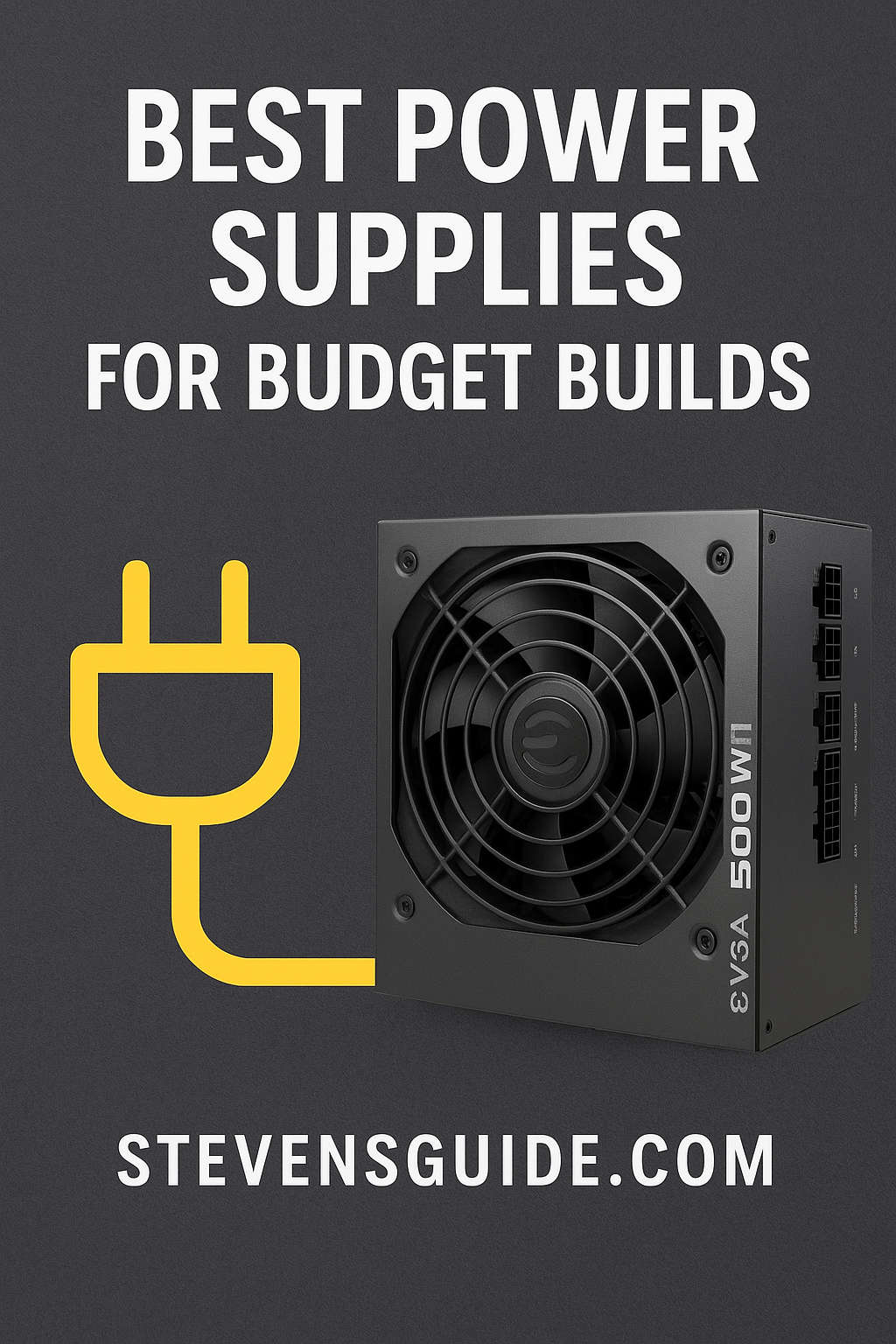
When you’re building a PC on a budget, every dollar counts. It’s tempting to spend the bulk of your money on the flashy parts like the graphics card or processor and save on the less glamorous components such as the power supply. However, the power supply unit (PSU) is arguably one of the most important parts of your system. It quietly powers every component, regulates voltage, and protects your investment from surges or unexpected failures. Choosing the wrong PSU might work in the short term, but it could lead to system instability, crashes, or even long-term damage.
SSD vs HDD: Which Should You Choose for Your PC Build in 2025?
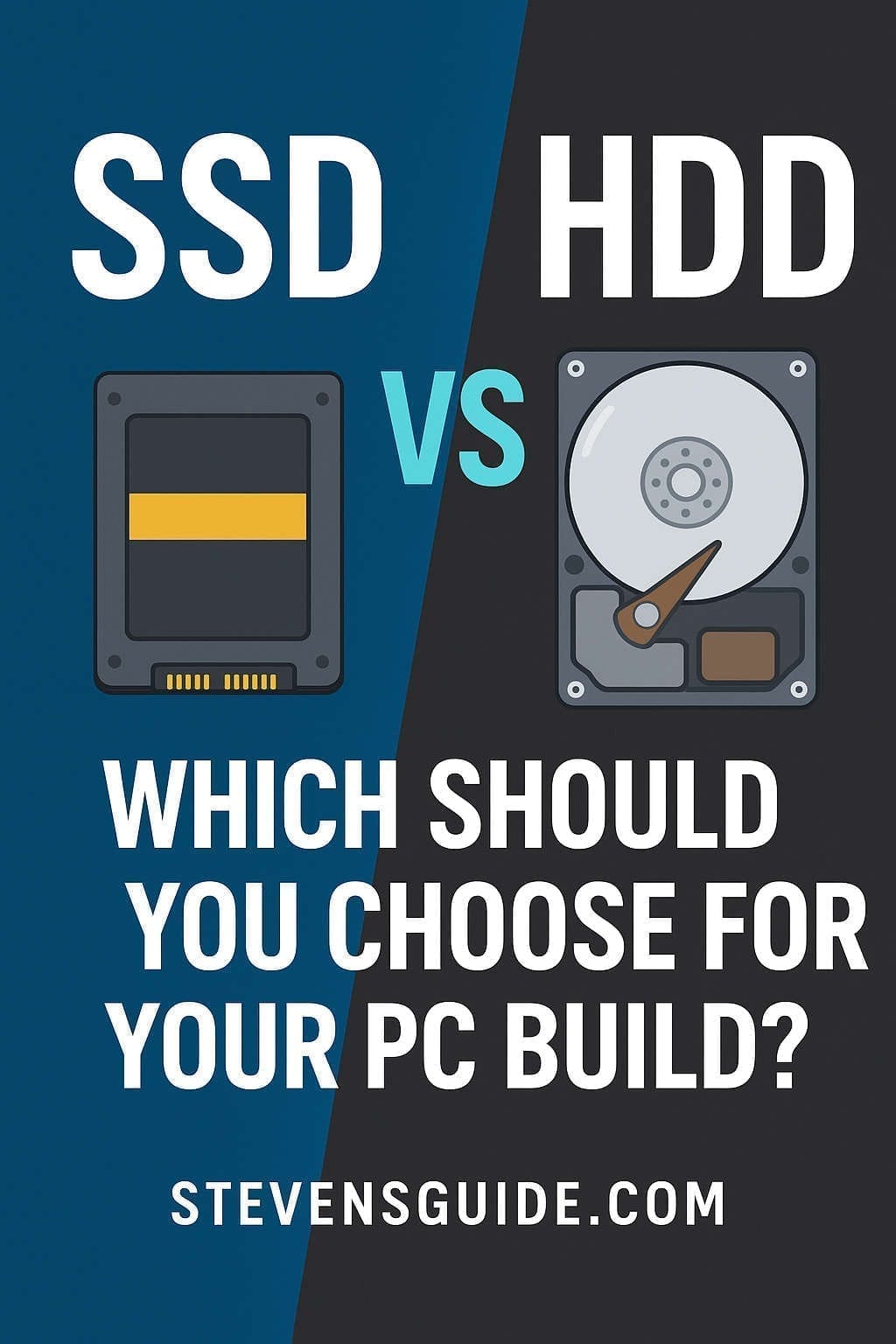
When you’re building a PC, there are dozens of decisions you’ll need to make — the right processor, the best graphics card for your budget, how much memory you need, and even what case design appeals to you. But one question that often sneaks up on new builders is storage: should you go with an SSD (Solid State Drive) or stick with the tried-and-true HDD (Hard Disk Drive)?
Best Budget GPUs for 1080p and 1440p Gaming in 2025 | Top Affordable Graphics Cards
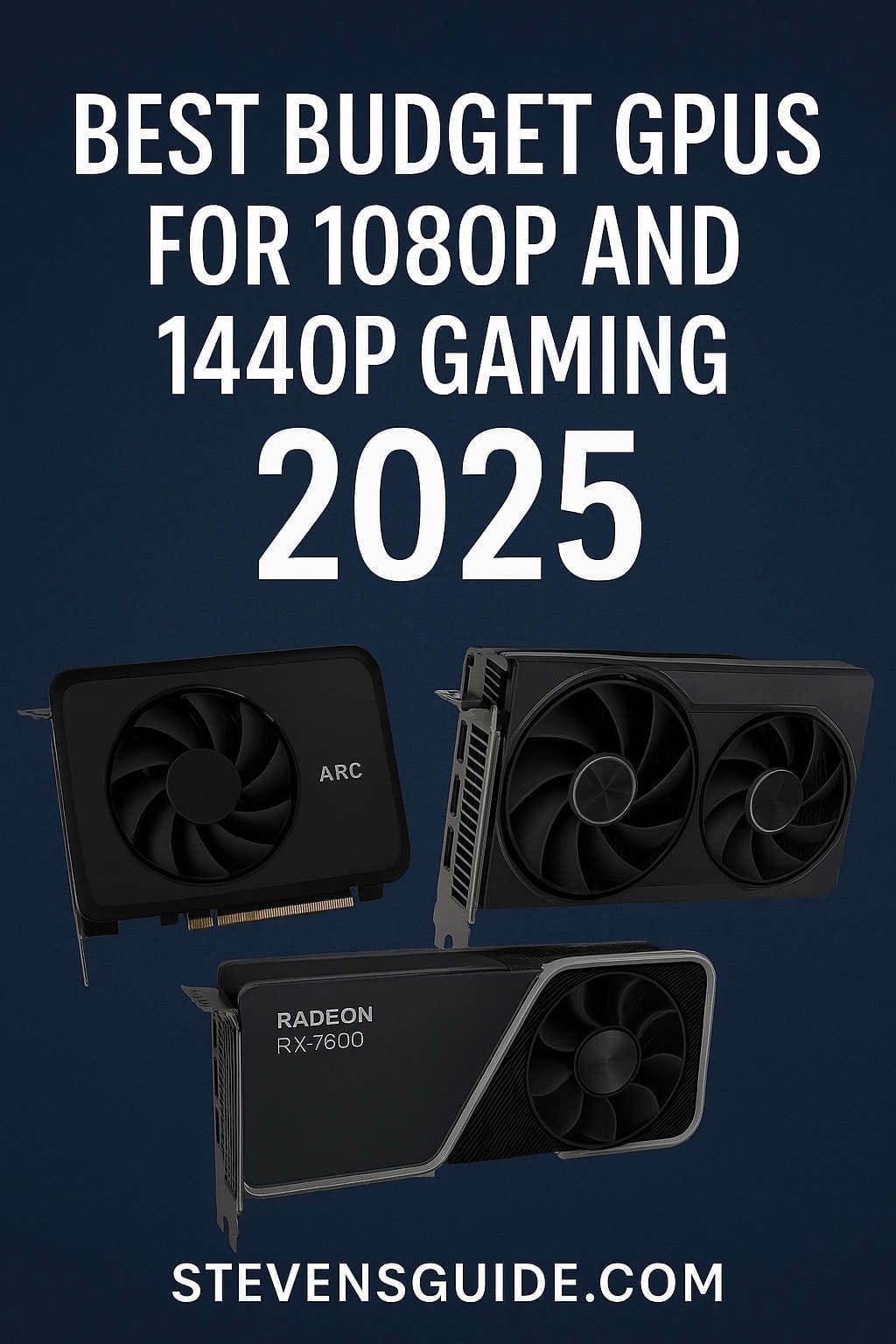
Gaming has never been more popular, and the push for higher frame rates, better visuals, and smooth gameplay has made graphics cards the centerpiece of every PC build. But while flagship GPUs often dominate headlines, most gamers aren’t chasing $1,000 hardware. The real battleground is in the budget and midrange space — where the majority of players look for the best price-to-performance graphics cards that can comfortably handle modern games at 1080p and 1440p resolutions.
Best CPUs for Budget Gaming in 2025 – Top Cheap Gaming Processors
Building a gaming PC has always been a balancing act between performance and price. In 2025, this challenge feels sharper than ever. Graphics cards continue to hog the spotlight, but the CPU you choose can make or break the smoothness of your experience. A powerful processor ensures your games run consistently well, prevents stutters, and allows you to stream, multitask, or simply future-proof your build.
Best Budget PC Build Under $800 for Content Creators in 2025 | Ultimate Guide
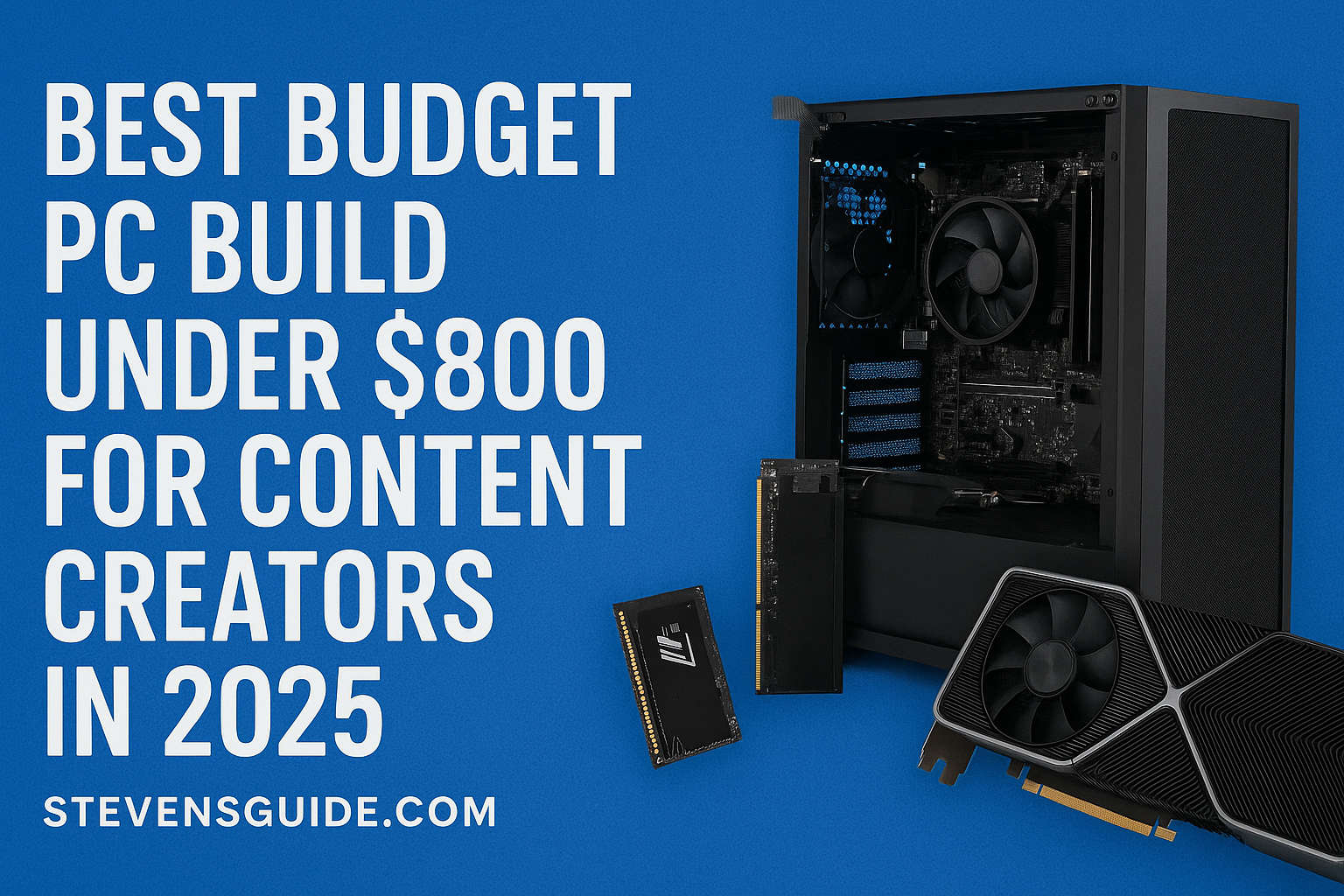
Building a PC in 2025 doesn’t have to drain your wallet. If you’re a content creator working on YouTube videos, podcasts, photography, streaming, or editing short films, you probably want a computer that can handle demanding tasks without lag — but you don’t necessarily have thousands to spend. The good news is that with careful planning, you can put together a workstation that costs less than $800 and still delivers smooth editing, reliable rendering, and plenty of upgrade potential.
Best Budget Gaming PC Build Under $800 (2025) – Ultimate Parts List & Guide

Building your own PC is one of the most rewarding tech projects you can take on. Not only does it save money compared to buying a prebuilt system, but it also gives you complete control over every component. Whether you’re a gamer, student, or someone who just needs a reliable everyday system, an $800 budget can get you a surprisingly powerful PC in 2025.
Tech You Should Skip When Building a Budget PC Setup (Save Money on Smarter Choices)
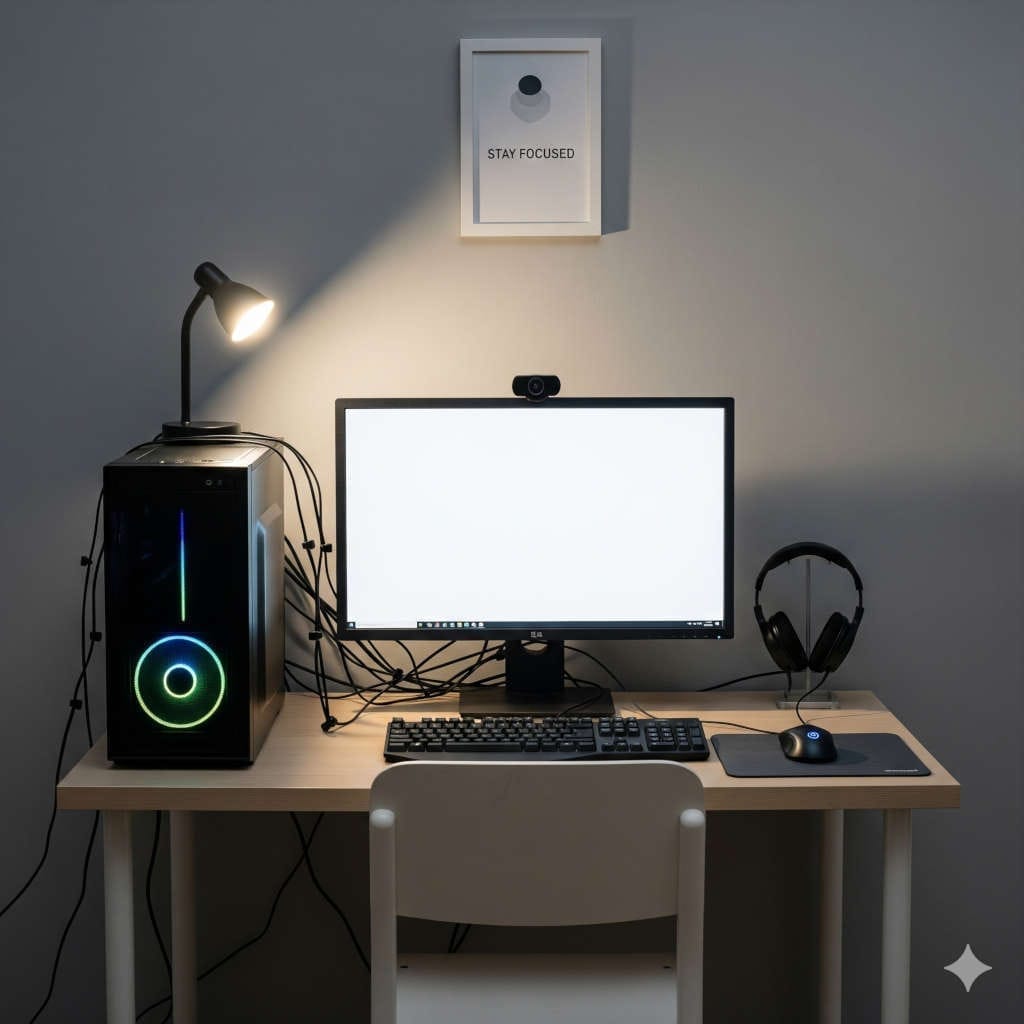
Building a budget PC can be an incredibly rewarding project. Not only do you get to assemble a machine tailored to your specific needs, but you also gain valuable insight into how computers actually work. That said, the process comes with a challenge: balancing cost and performance. With so many flashy components on the market, it’s easy to overspend on things that won’t make much of a difference for your setup.
Best Monitors with Built-In Webcams (2025 Buyer’s Guide)

Remote work, virtual meetings, online learning, telehealth, and content creation have completely reshaped how we use computers. Almost every professional and student now spends part of the week in front of a camera. But while laptops come with cameras baked in, most desktop setups require an external webcam — and those dangling peripherals are often clunky, underwhelming, and add more cable clutter than anyone really wants.