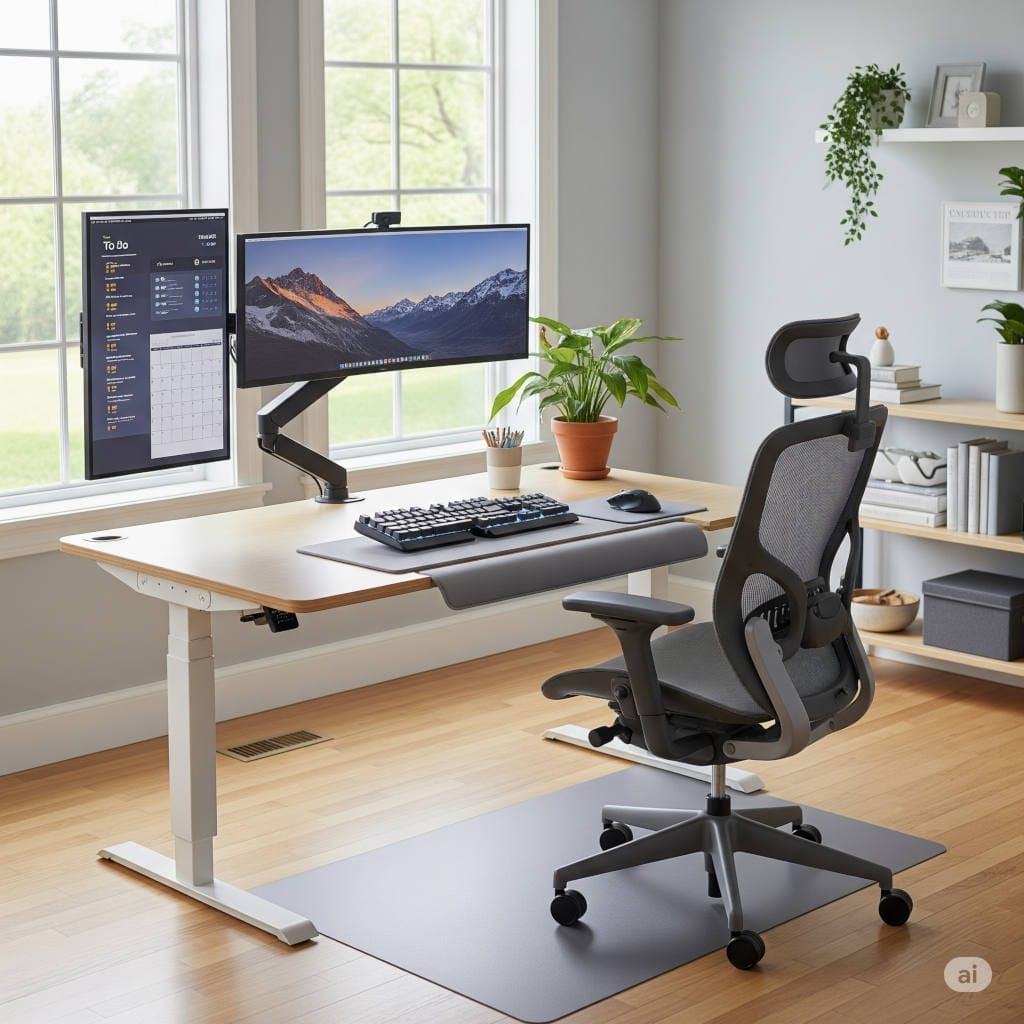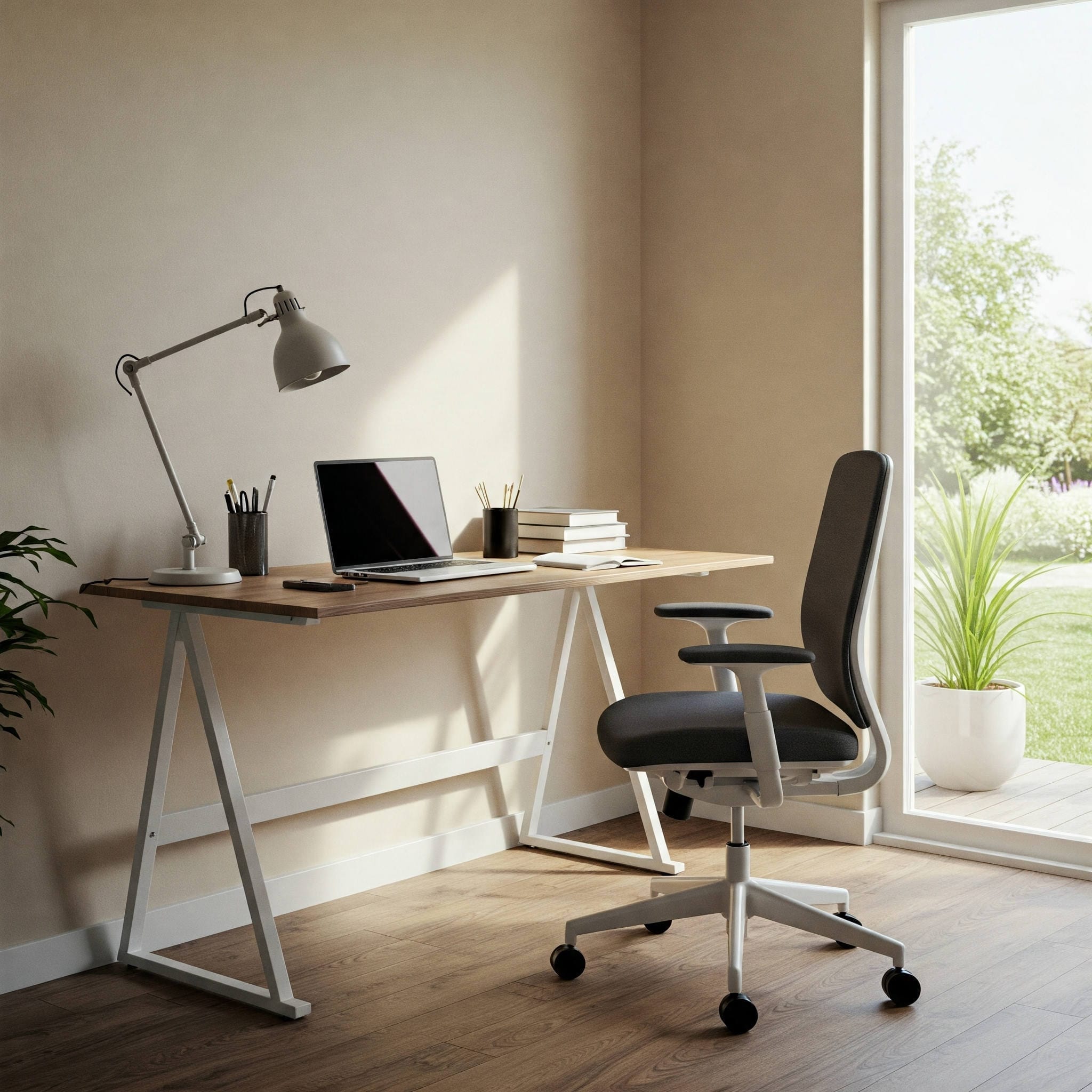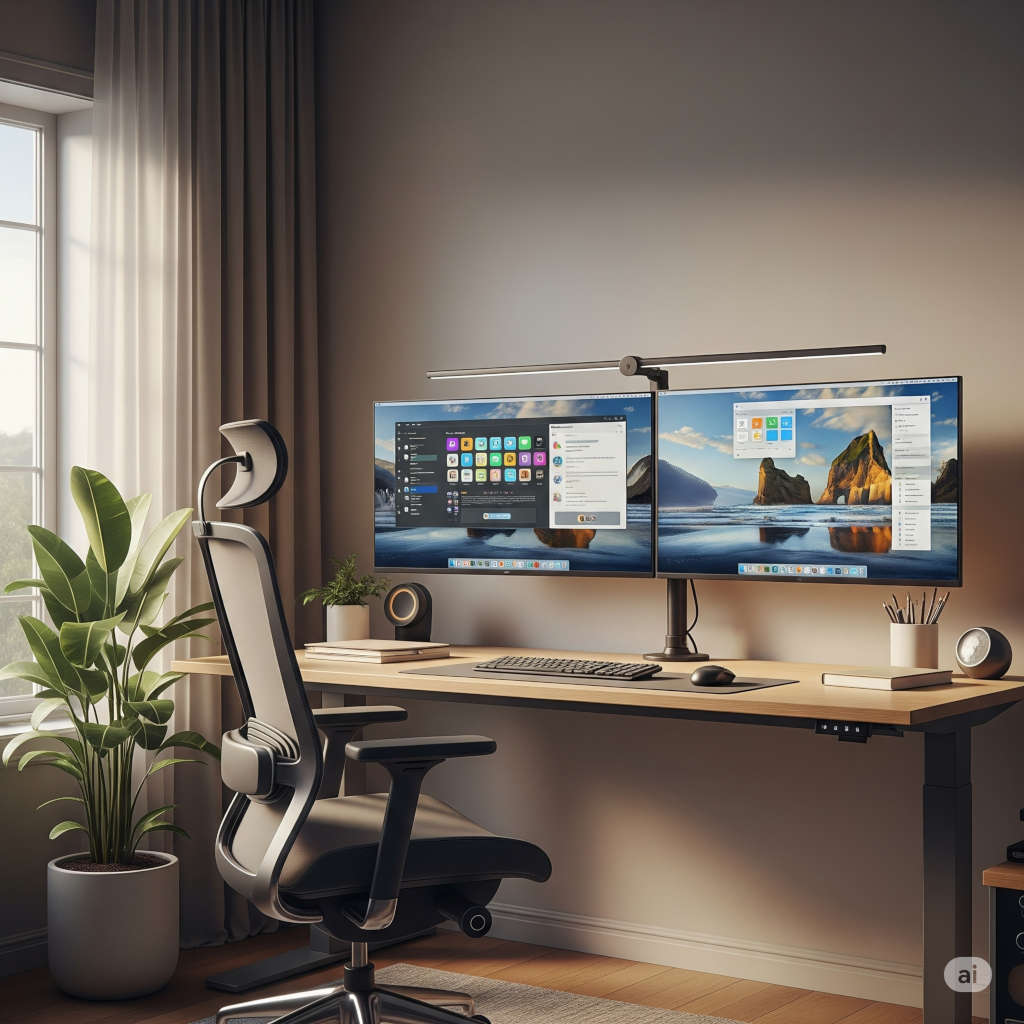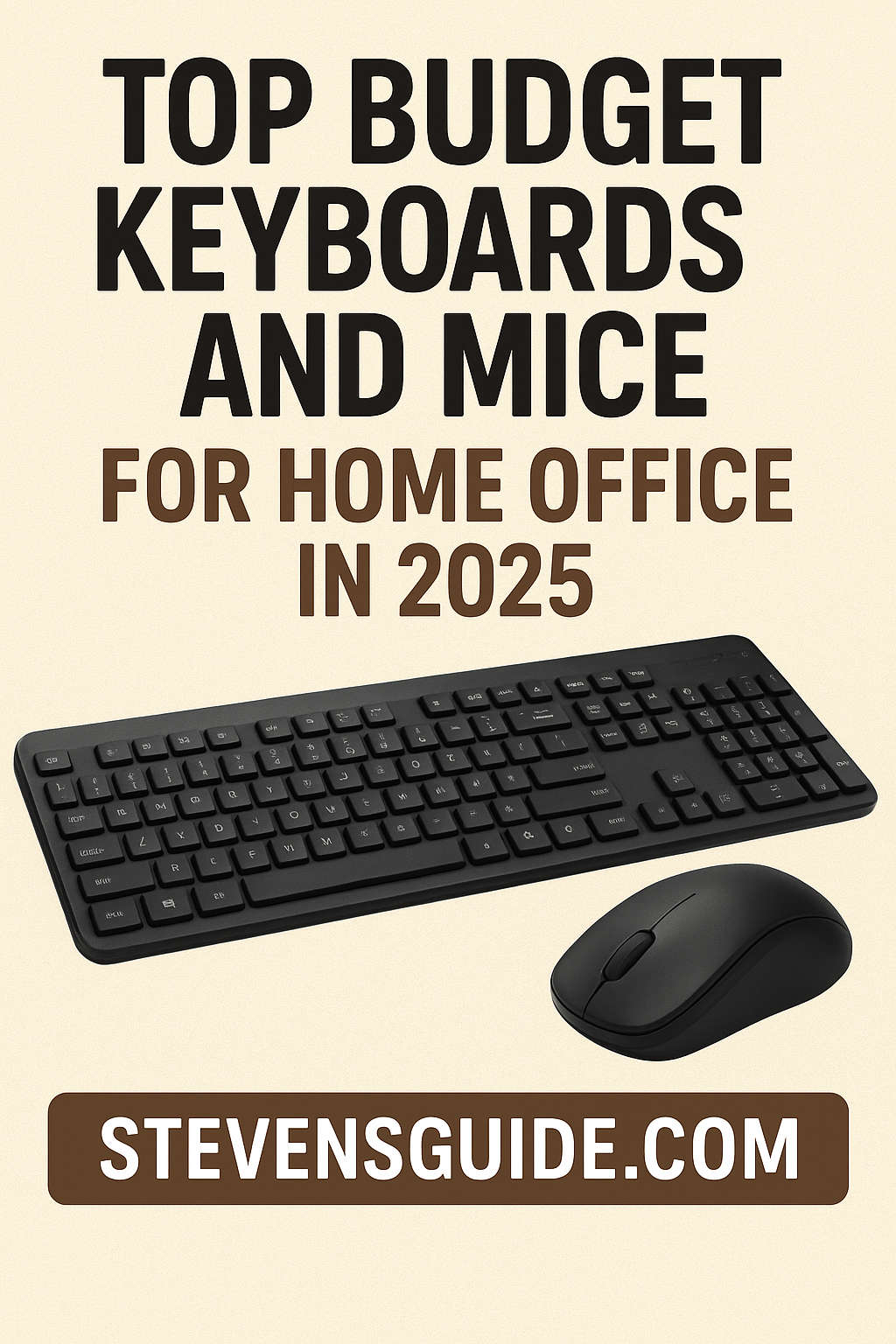
Working from home has become the new normal for millions of people worldwide. Whether you’re attending virtual meetings, writing reports, or managing creative projects, the comfort and efficiency of your workspace play a major role in how productive you can be. Two of the most overlooked yet essential tools for any home office setup are your keyboard and mouse.
In 2025, the market is flooded with affordable peripherals that combine performance, comfort, and aesthetics without draining your wallet. The best part? You no longer have to compromise on quality to stay within budget.
In this comprehensive guide, we’ll explore the best budget keyboards and mice for home office use in 2025, help you decide which combination suits your workflow, and share expert tips to make the most out of your purchase.
Why the Right Keyboard and Mouse Matter for Home Offices
Before diving into the list, it’s worth understanding why investing in the right keyboard and mouse setup can transform your productivity.
1. Comfort and Ergonomics
You likely spend hours every day typing, clicking, and scrolling. A well-designed keyboard and mouse reduce wrist strain, improve posture, and minimize fatigue during long work sessions. Ergonomic design isn’t a luxury—it’s a necessity for anyone working remotely for extended periods.
2. Productivity and Speed
Good peripherals can make everyday tasks faster and smoother. A responsive keyboard lets you type efficiently with fewer errors, while a precise mouse improves navigation, editing, and design work.
3. Noise Levels
If you share your space with others, having quieter peripherals can be a game-changer. Many modern budget keyboards and mice now focus on silent or near-silent operation, allowing you to work without disturbing others.
4. Aesthetics and Motivation
A neat, visually pleasing desk setup can do wonders for your motivation. Sleek designs and minimalist aesthetics create an environment that’s both inspiring and clutter-free.
Top Budget Keyboards for Home Office in 2025
1. Logitech Signature K650 – Best All-Round Budget Keyboard
If you want reliability, comfort, and quiet performance all in one affordable package, the Logitech Signature K650 tops the list. It’s a full-sized wireless keyboard designed for efficiency and everyday comfort.
Key Features:
- Quiet typing: Its soft membrane keys offer a silent, cushioned typing experience—ideal for shared spaces or calls.
- Wireless versatility: Dual connectivity via Bluetooth or USB receiver.
- Exceptional battery life: Up to 36 months on two AA batteries.
- Ergonomic design: Slightly curved frame and integrated palm rest enhance comfort for prolonged use.
Why It’s Great:
The K650 is perfect for professionals who need a quiet, plug-and-play keyboard that just works. It feels premium despite its modest price and handles daily office tasks with ease.
2. Keychron V5 Max – Best Budget Mechanical Keyboard for Typists
For those who crave the satisfying feel of mechanical switches, the Keychron V5 Max delivers premium typing performance at a fraction of the usual cost.
Key Features:
- Mechanical precision: Choose from tactile, linear, or clicky switches depending on preference.
- Hot-swappable sockets: Customize your switches anytime without soldering.
- Durable PBT keycaps: Long-lasting, oil-resistant keycaps that won’t fade.
- Modern design: Minimalist, solid build with adjustable RGB backlighting.
Why It’s Great:
The V5 Max gives you the mechanical typing experience typically found in high-end keyboards. It’s ideal for writers, developers, or anyone who spends hours typing. Despite being mechanical, it feels refined rather than noisy, and you can tune it further for your ideal typing sound.
3. Gamakay x NaughShark NS68 – Best Compact Budget Keyboard
If your home office desk is small or you prefer a minimalist layout, the Gamakay NS68 is a gem. It’s a 68-key compact keyboard that still keeps all essential functions within reach.
Key Features:
- Compact 65% layout: Saves space while keeping arrow keys and common shortcuts.
- Hot-swappable mechanical switches: Allows customization and upgrades.
- RGB lighting: Adds a modern aesthetic to your workspace.
- Lightweight design: Portable and easy to carry for hybrid workers.
Why It’s Great:
This keyboard offers both style and performance. It’s great for users who alternate between work and gaming, or anyone who values a clutter-free workspace.
4. Keychron C2 Pro – Best Wired Option for Stability
Prefer the simplicity and reliability of a wired connection? The Keychron C2 Pro is one of the best wired mechanical keyboards you can buy without breaking the bank.
Key Features:
- Mechanical switches: Smooth, consistent key feel for typing and coding.
- Full-size layout: Includes function row and numpad for spreadsheets or data entry.
- Plug-and-play: No lag, no wireless pairing issues.
- Strong build: Aluminum top plate for durability.
Why It’s Great:
The C2 Pro is the perfect choice for those who want mechanical performance without the complications of wireless connectivity. It’s also one of the best keyboards for typists on a budget.
Top Budget Mice for Home Office in 2025
1. Logitech G305 LIGHTSPEED – Best Overall Budget Wireless Mouse
Don’t let the gaming label fool you—the Logitech G305 LIGHTSPEED is one of the most reliable and versatile mice for both work and play.
Key Features:
- Ultra-responsive HERO sensor: Offers precise tracking for any task.
- LIGHTSPEED wireless tech: Lag-free connection rivaling wired performance.
- Compact and comfortable: Fits most hand sizes and grips.
- Amazing battery life: Up to 250 hours on one AA battery.
Why It’s Great:
This mouse delivers premium performance at a budget price. It’s responsive, durable, and great for long work sessions. Whether you’re editing documents or doing light creative work, the G305 handles it all smoothly.
2. Logitech M220 & M330 Silent – Best Quiet Mice
If silence is golden in your workspace, the Logitech M220 and M330 Silent mice are unbeatable at their price points.
Key Features:
- Silent clicks: Up to 90% noise reduction compared to standard mice.
- Long battery life: Up to 18 months (M220) or 24 months (M330).
- Compact design: Lightweight and easy to carry.
- Comfortable shape: Especially the M330, designed to fit naturally in your hand.
Why They’re Great:
These mice are perfect for open offices, libraries, or late-night work sessions. They’re reliable, quiet, and incredibly affordable.
3. Ugreen M571 Vertical Mouse – Best Ergonomic Budget Option
If you experience wrist pain or carpal tunnel symptoms, the Ugreen M571 vertical mouse is worth considering. It’s an ergonomic option designed to promote a natural handshake grip.
Key Features:
- Vertical design: Reduces wrist twisting and strain.
- Adjustable DPI settings: Allows you to control cursor speed precisely.
- Comfortable thumb rest: Improves grip and reduces fatigue.
- Affordable ergonomics: Offers features often found in pricier vertical mice.
Why It’s Great:
Ergonomic mice used to be expensive, but models like the Ugreen M571 have made wrist-friendly design accessible to everyone. It’s ideal for long working hours and people looking to improve posture.
4. Glorious Model O – Best Lightweight Mouse for Speed and Precision
If you prefer a feather-light mouse with effortless glide, the Glorious Model O remains a favorite in 2025. Its ultra-light honeycomb shell and responsive sensor make it a pleasure to use for both work and casual gaming.
Key Features:
- Extremely lightweight: Just 67 grams.
- High-precision sensor: Perfect for detailed work.
- Flexible cable: Feels almost wireless.
- Sleek honeycomb design: Great airflow for long sessions.
Why It’s Great:
Even though it’s designed for gamers, the Model O works wonderfully for home office users who value speed, precision, and smooth control. Its comfort and minimal drag make it feel premium, yet it remains reasonably priced.
Best Keyboard and Mouse Combos for Different Home Office Needs
Choosing the perfect pairing depends on your workflow and preferences. Here are some tailored recommendations:
1. For Quiet & Professional Workspaces
- Keyboard: Logitech Signature K650
- Mouse: Logitech M220 or M330 Silent
This combo is ideal if you work around others or attend frequent video meetings. It keeps your setup professional and your workspace peaceful.
2. For Writers & Heavy Typists
- Keyboard: Keychron V5 Max
- Mouse: Logitech G305 LIGHTSPEED
This pair delivers precision and comfort for long typing sessions. The tactile feel of the V5 Max and the accuracy of the G305 make it a powerhouse for productivity.
3. For Ergonomic Comfort
- Keyboard: Low-profile or split mechanical keyboard (like Keychron K3 or similar)
- Mouse: Ugreen M571 Vertical Mouse
Perfect for those who spend long hours typing and want to reduce wrist or shoulder strain. This setup promotes better posture and natural hand positioning.
4. For Compact or Minimalist Setups
- Keyboard: Gamakay NS68
- Mouse: Logitech G305 or Glorious Model O
This duo is great for small desks or portable setups. You’ll enjoy a clutter-free workspace without sacrificing performance.
How to Choose the Right Keyboard and Mouse for Your Needs
1. Decide Between Wired and Wireless
Wireless devices reduce clutter and look clean, but wired options eliminate lag and battery concerns. Choose based on your workflow:
- Wireless for flexibility and clean aesthetics.
- Wired for consistent, lag-free performance.
2. Consider Typing Noise and Feel
If you type in shared spaces, quieter keyboards (like the Logitech K650) are best. If you love tactile feedback and don’t mind a little sound, go for mechanical options like the Keychron V5 Max.
3. Match the Size to Your Desk
For smaller setups, 65% or 75% keyboards save space while retaining key functionality. For data entry or finance work, a full-size keyboard with a numpad may be more practical.
4. Don’t Overlook Ergonomics
A comfortable hand position prevents long-term strain. Vertical mice and keyboards with wrist rests are excellent investments for health and productivity.
5. Check Battery Life and Recharge Options
Budget peripherals now offer impressive battery life—some exceeding a year. Still, decide whether you prefer replaceable batteries or built-in rechargeable units.
Tips for Getting the Most Out of Your Keyboard and Mouse
- Keep Them Clean: Dust and debris can affect performance. Clean your devices regularly using compressed air or microfiber cloths.
- Optimize Settings: Adjust pointer speed, DPI, and key assignments in software for maximum comfort and efficiency.
- Use a Quality Mouse Pad: It improves accuracy and prevents surface wear.
- Try Wrist Rests: They help maintain neutral wrist positions, reducing fatigue.
- Learn Keyboard Shortcuts: Combine good hardware with smart software habits for faster workflows.
Budget Accessories to Upgrade Your Home Office Setup
- Mouse Pad with Wrist Support: Prevents wrist strain and offers smoother mouse movement.
- Cable Management Kit: Keeps your desk clean and clutter-free.
- Monitor Stand: Raises your screen to eye level for better posture.
- Desk Mat: Adds a professional look and comfortable surface for peripherals.
- Good Lighting: Reduces eye strain and complements your setup’s style.
Common Mistakes to Avoid When Buying Budget Peripherals
- Ignoring Comfort: Aesthetics are great, but ergonomics matter more.
- Choosing Only by Price: The cheapest option isn’t always the best—balance cost and quality.
- Skipping Reviews: Check user feedback to confirm build quality and reliability.
- Neglecting Warranty: Always ensure your devices come with at least a one-year warranty.
- Buying Without Testing: When possible, try the shape and feel in person before buying.
Final Thoughts
The right keyboard and mouse combo can completely redefine your home office experience. You don’t have to spend hundreds to get professional comfort and performance.
In 2025, brands like Logitech, Keychron, Gamakay, Glorious, and Ugreen are leading the way with affordable yet premium-feeling peripherals. Whether you prioritize silence, speed, ergonomics, or minimalism, there’s a budget-friendly setup that fits your needs perfectly.
Remember, the best home office isn’t just about powerful computers—it’s about creating a workspace that supports your productivity, comfort, and health. So take a moment to choose the right tools, and your hands (and wrists) will thank you later.
Quick Recap: Best Budget Keyboards and Mice of 2025
| Category | Keyboard | Mouse | Ideal For |
|---|---|---|---|
| Quiet Workspaces | Logitech Signature K650 | Logitech M220 / M330 Silent | Office calls, shared spaces |
| Heavy Typists | Keychron V5 Max | Logitech G305 LIGHTSPEED | Writers, developers |
| Compact Desks | Gamakay NS68 | Glorious Model O | Minimalist setups, small spaces |
| Ergonomic Needs | Keychron Low-Profile or C2 Pro | Ugreen M571 Vertical | Long hours, wrist support |
You might also like,
- Top 10 Must-Have Office Equipment for Your Home Office Setup in 2025
- The Best Office Desks for Home: Elevate Your Work-from-Home Experience
- Best Orthopedic Office Chairs 2025: Complete Home Office Guide & Reviews
- How to Create an Ergonomic Workstation at Home: Complete Setup Guide 2025
- 10 Best Soundproof Home Office Gadgets for 2025 (Quiet & Productive Workspaces)