When you’re building a PC on a budget, every dollar counts. It’s tempting to spend the bulk of your money on the flashy parts like the graphics card or processor and save on the less glamorous components such as the power supply. However, the power supply unit (PSU) is arguably one of the most important parts of your system. It quietly powers every component, regulates voltage, and protects your investment from surges or unexpected failures. Choosing the wrong PSU might work in the short term, but it could lead to system instability, crashes, or even long-term damage.
The good news is you don’t need to break the bank to get a dependable unit. There are plenty of affordable power supplies that combine safety, efficiency, and durability without draining your budget. This guide will take you through everything you need to know about selecting the right PSU for your budget build. From wattage and efficiency ratings to the best affordable models on the market, you’ll walk away knowing how to balance cost and reliability without compromising your build.
Many beginners underestimate the importance of the power supply because it doesn’t directly affect performance numbers like frames per second or render times. Yet, the PSU is the backbone of your system. It distributes power evenly, keeps voltage stable, and ensures your components run smoothly under different workloads.
Think of it like the foundation of a house. You wouldn’t spend all your money on fancy furniture while neglecting the structural base. The same applies to your PC. A low-quality or underpowered PSU can result in random restarts, blue screens, coil whine, or complete system failure. Even worse, if a cheap PSU blows out, it can take other components with it. That $25 “no-name” power supply might end up costing you a $300 graphics card in the long run.
A solid, budget-friendly PSU not only keeps your system safe but also ensures future upgrades are possible without requiring an immediate replacement.
How Much Power Do You Actually Need?
One of the most common mistakes is assuming higher wattage equals better performance or reliability. In reality, most budget or midrange systems don’t consume nearly as much power as people think.
For example:
A basic office or home PC with integrated graphics might only use 150–200 watts under load.
A gaming system with a budget GPU like the GTX 1650 or Radeon RX 6500 XT rarely exceeds 300–350 watts.
Even midrange gaming systems with cards like the RTX 3060 or RX 7600 often stay under 450–500 watts.
This means that for the majority of budget builds, a reliable 450 to 550-watt power supply is more than enough. Overspending on an 850 or 1000-watt PSU is not only unnecessary but also less efficient for lower-power systems. The sweet spot for most affordable gaming or productivity builds sits comfortably between 450W and 650W, depending on your components and upgrade plans.
Understanding Efficiency Ratings
When browsing power supplies, you’ll often see terms like “80 PLUS Bronze” or “80 PLUS Gold.” These certifications indicate how efficiently the PSU converts power from your wall into usable energy for your components.
80 PLUS White/Standard: At least 80% efficient at typical loads.
80 PLUS Bronze: 82–85% efficiency depending on load.
80 PLUS Silver, Gold, Platinum: Increasingly efficient and usually higher quality, though more expensive.
For budget builds, Bronze is the sweet spot. It’s affordable, widely available, and usually represents better quality components than uncertified or generic units. Bronze PSUs run cooler, waste less energy, and often last longer, making them a smarter choice for anyone trying to save money in the long term.
Essential Features to Look For in a Budget PSU
A good budget power supply isn’t just about wattage or certification. Here are the features you should always prioritize:
Built-in Safety Protections
Look for units that advertise protections like OVP (Over-Voltage Protection), UVP (Under-Voltage Protection), OCP (Over-Current Protection), SCP (Short-Circuit Protection), and OTP (Over-Temperature Protection). These prevent damage to your hardware in case of electrical anomalies.
Reliable +12V Rail
Modern components, especially GPUs and CPUs, draw most of their power from the +12V rail. A quality PSU should deliver stable power here. Single-rail designs are simpler for most users, while multi-rail designs can offer added safety. Either works fine as long as the amperage is sufficient.
Quality Connectors and Cables
Budget PSUs often come with non-modular cables, which means all the wires are permanently attached. That’s fine for saving money, but ensure the PSU includes the connectors you need for your GPU and storage devices. If you’re running a modern graphics card, you’ll want at least one 6+2 pin PCIe connector.
Brand Reputation and Warranty
Stick with brands known for reliability, such as Seasonic, Corsair, Cooler Master, EVGA, or be quiet!. They usually offer multi-year warranties and proven designs, giving you peace of mind that your PSU won’t fail unexpectedly.
Common Mistakes When Choosing a Cheap PSU
Many first-time builders fall into traps that can hurt their build’s reliability. Here are some pitfalls to avoid:
Buying by wattage alone: A cheap 700W PSU from an unknown brand is far riskier than a quality 500W unit from a trusted manufacturer.
Ignoring protections: If the spec sheet doesn’t mention OVP, SCP, or OCP, consider it a red flag.
Overlooking efficiency: An uncertified power supply may waste energy as heat, run louder, and degrade faster.
Trusting only marketplace reviews: While customer reviews can provide insights, professional testing or community reputation is more reliable.
Best Budget Power Supply Recommendations
Now let’s dive into some specific models that are consistently praised for combining affordability with safety and performance. These are excellent starting points depending on your needs and budget.
Seasonic has one of the best reputations in the PSU industry. The S12III series offers Bronze efficiency, solid internals, and a straightforward non-modular design that keeps costs low. These PSUs are perfect for budget to midrange gaming builds and come in wattages from 450W to 650W. While not the flashiest, they’re reliable workhorses that deliver stable power year after year.
Cooler Master’s MWE Bronze line has become a favorite among builders looking for affordable yet dependable options. The V2 refresh improved cooling and overall efficiency, making these units a safe bet for mainstream gaming PCs. Available in 450–650W, they strike an excellent balance between price and performance.
Corsair CV and CX Series
Corsair’s CV line is aimed directly at entry-level systems, while the CX line offers a step up with better components and protections. The CX450 or CX550 are ideal for anyone building a budget gaming PC with room for modest upgrades. They’re also widely available, making them easy to find online or at retail stores.
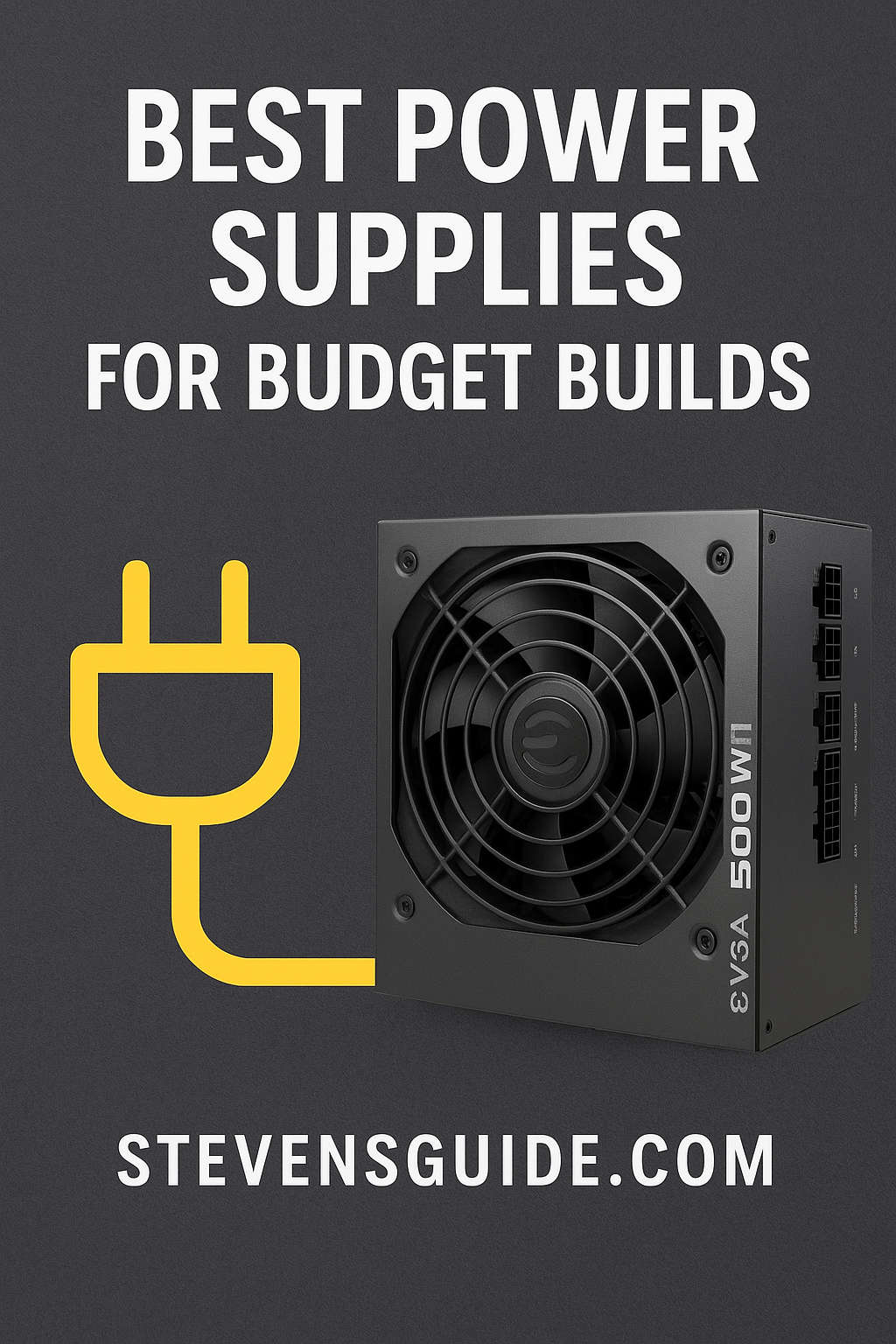
EVGA’s entry-level units are popular because of their affordability and availability. The 500 W1 is suitable for basic builds without high-powered GPUs, while the BQ series steps up the quality. Although not as robust as higher-tier models, these PSUs get the job done for very tight budgets.
be quiet! System Power and Pure Power
If silence matters to you, be quiet! offers budget-friendly models that emphasize quiet operation without sacrificing reliability. Their System Power and Pure Power lines are particularly well-suited for home theater PCs or office systems where noise is a concern.
Matching the Right PSU to Your Build
Selecting the perfect PSU involves understanding your components and their power draw. Let’s go through some common scenarios.
Office or Home Theater PC
These systems usually run integrated graphics or very low-end dedicated GPUs. A 350W–450W Bronze-rated PSU from Corsair, Seasonic, or be quiet! is more than enough. You’ll save money while keeping your system efficient and quiet.
Budget Gaming PC
For systems with entry-level GPUs like the GTX 1650, RX 6500 XT, or even slightly stronger cards, a 450W–550W Bronze unit is the sweet spot. Models like the Seasonic S12III 500W or Cooler Master MWE 550 Bronze V2 will power your system comfortably.
Midrange Gaming PC
If you’re running a card like the RTX 3060, RX 6600, or similar, aim for 550–650W. The Corsair CX550 or Cooler Master MWE Bronze 650W are excellent options here, leaving some room for future upgrades.
Compact or Small Form Factor Build
For small cases, SFX power supplies are often required. These are smaller, more expensive, but necessary for mini-ITX builds. If your budget allows, Corsair and Seasonic make some of the best compact units that still offer Bronze or Gold efficiency.
Building for the Future: Should You Oversize Your PSU?
It’s natural to wonder whether you should buy a higher wattage PSU now in case you upgrade later. While this is a smart consideration, it’s important not to go overboard. A modest bump in wattage, like choosing a 550W instead of a 450W, is often enough for most upgrade paths. Jumping to an 850W PSU for a budget system doesn’t make sense unless you know you’ll be upgrading to a very high-end GPU soon.
Think realistically about your upgrade plans. If you’re sticking to midrange cards, a 550W–650W PSU will support you for years. If you think you’ll eventually buy a flagship GPU, then it might be worth spending extra now for a higher-wattage, high-quality unit.
Final Thoughts
A budget build doesn’t mean you need to compromise on safety or reliability. With the right knowledge, you can find a PSU that’s both affordable and trustworthy. Focus on brand reputation, efficiency certification, and the right wattage for your components rather than chasing the cheapest unit or the highest wattage rating.
Reliable budget PSUs like the Seasonic S12III, Cooler Master MWE Bronze V2, Corsair CX series, and others provide a perfect balance of cost and dependability. By making a smart choice now, you’ll protect your entire system and set yourself up for smooth, trouble-free computing for years to come.
When you think about it, a good power supply is not just an expense — it’s insurance. It ensures your hard-earned money spent on your CPU, GPU, and other components doesn’t go up in smoke because of a $20 corner cut. Treat it with the importance it deserves, and your budget build will thank you.