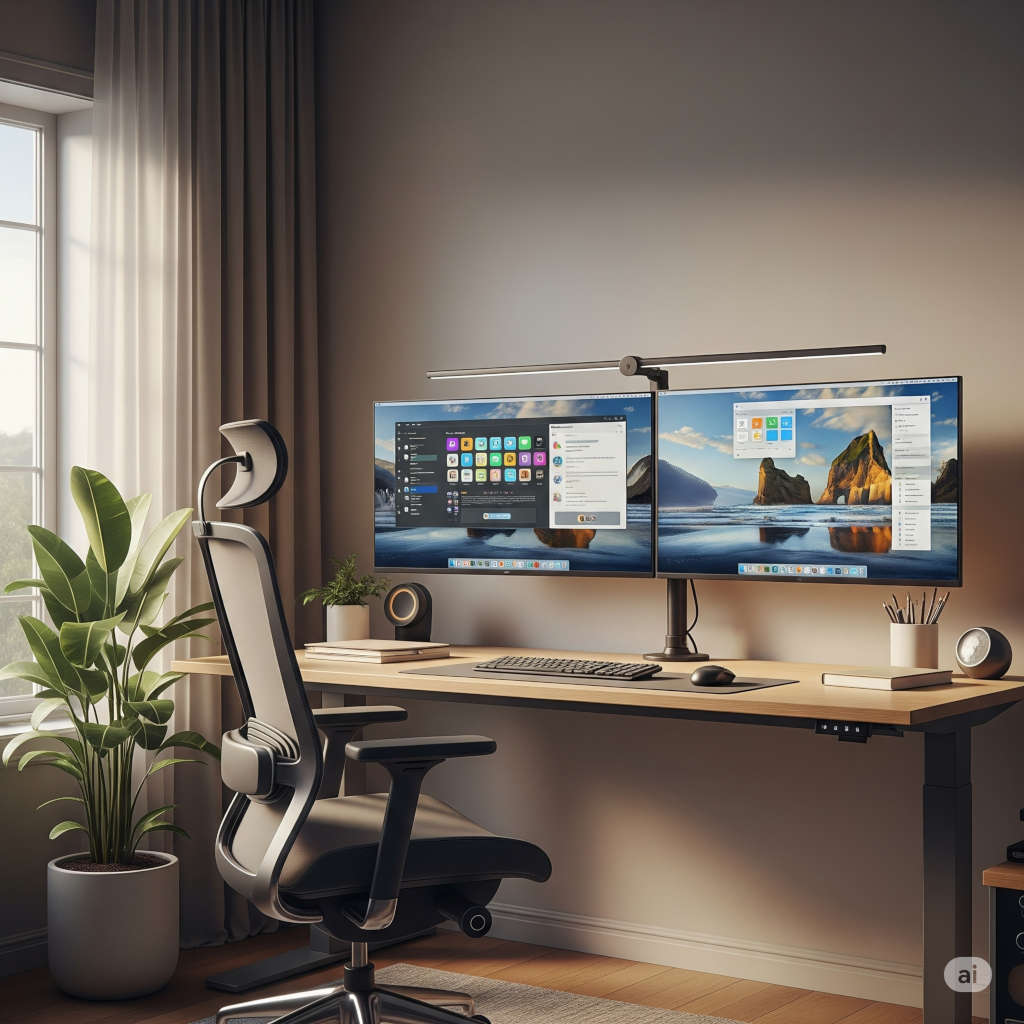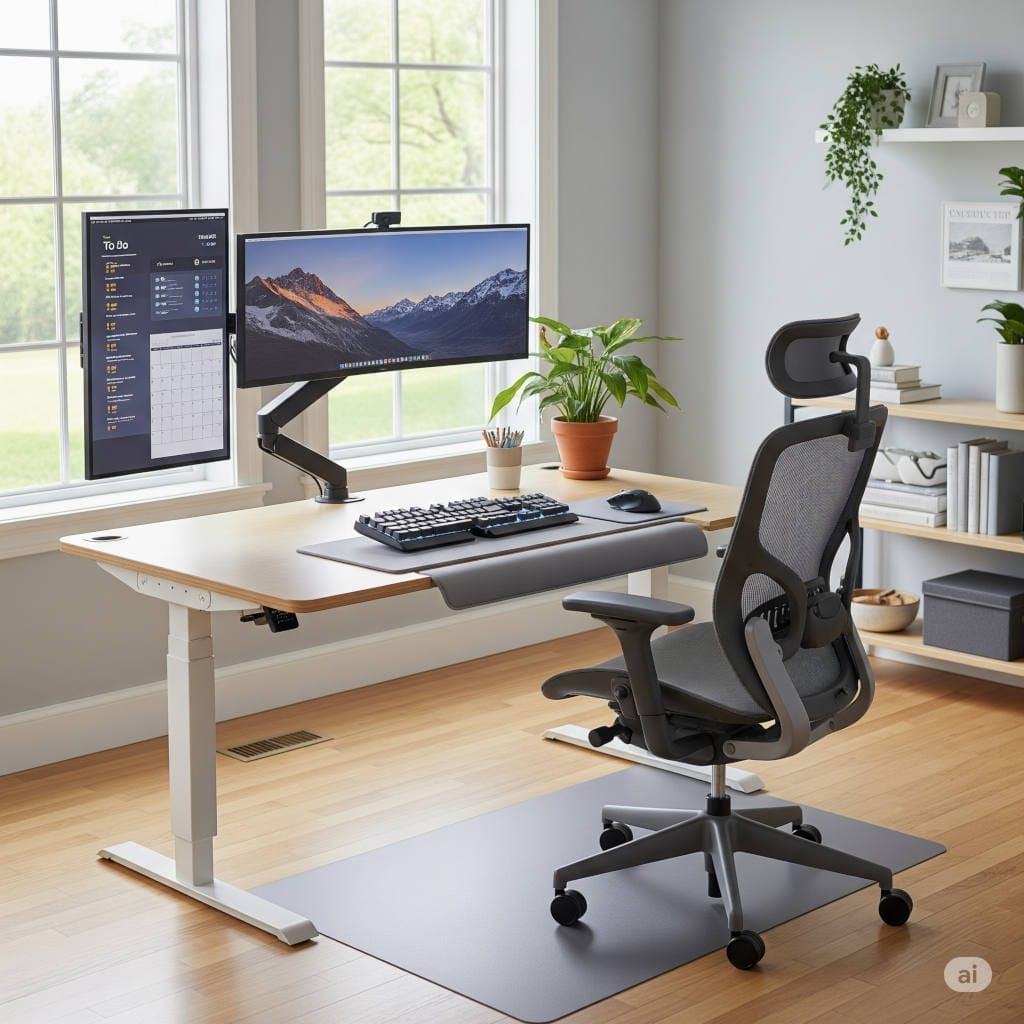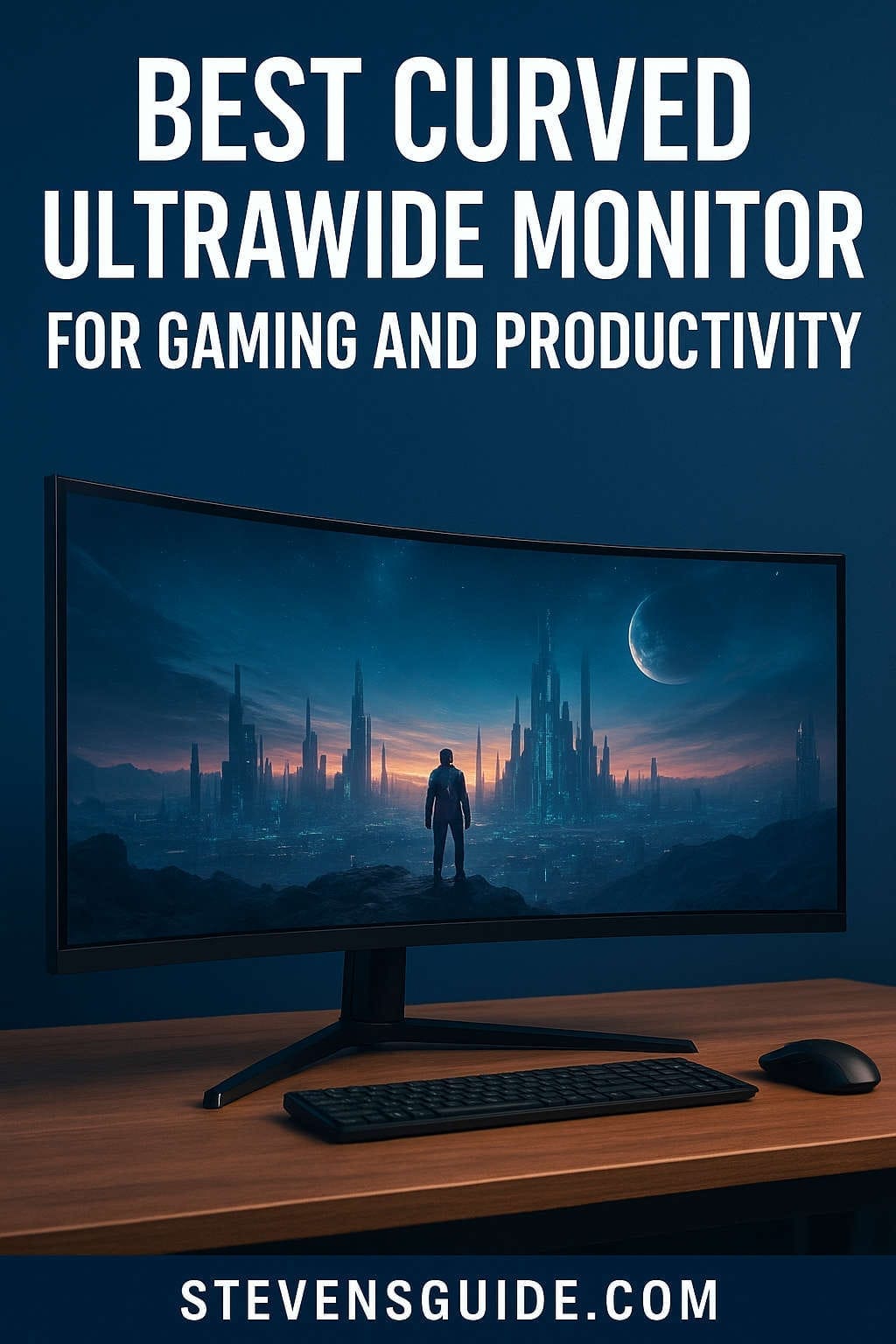
Curved ultrawide monitors have quickly shifted from niche gamer toys to mainstream productivity powerhouses. Whether you’re a competitive gamer chasing buttery-smooth motion and maximum immersion, or a remote worker managing multiple apps and documents at once, a curved ultrawide can transform your desk into a high-performance workspace.
Instead of stacking two or three standard monitors with distracting bezels, ultrawide displays stretch your visual real estate into a seamless panoramic canvas. The added curvature helps pull the edges of the screen into your natural field of view — making work feel more efficient and games more cinematic.
This guide deep-dives into the best curved ultrawide monitors for both gaming and productivity. You’ll find expert-backed recommendations, spec breakdowns, setup tips, and a clear decision guide to ensure you buy the best monitor for your needs.
Why a Curved Ultrawide Monitor is Worth It
Before we explore models and features, here’s what makes curved ultrawides so valuable:
More Screen = More Productivity
- View multiple apps or full-width spreadsheets side-by-side
- Timeline workflows (video editing, music production) become far easier
- Fewer window switches → improved focus and efficiency
If you currently use multiple flat monitors, the seamless ultrawide layout feels like a revelation.
Enhanced Immersion for Gaming & Movies
- Ultra-panoramic field of view expands gameplay awareness
- Racing, flight sims, RPGs, and open-world games feel dramatically more immersive
- Certain games support wider aspect ratios for competitive visibility
A curved screen physically draws you into the experience.
Less Strain, Better Ergonomics
- Natural curvature keeps display edges within comfortable viewing distance
- Improved depth perception and reduced eye/neck movement
- Wide field of view with fewer posture adjustments
For long hours at a desk, that comfort matters more than people expect.
Key Specs to Understand (So You Buy Smart)
Buying an ultrawide without understanding the specs is like buying a sports car without knowing the engine type. Here are the specs that make the biggest difference:
Screen Size & Aspect Ratio
- 34–38 inches: Great mix of desk-friendly size and workspace
- 49 inches: Equivalent to two 27” QHD monitors in one
- 57 inches: The mega-ultrawide frontier — dual 4K territory
Aspect ratios you’ll see:
- 21:9 (standard ultrawide)
- 32:9 (super ultrawide, basically two monitors fused)
Resolution
Higher resolution = crisp text + clearer UI + better detail.
- 3440×1440 → Ideal sweet spot for 34″ displays
- 3840×1600 → Taller view for enhanced productivity
- 5120×1440 → Dual-monitor width with great clarity
- 5120×2160 (5K2K) → Incredible pixel density for creators
Lower resolutions on big screens can look pixelated — avoid cheap 1080p ultrawides.
Panel Technology
| Panel Type | Pros | Best For |
|---|---|---|
| IPS | Top-tier color accuracy, wide viewing angles | Productivity + casual gaming |
| VA | Deep contrast, great for movies and dark games | Immersive media focus |
| OLED / QD-OLED | Perfect blacks, fastest motion, vivid colors | High-end gaming + creative work |
OLED is king — but requires burn-in awareness when used for static UI.
Refresh Rate
If you game, don’t go below 120Hz.
Top-tier ultrawides hit 175Hz–240Hz for ultra-smooth motion.
Curve Rating (R)
Lower number = stronger curve.
- 1000R matches natural field of view best
- 1500R/1800R more gentle for office setups
The Best Curved Ultrawide Monitors for Gaming & Productivity
Below are the top performers evaluated for display quality, work comfort, speed, immersion, and long-term value — across multiple price tiers.
Samsung Odyssey Neo G9 / G9 Series
Best for: Extreme immersion + replacing multi-monitor setups
Size: 49″ curved, 32:9 aspect ratio
Samsung’s Odyssey G9 family is the poster child for the ultrawide revolution. The Neo G9 variants add Mini-LED backlighting for huge brightness and improved HDR — making games come alive in a way few monitors can match. The dramatic 1000R curve delivers true cockpit-style immersion.
Why it’s incredible:
- Equivalent to two 27″ QHD monitors fused into one
- Up to 240Hz refresh for ultra-smooth gaming
- Deep contrast and vibrant HDR
Who it’s for:
Gamers who want the biggest, most immersive single-monitor setup possible — and professionals who thrive with an uninterrupted widescreen workflow.
Desk requirement: large. GPU requirement: very large.
Alienware AW3423DW / AW3425 Series (QD-OLED)
Best for: Balanced gaming + creative excellence
Size: 34″ curved, 21:9 aspect ratio
This is the monitor that introduced QD-OLED magic to ultrawide gaming. With near-infinite contrast, pixel-perfect blacks, phenomenal motion clarity, and accurate vibrant colors — it’s a dream for both gamers and designers.
Key advantages:
- OLED blacks that nearly eliminate glow
- Excellent HDR and response time
- Strong ergonomics and premium build
While 34″ isn’t as massive as 49″, its versatility makes it the top “do-everything well” choice.
Dell UltraSharp 40 U4021QW / U4025 Series
Best for: Productivity and professional creative work
Size: 40″ curved, 21:9 aspect ratio
Resolution: 5K2K for ultra-sharp text
If you spend more hours working than gaming, the UltraSharp 40 series is a serious upgrade. The high pixel density is ideal for spreadsheets, high-resolution media, and professional editing.
Why professionals love it:
- Large but not overwhelming — a workspace superpower
- Excellent color calibration out-of-the-box
- Connectivity features like Thunderbolt / USB-C + KVM
Gamers can still enjoy cinematic ultrawide gameplay, but refresh rate is limited to 60–72Hz depending on the model.
LG UltraGear & UltraWide 34–38″ Series
Best for: Mid-range performance with great color
Size Range: 34–38″ curved, IPS
These LG models hit a nice balance for gamers and professionals who want strong performance without overspending. Many include high refresh rates like 144Hz+, great color, and USB-C models for hybrid workstations.
Highlights:
- Excellent IPS panels with wide color gamut
- Very low input lag and fast gaming response
- Good pricing across the lineup
If you want versatility at a fair cost, LG’s lineup is consistently strong.
AOC / Gigabyte / Samsung Budget Curved Ultrawides
Best for: Entry-level gaming + big-screen multitasking on a budget
Size: Typically 34″, 3440×1440
These are where most upgraders start. You still get a genuinely immersive ultrawide experience and useful productivity perks — without paying premium OLED prices.
Pros:
- Affordable pricing for new ultrawide users
- Solid gaming performance with 144–165Hz
- VA panels deliver strong contrast for movies
Cons:
- Build quality and brightness can be mid-tier
- Color accuracy varies between models
Still, they provide the best value-per-inch if you’re upgrading from a 1080p monitor.
Which Monitor Is Right For You?
Here’s a quick decision filter based on your top priority:
Pick This If…
| Priority | Best Choice | Why |
|---|---|---|
| Competitive gaming + immersion | Samsung Odyssey Neo G9 / G9 | Huge, ultra-fast, immersive |
| Balanced work & gaming | Alienware AW3423DW / AW3425 | OLED + color + speed |
| Work-first productivity | Dell UltraSharp 40 U4021/U4025 | World-class clarity & features |
| Best bang for budget | Gigabyte/AOC/Samsung 34″ 144Hz | Affordable but still advanced |
| Color-critical creative production | OLED ultrawide or 5K2K IPS | Accuracy and depth |
GPU Requirements — Don’t Skip This!
If the monitor has a massive resolution, your graphics card must keep up.
General compatibility notes:
| Resolution | Ideal GPU Tier |
|---|---|
| 3440×1440 | Mid–high tier (RTX 3060 / RX 6700 XT or better) |
| 5120×1440 | High tier (RTX 3080 / RX 6800 XT or better) |
| 5K2K (5120×2160) | High tier for gaming; mid-tier for work-only use |
| Dual-4K equivalent | Top tier only (RTX 4080 / RX 7900 XTX or better) |
If you only work on your PC, GPU isn’t a big deal.
If you game — plan your upgrades together.
Setup Tips: Getting the Most from Your Ultrawide
A great screen deserves a great workspace. These practical adjustments boost comfort and visual quality:
Desk Positioning
- Sit centered with the screen at arm’s length
- Top of the display at or slightly below eye level
- Use a deep desk (>25″) for 49″+ models
Color & Calibration
- Enable calibrated presets like sRGB / DCI-P3
- For creative workflows, use a hardware colorimeter
- Reduce brightness at night to avoid eye strain
Cable Choices
- DisplayPort 1.4 / DP2.1 for highest refresh rates
- USB-C with Power Delivery if using laptops
Window Management Tools
- Windows PowerToys
- macOS Split View/Stage Manager
- Ultrawide-specific software like LG OnScreen Control
These tools make multitasking silky smooth.
Burn-In Risk for OLED Users — Quick Guide
OLED ultrawides are incredible, but protect your investment:
- Enable pixel shift and UI dimming features
- Use dark mode themes when possible
- Avoid static logos or interfaces staying on for hours
- Run screen maintenance/pixel refresh routines regularly
Treat it smartly → no issues for normal usage.
Future Trends in Ultrawide Monitors
If you’re planning a future upgrade, here’s what’s coming:
- More OLED + QD-OLED models at lower prices
- Higher refresh rates beyond 240Hz even at large resolutions
- Glassless 3D and eye-tracking experiments
- Enhanced HDR brightness using new backlight tech
- USB-C hubs replacing docking stations entirely
Ultrawides are still improving rapidly — especially for hybrid gamers and professionals.
Final Recommendations (Summarized)
If you want a quick takeaway, here’s the best of the best:
- Best Overall Hybrid Choice
Alienware AW3423DW (or AW3425 variants) — OLED brilliance + gaming performance + great work comfort - Best Extreme Gaming & Multitasking Setup
Samsung Odyssey Neo G9 — unmatched immersion and productivity in one - Best Professional Ultrawide for Work
Dell UltraSharp U4021QW/U4025 — huge, sharp, color-accurate workspace - Best for Budget Buyers
AOC / Gigabyte / Samsung VA 34″ — impressive value with strong gaming refresh rates
No matter your budget or workflow, there’s a curved ultrawide that can dramatically upgrade how you work — and play.
Conclusion — A Real Upgrade You’ll Feel Every Day
A curved ultrawide monitor isn’t just a bigger screen — it’s a productivity amplifier and a gaming immersion engine wrapped in one sleek piece of hardware. With the right choice, you’ll:
- Get more done, faster
- Enjoy more cinematic and competitive gameplay
- Reduce eye strain and desk clutter
- Replace multiple monitors with one seamless display
Whether you’re editing videos, battling in esports, designing 3D worlds, or powering through remote-work days — a curved ultrawide turns your desk into your control center.
You might also like,
- Top Budget Keyboards and Mice for Home Office in 2025
- Best Budget PC Build Under $800 for Content Creators in 2025
- Best Upgrades for a Budget PC in 2025: GPU, SSD, RAM & More
- Best Budget Gaming PC Build Under $800 (2025) – Ultimate Parts List & Guide
- Best Budget GPUs for 1080p and 1440p Gaming in 2025 | Top Affordable Graphics Cards