When you build a gaming PC, the spotlight often falls on powerful processors, top-tier graphics cards, and ultra-fast SSDs. Yet, beneath the flashing RGB lights and high-end specs, one component quietly dictates everything from cooling performance to long-term durability — the PC case. It’s more than a metal enclosure; it’s the ecosystem that allows your hardware to breathe, stay cool, and perform at its peak.
One of the biggest challenges modern PC builders face is choosing between airflow and aesthetics. On one side, you have cases engineered for performance — designed to move air efficiently through mesh panels and ventilated layouts. On the other, sleek minimalist shells and tempered glass exteriors capture the eye but often suffocate internal components. The debate between form and function has never been more relevant.
So, how do you choose a case that keeps your components cool without compromising on looks? This detailed guide explores the balance between airflow and aesthetics, helping casual PC builders and gamers alike make informed, confident decisions.
Why the PC Case Matters
Many first-time builders see the case as a decorative box that simply holds their hardware. In reality, it’s the structural and thermal foundation of your computer. Every component — CPU, GPU, motherboard, power supply, even your drives — depends on the case’s internal layout and cooling potential to operate effectively.
A case with poor airflow traps hot air inside, forcing fans and coolers to work harder. This increases noise, raises temperatures, and can even shorten component lifespan. Conversely, a well-ventilated chassis ensures consistent thermal performance, extending the health and efficiency of your build.
Beyond functionality, the case also defines your PC’s character. It’s the face of your system — what you see every day and what others notice first. Whether you prefer a quiet black tower with subtle curves or a bold RGB showcase with transparent panels, your case reflects your personal style.
Understanding Airflow: The Science of Cooling
Airflow is the process by which cool air enters the case, circulates through components, and exits as warm exhaust. It may sound simple, but small design choices make a big difference.
The most effective airflow setups follow a front-to-back and bottom-to-top flow path. Cool air is drawn in through the front or bottom intakes, passes over the GPU and CPU, and exits through the rear and top exhausts. This directional movement ensures that hot air doesn’t linger near sensitive hardware.
Pressure balance plays an essential role. Positive pressure (more intake than exhaust) helps keep dust out by pushing air through unfiltered gaps. Negative pressure (more exhaust) can enhance cooling temporarily but often pulls dust in. Neutral pressure, where intake and exhaust are roughly equal, offers consistent cooling and stability.
Modern gaming PCs generate significant heat, especially from large GPUs and overclocked CPUs. Cases built with unrestricted mesh fronts, wide vents, and multiple fan mounts handle these workloads gracefully, keeping temperatures low and noise manageable. Good airflow translates directly to better performance — fans spin slower, components throttle less, and the system remains quieter under stress.
The Appeal of Aesthetics
While performance keeps your PC healthy, aesthetics feed the soul of your setup. For many gamers and enthusiasts, the PC isn’t just a tool — it’s a statement. A beautiful case elevates the desk, complements peripherals, and turns your build into a visual centerpiece.
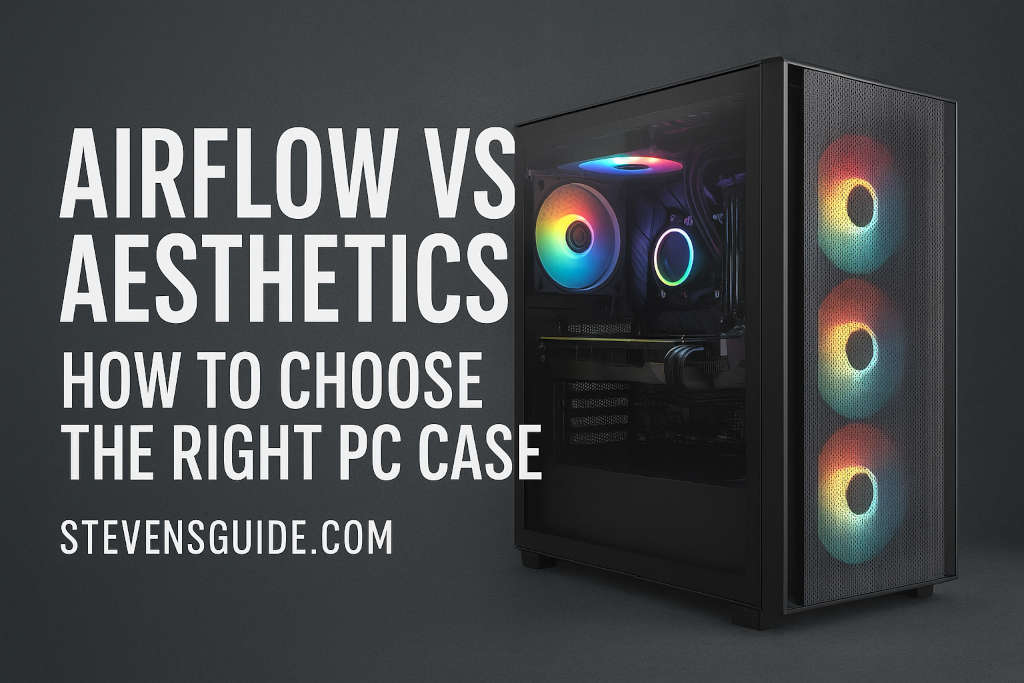
Modern aesthetic trends lean toward clean lines, tempered glass side panels, and customizable RGB lighting. Glass allows you to showcase your internal components — glowing fans, color-coordinated cables, and neatly managed wiring — creating a polished, premium look. Some prefer minimalism, choosing muted tones and solid panels that give the PC a sleek, professional appearance.
However, beauty can come at a cost. Solid front panels and enclosed designs often block airflow, leading to higher internal temperatures. Some designs attempt to balance this by adding side vents or hidden intakes, but these are rarely as efficient as full mesh fronts. As a result, aesthetic-focused cases may require additional fans, liquid cooling, or frequent cleaning to maintain thermal balance.
Still, aesthetics have undeniable value. A visually pleasing system can make your workspace more enjoyable, motivate creativity, and enhance pride in ownership. For streamers, creators, or gamers who share their setups online, visual appeal often becomes part of their brand identity.
Finding Balance Between Airflow and Design
The key to choosing the right PC case lies in understanding how modern designs can combine airflow and aesthetics without significant compromise. Recent years have seen manufacturers innovate around this very challenge, introducing hybrid designs that are both beautiful and functional.
These cases use carefully crafted mesh patterns that look stylish while maximizing air intake. Many incorporate fine dust filters and angled vents hidden along the edges of tempered glass panels. Others feature dual-chamber layouts that separate hot components like the GPU and power supply from cooler areas, improving both thermals and organization.
When evaluating a case, focus on the flow path. Can air enter freely from the front or sides? Are there exhaust routes at the top and back? Is there enough space between fans and glass panels for air to circulate effectively? A case may look sleek, but if it lacks ventilation gaps or mounts for additional fans, performance will eventually suffer.
Common Trade-Offs and How to Manage Them
Every builder faces trade-offs between airflow and looks, but understanding them helps you make smarter choices. Mesh fronts, for example, offer excellent cooling but may introduce more visible dust or slightly louder fan noise. Glass or solid fronts deliver a quiet, premium look but often require faster fans or liquid cooling to compensate.
Noise levels are another factor. A case with open vents will allow sound to escape more easily, while enclosed panels contain noise but trap heat. Striking a balance depends on your environment — a home office may demand quieter operation, while a gaming den can tolerate a bit more fan hum.
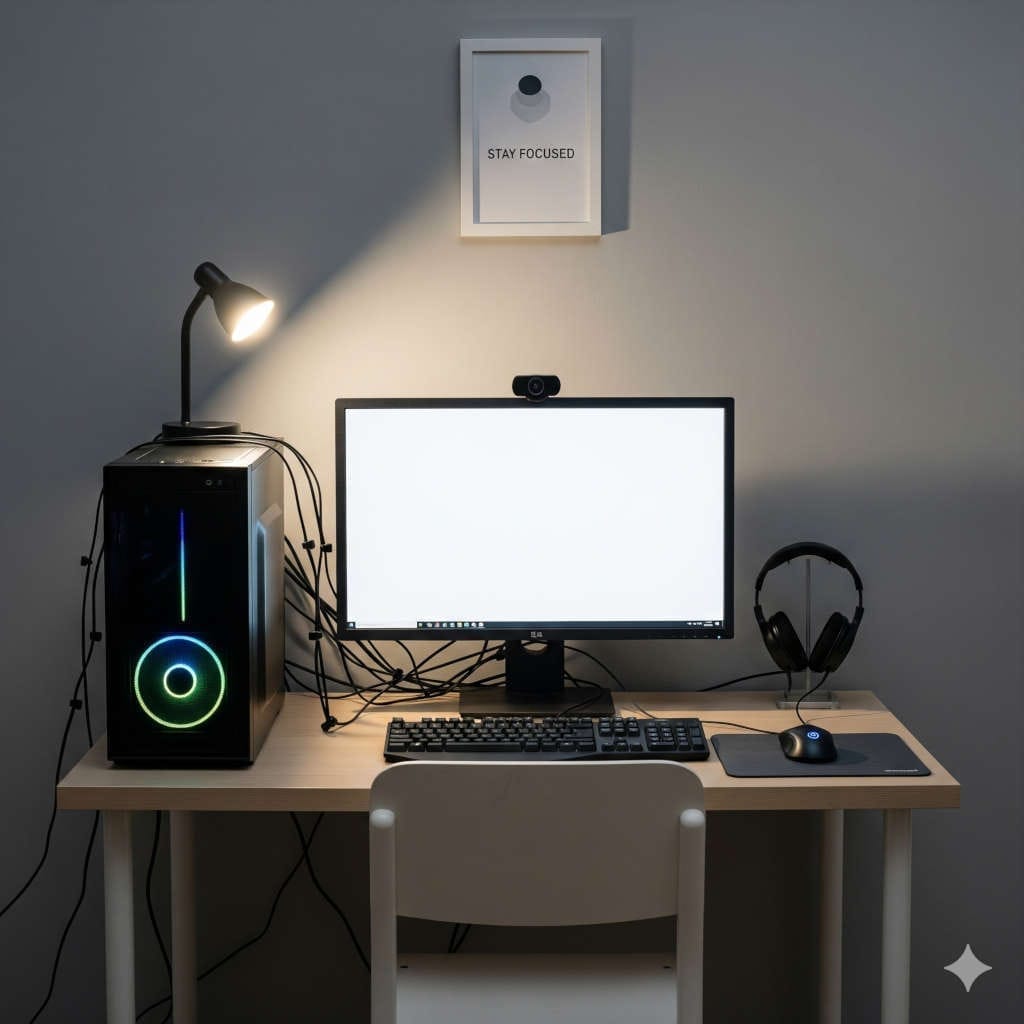
Cable management also influences both appearance and airflow. Tangled or exposed cables disrupt airflow paths, creating pockets of stagnant air. Modern cases include rear cable channels, tie-down points, and PSU shrouds to hide wires neatly. Taking time during assembly to route cables cleanly not only enhances looks but also improves thermal efficiency.
Recommended PC Case Designs
While trends change, a few modern case categories consistently achieve harmony between airflow and aesthetics.
Mid-tower cases with mesh fronts are ideal for most builders. They provide ample fan and radiator support, comfortable interior space, and balanced proportions that suit both gaming and workstation setups. Some models incorporate tinted glass sides with subtle ventilation gaps along the edges, maintaining visual appeal without restricting intake.
Compact micro-ATX and mini-ITX cases appeal to those who value minimalism or space-saving designs. These often require more careful airflow planning because their smaller interiors can trap heat quickly. Opt for small form factor cases with perforated panels, side vents, or top-mounted fans to promote steady circulation.
Premium full-tower cases cater to enthusiasts seeking expansive customization. They support multiple radiators, high-capacity fan arrays, and advanced cable management. Many now feature panoramic tempered glass panels combined with ventilated frames, proving that large cases can look stunning while maintaining optimal airflow.
Across the market, models from reputable manufacturers demonstrate this blend of style and function. Whether you prefer understated black steel or white minimalist aluminum, there’s a design that meets both aesthetic and thermal demands.
Airflow Optimization Techniques
Once you’ve chosen your case, fine-tuning airflow ensures you get the best out of it. Fan quality and placement matter as much as the case itself. Use high-static-pressure fans for radiators or restricted intakes, and high-airflow fans for open mesh panels. Position front and bottom fans as intakes to pull cool air in, while rear and top fans serve as exhausts.
Maintaining positive air pressure — slightly more intake than exhaust — helps keep dust under control. Regularly cleaning dust filters and fan blades ensures consistent airflow over time. Even the cleanest environment accumulates dust that can impede cooling performance if ignored.
Fan speed control can also balance noise and performance. Most motherboards or fan hubs allow custom fan curves, increasing speed only under heavy load. This keeps the system quiet during normal use while ramping up cooling when gaming or rendering.
Cable management remains essential. A clean internal layout allows unobstructed air movement and easier maintenance. Tuck away unused power cables, use zip ties for bundles, and ensure the airflow path from front to back remains open.
Noise, Dust, and Longevity
Airflow and aesthetics influence not just performance but long-term maintenance. A case with positive pressure and good filters will stay cleaner, protecting fans and heatsinks from clogging. Conversely, cases that prioritize looks with sealed panels can accumulate hidden dust that’s harder to remove.
Noise control follows a similar logic. Larger fans can spin slower while moving the same amount of air as smaller ones, resulting in quieter operation. Many modern cases include rubber grommets and padded mounts to minimize vibration noise. If silence matters, choose cases designed with acoustic damping materials or thicker steel panels.
Routine cleaning and inspection are part of owning a gaming PC. A simple monthly dusting and filter wash can extend component lifespan dramatically. Investing in a slightly higher-quality case with accessible filters and removable panels pays off through easier upkeep and longer hardware health.
Choosing for Your Use Case
Different users have different priorities, and the ideal case varies by lifestyle and workload. Gamers and streamers should emphasize airflow. High-performance GPUs generate enormous heat, and unrestricted airflow keeps frame rates stable during long sessions. Mesh-front mid-towers with at least three intake fans and space for a top radiator provide the best foundation.
Casual users or office builders might value quietness and visual simplicity more than raw cooling power. A solid-front case with sound-dampening foam and clean lines suits this scenario perfectly. Temperatures stay reasonable, and the design blends seamlessly with professional spaces.
Content creators who run rendering or editing tasks for hours at a time need a balanced approach. A case with multiple intake and exhaust fans, dust filtration, and moderate noise insulation ensures consistent performance and comfort during extended workloads.
For small form factor enthusiasts, airflow planning becomes even more critical. Compact builds look beautiful on a desk but trap heat easily. Prioritize cases with perforated side panels and high-quality SFX power supplies that leave room for efficient airflow paths.
Modern Examples of Balanced Design
Several current PC cases exemplify the ideal balance between airflow and aesthetics. The NZXT H7 Flow is a strong example — its perforated front delivers robust cooling while maintaining the clean, minimalist look that NZXT is known for. The Lian Li Lancool III combines sweeping tempered glass with an expansive mesh surface, creating a case that performs as beautifully as it looks. The Fractal Design North takes an innovative approach by incorporating natural materials like wood accents without compromising ventilation.
The Corsair 5000D Airflow remains a favorite among builders for its spacious layout, modular panels, and exceptional cooling support. For compact builds, the Cooler Master NR200P achieves remarkable airflow in a small footprint, proving that small doesn’t have to mean hot. These examples showcase how design philosophy has evolved — the best PC cases today respect both form and function.
Long-Term Considerations
A good PC case isn’t a short-term investment. It’s the one component that often lasts across multiple builds. Choosing wisely today saves frustration and cost in the future. When selecting your case, think beyond immediate needs. Will you upgrade to a larger GPU later? Do you plan to add liquid cooling? Does your desk or room layout favor certain airflow directions?
Also, consider cable management access, dust filter quality, and ease of panel removal. Small usability details — like tool-less drive bays or hinged glass panels — make a big difference during maintenance or upgrades.
If you’re building for longevity, prioritize versatility. A modular interior layout with adjustable fan mounts and removable sections ensures the case can adapt to new technology. A timeless design also stays visually relevant as trends evolve.
Practical Tips for Everyday Builders
Even with a perfectly chosen case, performance depends on upkeep and setup. Place your PC in an open area rather than an enclosed cabinet. Avoid positioning it directly on carpets, which trap dust and block bottom vents. Ensure at least a few inches of clearance behind and above the case for exhaust air to escape freely.
When planning your RGB lighting, moderation enhances rather than distracts. Subtle backlighting or a single coordinated color scheme looks cleaner and more professional than chaotic lighting patterns. Keeping your cables tidy and color-matched completes the aesthetic while preserving optimal airflow.
Monitoring software can also help maintain balance. Tools like HWMonitor or proprietary motherboard utilities allow you to track temperatures, fan speeds, and adjust cooling profiles in real time. Periodic checks ensure your airflow strategy remains effective as seasons and ambient temperatures change.
Frequently Asked Questions
Is airflow more important than aesthetics for gaming PCs?
For gaming systems, airflow generally takes priority. High temperatures can lead to thermal throttling, lower frame rates, and shorter component life. You can still achieve a stylish build by choosing a case that incorporates aesthetic mesh or side vents without blocking intake.
Can a glass-front case have good airflow?
Yes, if designed intelligently. Many modern cases with tempered glass fronts include side or bottom vents to supplement intake. Pairing these with high-quality fans and a balanced pressure setup maintains effective cooling.
Do all mesh cases get dusty quickly?
Not necessarily. Cases with magnetic or fine mesh filters collect dust externally, making cleaning easy. Positive pressure setups further reduce internal dust buildup.
Should I choose liquid cooling or stick to air cooling?
It depends on your workload and preference. Liquid cooling can offset restricted airflow by relocating heat to radiators, but well-designed air-cooled systems in ventilated cases perform comparably with less maintenance.
How can I make my case quieter?
Opt for larger fans that move more air at lower RPMs, use rubber mounts to reduce vibration, and keep filters clean. Adjusting fan curves to slow speeds during light tasks also lowers noise without sacrificing performance.
Conclusion: The Perfect Case is About Harmony
The Airflow vs Aesthetics PC Case debate isn’t about choosing one side — it’s about finding balance. A well-designed case enhances both performance and beauty, ensuring your PC runs cool, quiet, and stylishly for years.
If you’re a gamer pushing hardware limits, airflow should anchor your decision. If you’re a creator or professional seeking elegance, aesthetics can take the lead as long as you maintain basic ventilation. The best choice sits comfortably between both worlds: a case that looks great, feels premium, and allows your components to perform without restriction.
Modern designs prove that you no longer need to compromise. With careful selection and mindful building, you can enjoy a gaming PC case that not only turns heads but also stays cool under pressure — literally and figuratively.
You might also like,
- Best Power Supplies for Budget Builds in 2025
- Best Budget GPUs for 1080p and 1440p Gaming in 2025
- Best Budget PC Build Under $800 for Content Creators in 2025
- Best Budget Gaming PC Build Under $800 (2025) – Ultimate Parts List & Guide
- Tech You Should Skip When Building a Budget PC Setup (Save Money on Smarter Choices)