A home office today is more than just a desk and a laptop. It is a fully functional workspace that relies on stable electricity to support computers, monitors, networking equipment, cloud applications, and real-time communication tools. When power cuts last longer than a few minutes, productivity drops sharply, meetings get interrupted, files can be corrupted, and in some cases hardware can be damaged.
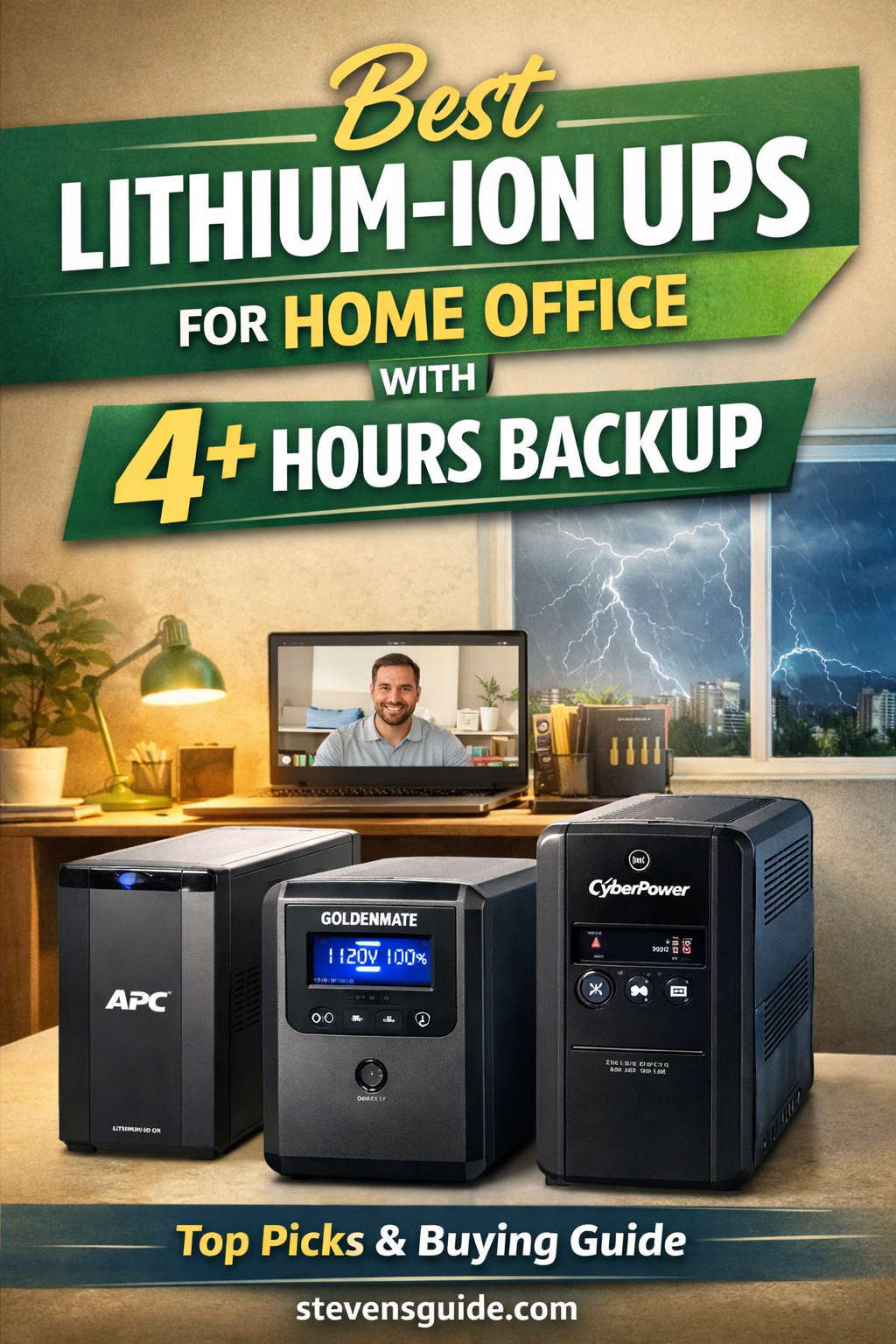
This is why more professionals are searching for the best lithium-ion UPS for home office with 4+ hours backup. Unlike traditional UPS systems that only provide short emergency runtime, lithium-ion UPS solutions can deliver extended backup, faster charging, and longer service life.
This guide is written to help you:
Understand why lithium-ion UPS systems are ideal for home offices
Learn how to calculate power needs for 4+ hours of backup
Identify the most important features that actually matter
Explore recommended lithium-ion UPS products and categories
Avoid common mistakes when choosing a long-backup UPS
If uninterrupted work is important to you, this article will help you make a confident, future-ready decision.
Why Lithium-Ion UPS Is the Best Choice for a Home Office
Longer Battery Life and Lower Long-Term Cost
Lithium-ion batteries last significantly longer than traditional lead-acid batteries. While lead-acid UPS batteries often need replacement every 3–4 years, lithium-ion batteries can last 8–10 years or more. This longer lifespan reduces maintenance, downtime, and replacement costs over time.
For a home office, this means fewer interruptions and better long-term value.
Faster Charging and Better Efficiency
Lithium-ion UPS systems recharge much faster than lead-acid models. This is especially important in areas where power cuts happen frequently. A faster recharge ensures the UPS is ready again in a shorter time, rather than remaining partially charged for hours.
They are also more energy-efficient, meaning less power is wasted as heat.
Compact Size and Lighter Weight
Lithium-ion batteries have a higher energy density, allowing more power storage in a smaller and lighter unit. This is ideal for home offices where space is limited and large battery cabinets are impractical.
Better Performance in Real-World Conditions
Lithium-ion UPS systems handle temperature variations better and include advanced battery management systems that protect against overcharging, overheating, and deep discharge. This improves safety and reliability for everyday home use.
What “4+ Hours Backup” Really Means
Many buyers assume that purchasing a high-capacity UPS automatically guarantees several hours of backup. In reality, runtime depends on how much power your devices consume and how much energy the UPS can store.
A 4+ hour UPS backup means the system can continuously power your essential equipment for at least four hours during a power outage, not just keep it alive for safe shutdown.
Achieving this requires:
Sufficient battery capacity (measured in watt-hours)
Efficient power usage
Proper load planning
Understanding this distinction helps avoid disappointment after purchase.
How to Calculate UPS Capacity for a 4+ Hour Backup
Step 1: List Essential Devices Only
Focus on devices that must stay on during an outage:
Desktop PC or laptop
Monitor(s)
Internet modem and router
NAS or external storage (if required)
VoIP phone or webcam setup
Avoid including non-essential items like printers, speakers, desk lamps, or phone chargers.
Step 2: Estimate Power Consumption
Typical power usage:
Desktop PC: 200–350 watts
Laptop: 50–90 watts
Monitor: 30–60 watts
Router + modem: 15–30 watts
NAS or small server: 40–80 watts
A realistic home office setup usually consumes 300–500 watts.
Step 3: Calculate Battery Energy Needed
For a 4-hour backup:
400 watts × 4 hours = 1600 watt-hours
Add buffer for inefficiency and aging → aim for 1800–2000 watt-hours
This number is more important than VA ratings when selecting a UPS for long backup.
Key Features to Look for in a Lithium-Ion UPS
High Battery Capacity (Wh Rating)
Battery capacity determines runtime. Many UPS models advertise high VA ratings but have limited battery energy. Always check the watt-hour capacity or whether the UPS supports external battery expansion.
Pure Sine Wave Output
A pure sine wave UPS provides clean and stable power, which is essential for:
Modern PCs with active PFC power supplies
Network equipment
Sensitive electronics
This improves efficiency and protects hardware.
Expandable Battery Support
The best UPS systems for 4+ hours backup allow:
External battery modules
Scalable runtime upgrades
Integration with additional lithium battery packs
This flexibility makes the system future-proof.
Smart Monitoring and Alerts
Features such as LCD displays, software monitoring, and alerts allow you to:
Track remaining runtime
Monitor battery health
Receive notifications during outages
This is especially useful for remote workers who need reliability.
Recommended Lithium-Ion UPS Solutions for Home Offices
Instead of chasing dozens of models, it is more effective to focus on trusted UPS categories and proven product lines that work well for long-backup home office setups.
The GOLDENMATE Lithium UPS (1000VA / 600W) is a strong mid-range option for home office users who want lithium technology at a reasonable price.
Why it stands out:
Uses long-life lithium battery technology
Compact and home-friendly design
Pure sine wave output
LCD display for real-time monitoring
Quiet operation, suitable for workspaces
Best for:
Laptops, networking equipment, small desktops, and essential peripherals.
While the internal battery alone may not power a high-load desktop for 4+ hours, it performs very well when:
Powering efficient setups
Supporting networking equipment
Used as part of a load-optimized or hybrid system
This makes it an excellent entry-level lithium UPS.
How to Extend UPS Runtime Beyond 4 Hours
Reduce Load Without Sacrificing Productivity
Small changes can significantly extend runtime:
Use a laptop instead of a desktop during outages
Turn off secondary monitors
Disconnect unused peripherals
Even reducing load by 50–100 watts can add an extra hour or more of backup.
Use Energy-Efficient Equipment
Modern LED monitors, efficient routers, and low-power NAS devices consume far less power than older hardware. Upgrading equipment improves both runtime and overall efficiency.
Combine UPS With Large Lithium Battery Power Stations
Many advanced home offices now use a hybrid setup:
UPS provides instant switchover and clean power
Large lithium battery power station provides extended energy
This approach delivers seamless power for many hours without sacrificing protection.
Separate UPS for Networking Equipment
A small dedicated UPS for the router and modem ensures internet connectivity stays online even if the main workstation UPS is heavily loaded.
Installation and Placement Tips
Choose the Right Location
Place the UPS:
In a cool, dry area
Away from direct sunlight
With adequate ventilation
Excess heat shortens battery life.
Avoid Overloading
Keep UPS load below 70–80% of its rated capacity for best efficiency and longevity.
Test Periodically
Simulate outages occasionally to ensure:
Devices switch smoothly
Runtime estimates are accurate
Alerts and shutdown procedures work as expected
Common Mistakes to Avoid
Confusing VA Rating With Runtime
VA rating shows how much load a UPS can handle, not how long it will run. Battery capacity is what determines runtime.
Buying Without Planning for Expansion
If you expect longer outages in the future, choose a UPS that supports external batteries or hybrid setups.
Ignoring Battery Health Monitoring
Even lithium-ion batteries age. Monitoring ensures reliable performance when outages occur.
Who Should Invest in a 4+ Hour Lithium-Ion UPS?
This type of UPS is ideal for:
Remote professionals with strict uptime needs
Online educators and consultants
Freelancers working with deadlines
Home-based businesses
Small server or NAS users
Regions with frequent long power cuts
If power outages directly affect your income or productivity, a long-backup UPS is a smart investment.
Long-Term Value of Lithium-Ion UPS Systems
Although lithium-ion UPS systems cost more upfront, they:
Last longer
Require fewer replacements
Offer better efficiency
Reduce downtime losses
Over several years, they often cost less than repeatedly replacing lead-acid UPS batteries.
Final Thoughts
Choosing the best lithium-ion UPS for a home office with 4+ hours backup is about more than brand names. It requires understanding your power needs, selecting the right battery capacity, and planning for future growth.
With the right lithium-ion UPS solution, power outages become manageable rather than disruptive. Your work continues, your data stays safe, and your home office remains productive—no matter how long the lights stay off.