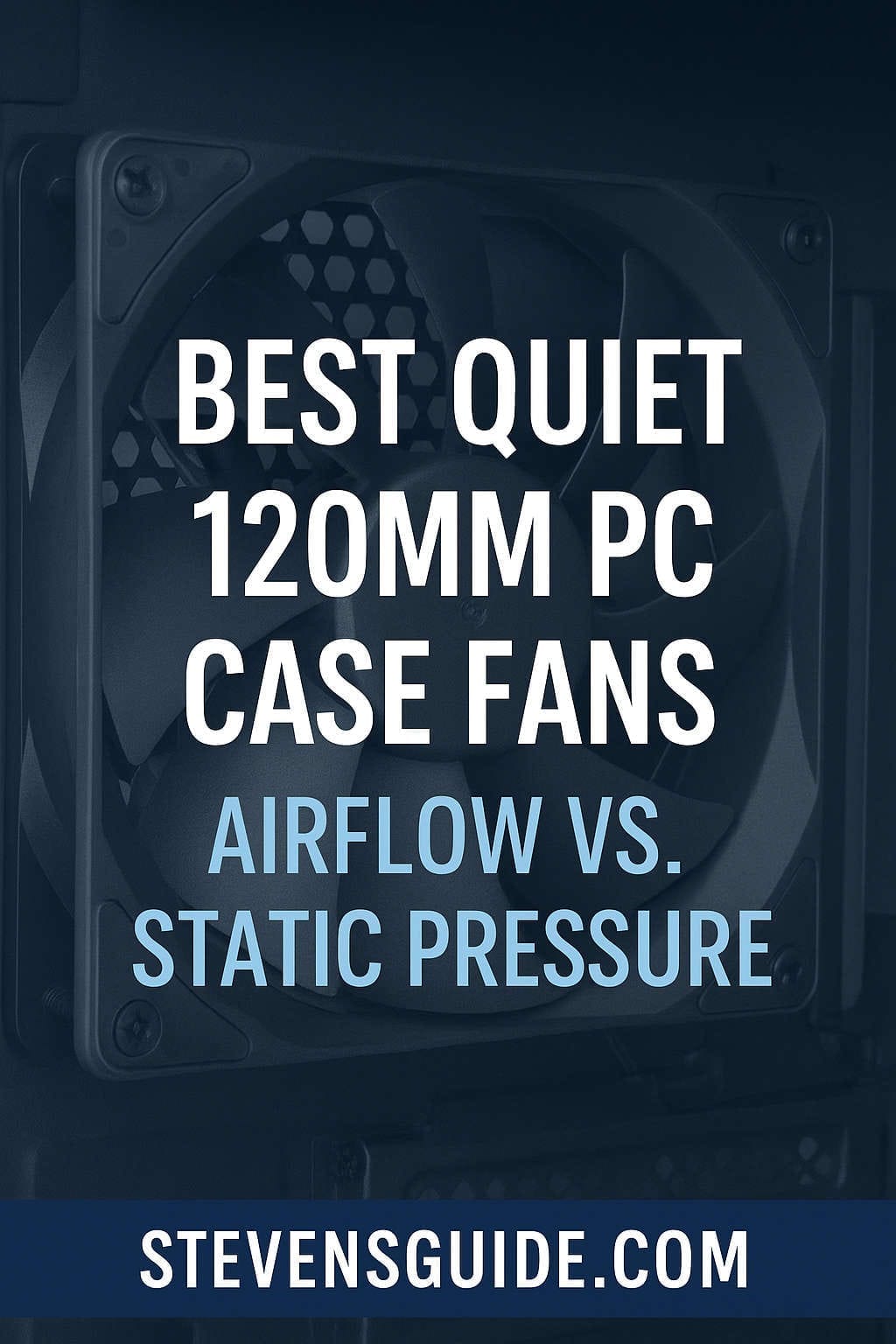
Building a quiet PC is about more than choosing the right CPU cooler or a silent GPU—it starts with the airflow foundation inside your case. Case fans are the unsung heroes of a stable, cool, and whisper-quiet build. Yet the market is flooded with dozens of 120mm fans, all promising low noise and high airflow. The challenge isn’t just picking a “quiet” fan; it’s picking the right fan for the right purpose—airflow or static pressure—and matching it to your case layout.
This guide breaks down the difference between airflow and static pressure fans, explains how noise ratings really work, and walks you through the best quiet 120mm fans available today. Whether you’re outfitting a mesh-front gaming case, building a silent workstation, or optimizing cooling for radiators or AIO coolers, this guide will help you make informed decisions based on real-world performance—not just pretty charts or marketing claims.
Let’s explore how to choose the perfect quiet 120mm fan for your build.
Why the 120mm Size Dominates PC Cooling
Although there are larger fan sizes like 140mm and even 200mm, the 120mm form factor remains the most common choice. Almost every PC case supports them, and most CPU coolers and AIO radiators rely on 120mm mounting.
Compared to larger sizes, a good 120mm fan offers:
- A balance of noise and airflow
- A wide range of performance tuning through PWM
- Strong compatibility with nearly every case
- Better availability across budget, midrange, and premium categories
Because of that, the 120mm market has evolved faster than any other fan size, giving us some of the quietest and most efficient models ever created.
Airflow vs. Static Pressure — What’s the Real Difference?
If you’ve ever browsed fan product pages, you’ve probably seen two categories: airflow-focused fans and static-pressure fans. Understanding what these mean is crucial for building a quiet system.
What Are Airflow Fans?
Airflow-optimized fans are designed to move the largest possible volume of air in open environments. Their blades tend to be more open, sweeping, and tuned to push a broad stream of air into or out of the case.
Airflow fans excel in situations like:
- Open front mesh panels
- Rear exhaust positions
- Top ventilation channels with little obstruction
These fans don’t perform at their best when you restrict their intake with filters, foam, or radiator fins. They’re meant for free breathing.
What Are Static-Pressure Fans?
Static-pressure fans are engineered to push air against resistance.
They are ideal when mounted on:
- Radiators
- AIO coolers
- Dust filters
- Hard drive cages
- Tight or restrictive front panels
Static-pressure fans have stronger, more rigid blades and tighter spacing, allowing them to maintain airflow even when the passage is blocked or constricted.
Why This Matters for Quiet Builds
A quiet fan placed in the wrong environment won’t stay quiet.
For example:
- An airflow fan on a radiator may sound louder because it struggles to push air through the fins.
- A static-pressure fan on an open mesh panel might be overkill and potentially noisier than needed.
To truly build a silent PC, match the fan type to your cooling situation.
How Fan Noise Is Measured — What Manufacturers Don’t Tell You
Fan companies love advertising low dBA numbers, but those ratings don’t tell the full story of how a fan sounds in real-world use.
Noise Levels (dBA)
Decibels are measured at a fixed distance, usually one meter. Lower dBA = quieter fan.
However, fans with similar dBA ratings can still sound very different.
Tonality Matters More Than dBA
Human ears are sensitive to pitch and frequency. A fan that measures low on paper may:
- Whine at certain RPM ranges
- Vibrate against a case panel
- Produce clicking or humming from the motor
- Generate turbulent noise from restricted airflow
Some fans sound “smooth” or “whooshy,” while others produce tonal peaks that are noticeable even at low RPM.
Noise-Normalized Performance
The most meaningful fan benchmarks compare performance at equal noise levels, not equal RPM.
For example:
- Two fans at 25 dBA might perform very differently
- A more efficient fan may push far more air at the same sound level
This is a better reflection of real-world quiet cooling.
The Best Quiet 120mm Fans for Every Use Case
Below are the top fan options across airflow, static pressure, budget, and premium categories. Each section explains why the fan excels, who it’s best for, and how to get the best results from it.
Best Quiet 120mm Airflow Fans (Case Intake & Exhaust)
Noctua NF-S12B redux / NF-S12B Series
Noctua’s S12B series remains a benchmark for quiet airflow fans. If your case has open ventilation and you want virtually silent idle and low-RPM operation, this is an outstanding choice.
Why it stands out:
- Extremely smooth acoustic profile
- Perfect for top and rear exhaust
- Low-speed variants are whisper quiet
- Long lifespan and a refined motor design
These fans don’t excel on radiators or dense filters, but they’re almost unbeatable for case airflow in quiet builds.
Best Quiet 120mm Static Pressure Fans (Radiators & Filters)
Noctua NF-F12 and NF-A12x25 (including G2 and LS-PWM)
The Noctua F12 and A12x25 families are widely considered the gold standard for static pressure performance. Whether you’re cooling a 240mm AIO or a custom loop radiator, these fans offer elite efficiency at surprisingly low noise levels.
Key strengths:
- Designed for high-resistance environments
- Superior pressure-to-noise performance
- Excellent tuning at low and mid RPM
- Industry-leading build quality
The low-speed “LS-PWM” variants are especially good for quiet water-cooled builds where noise levels must remain minimal at idle.
Arctic P12 / P12 Pro
For budget-minded builders, the Arctic P12 lineup is unbeatable on value. Despite being inexpensive, these fans deliver impressive static pressure performance and stay quiet under typical conditions.
Reasons to choose them:
- Fantastic performance per dollar
- Good for radiators or intake behind filters
- PWM PST daisy chaining keeps cables clean
- Widely available in multi-packs
While not quite as refined acoustically as premium brands, the Arctic P12 lineup is ideal for multi-fan builds where cost matters.
Best Budget Quiet 120mm Fans
Arctic P12 PWM PST (Standard & Pro)
The Arctic P12 deserves its own spotlight simply because it redefines what a “budget” fan can do. It is quiet, efficient, and surprisingly strong under restriction. Many midrange and even high-end builders use these fans because they perform far better than expected for the price.
Why they’re perfect for tight budgets:
- Low cost in multi-packs
- Respectable quietness
- Versatile for airflow and pressure roles
- Good lifespan and warranty
These are ideal for entry-level gaming PCs, workstations on a budget, and anyone wanting to fill all case fan slots without spending a fortune.
Best Premium Quiet 120mm Fans (Noise Quality Above All)
be quiet! Silent Wings 4 (120mm)
The Silent Wings series focuses on more than raw performance—they prioritize the character of the sound. Many users describe Silent Wings fans as some of the smoothest and most pleasant fans available.
Why they’re a premium pick:
- Excellent vibration dampening
- Very refined acoustic profile
- Strong airflow and pressure balance
- Premium mounting hardware
These fans shine in quiet living environments, audio editing setups, or high-quality studio PCs where tonal smoothness matters as much as absolute noise level.
Best Magnetic-Levitation 120mm Fan
Corsair ML120 Series
Corsair’s ML120 lineup uses magnetic levitation bearings that reduce friction and extend RPM capability. These fans are excellent if you want a wide performance range—from silent idle to aggressive turbo cooling during gaming.
Highlights:
- Long-life magnetic-levitation bearing
- Wide RPM range
- Great for dynamic fan curves
- Decent noise performance when tuned correctly
They’re a solid option for mixed-use systems that need quiet idle but also high cooling potential.
Honorable Mentions Worth Considering
Noctua NF-P12 Series
A classic design that remains reliable and quiet with balanced performance.
Scythe Kaze Flex
Often recommended as a cheaper alternative to premium fans with respectable acoustics.
Phanteks T30
Extremely powerful, though best run at low RPM for quiet builds.
Fractal Design Dynamic X2
Good midrange option; often included with Fractal cases.
How to Optimize Case Airflow for Quiet Operation
Choosing quiet fans is only half the battle. True silence comes from system optimization—the way you arrange and tune your fans.
Use a Balanced Airflow Layout
A well-balanced configuration reduces noise, dust buildup, and thermal hotspots.
Recommended layout:
- More intake than exhaust (positive pressure)
- Front = intake
- Top = exhaust
- Rear = exhaust
Positive pressure helps prevent dust buildup and lets your intake fans do most of the work.
Tune Your Fan Curves
Noise often comes from fans ramping up unnecessarily. A good fan curve keeps your system quiet at idle and efficient at load.
Suggested curve:
- 20–30% PWM at idle
- 40–50% at moderate load
- 60–80% for heavy gaming
- Only hit maximum RPM when temps exceed safe limits
Most cases don’t need high-speed fan operation unless you’re stress testing.
Reduce Vibration Noise
Even the best fans can sound louder if the case amplifies vibration.
You can reduce this by:
- Using rubber fan mounts
- Tightening all screws evenly
- Adding dampening foam in thin metal cases
- Securing cables so they don’t tap the fan blades
Vibration control often reduces more noise than buying a quieter fan.
Keep Dust Filters Clean
Dust restricts airflow and forces fans to work harder. Regular filter cleaning helps maintain both airflow and low noise.
How to Choose the Right Fan for Your Build — A Simple Decision Guide
Use this quick breakdown to decide which fan type is best for your situation.
If Your Case Has an Open Mesh Front:
Choose airflow fans.
These will move more air with less noise in open environments.
If You Use Radiators or AIO Coolers:
Choose static-pressure fans.
They handle fin resistance effectively.
If Your Case Has Dense Dust Filters:
Go with static-pressure fans.
They maintain airflow even when restricted.
If You Want the Quietest Possible Background Noise:
Choose fans with smooth acoustic profiles like:
- be quiet! Silent Wings
- Noctua low-speed or airflow models
If You Need Many Fans on a Budget:
Go with Arctic P12 PWM PST multi-packs.
They give excellent value for entire case setups.
If You Want Wide RPM Control and Longevity:
Choose Corsair ML120 magnetic-levitation fans.
Best Quiet 120mm Fan Recommendations by Build Type
Here are ready-made recommendations for different PC builds. Use them as templates when assembling your system.
1. Silent Workstation or Home Office PC
Goal: ultra-low idle noise
Recommended:
- 2–3 Noctua S12B redux intake
- 1 Noctua S12B rear exhaust
This combination delivers excellent low-RPM performance with minimal sound.
2. High-End Gaming PC with AIO Cooler
Goal: quiet gaming with strong cooling
Recommended:
- Radiator: Noctua A12x25 or NF-F12
- Case airflow: be quiet! Silent Wings 4
This setup keeps CPU temps stable while maintaining smooth, pleasant noise quality.
3. Budget Gaming PC
Goal: best cooling per dollar
Recommended:
- Arctic P12 PWM PST 5-pack
Efficient cooling, minimal cost, and quiet enough for the average gamer.
4. Performance-Tuned Build with High RPM Headroom
Goal: dynamic cooling with silent idle
Recommended:
- Corsair ML120 for top/rear exhaust
- Noctua or Silent Wings for intake
This gives quiet operation most of the time with the ability to ramp aggressively when needed.
Advanced Tips for Even Quieter Operation
If you want every possible decibel shaved off your PC noise profile, here are some additional optimizations.
Undervolt or RPM Cap Your Fans
If your fans offer more cooling than you need, you can:
- Limit their max RPM in BIOS
- Use low-noise adapters
- Set a custom flat curve under normal loads
This ensures they never hit their loudest speeds.
Use Higher Airflow Cases
A good mesh-front case reduces noise substantially because fans don’t have to fight against restrictive panels.
Avoid Turbulent Airflow Paths
Obstructions cause whistling and turbulence noise.
Avoid:
- Cables hanging loosely near fans
- Hard drive cages blocking intake
- Sharp bends in airflow channels
Replace Loud GPU Fans with Better Curves
Often, the loudest part of a “quiet PC” isn’t the case fans—it’s the GPU.
Set a more relaxed fan curve to reduce sudden ramping.
Final Thoughts — Quiet Cooling Is All About Matching Fan Type to the Job
Choosing the best quiet 120mm fan isn’t just about noise ratings—it’s about finding the right tool for the right situation. Airflow fans shine in open areas, while static-pressure fans dominate under restriction. Premium fans deliver the best acoustic experience, but budget options today are surprisingly strong.
If you match your fan type to your case, tune your curves intelligently, and optimize your airflow layout, you can build a PC that stays cool and nearly silent, even under load.
You might also like,
- PC Building Tools You’ll Actually Need
- Top Budget Keyboards and Mice for Home Office in 2025
- Best Budget PC Build Under $800 for Content Creators in 2025
- Best Upgrades for a Budget PC in 2025: GPU, SSD, RAM & More
- Best Budget Prebuilt PCs Under $800 (2026) for Gaming & Productivity
- Best Motherboards for Custom PC Builds in 2025 (Intel & AMD Buyer’s Guide)
- Best Budget GPUs for 1080p and 1440p Gaming in 2025 | Top Affordable Graphics Cards