Executives and senior professionals today rely on their laptops more than ever. Video conferencing, real-time collaboration, secure data handling, complex presentations, and productivity applications demand power and reliability. When you’re at the top of your organization, your laptop isn’t just a work device — it’s a representation of your status, efficiency, and taste.
That’s why business leaders often turn to premium ultrabooks priced above $2,500. At this level, you’re paying for long-term durability, elite build materials, high-performance processors, enterprise-grade security, stunning displays, and world-class support services. These machines are designed to work flawlessly anywhere — from a boardroom in New York to a hotel lounge in Singapore.
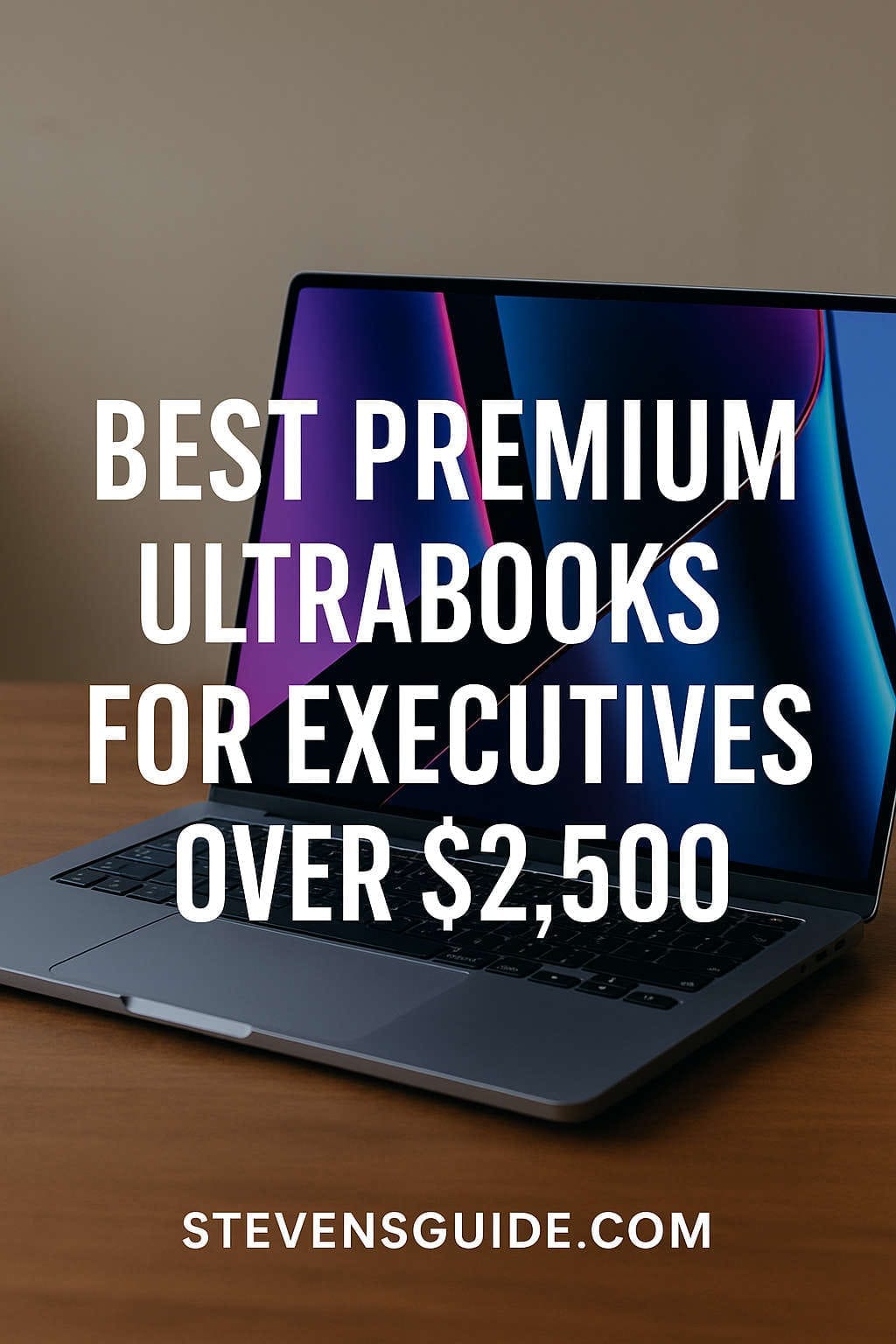
This comprehensive guide explores the best premium ultrabooks for executives over $2,500 in 2025, including expert recommendations, must-have configurations, comparisons of top models, and a practical buying checklist.
Better thermal design, extended warranties, and easy service options matter when your time is valuable.
Travel-friendly form factor
Lightweight design combined with long battery life ensures productivity on flights and between meetings.
Display quality that helps you work smarter
Eye-comfort displays with high brightness for well-lit offices, accurate color for media review, and larger screen real estate for multitaskers.
Key Specs Executives Should Prioritize
When evaluating machines in this price category, it’s essential to know where to place your investment. Here are the most important specifications you should focus on:
For executives who prefer macOS, the MacBook Pro stands unrivaled in performance efficiency, battery life, and craftsmanship. The 14-inch and 16-inch models equipped with M-series chips (M4 or M5 tiers) deliver workstation-class performance in a sleek, silent profile.
Why executives love it
Class-leading battery life that outlasts nearly every Windows alternative
The smoothest trackpad and one of the best typing experiences in the industry
Liquid Retina XDR display with peak HDR brightness — perfect for presenting visuals
Seamless integration across Apple ecosystem (iPhone, iPad, AirPods)
Exceptional AI and video editing performance on the latest chips
Recommended executive configuration
16-inch MacBook Pro with M4 Max or similar tier chip
32GB to 64GB unified memory
1TB–4TB SSD
AppleCare+ for Business
Ideal for
Senior leaders who demand maximum speed, battery endurance, and a polished user experience without worrying about fan noise or thermals.
Dell XPS 15 — The Windows Flagship With Powerful Visual Real Estate
The Dell XPS lineup is widely respected in business environments. The XPS 15 in particular combines stunning display quality with a premium metal-glass build and strong Windows performance. Executive buyers often select the highest configuration with OLED or ultra high-resolution displays.
What executives appreciate
Elegant, minimalist premium design — perfect for professional settings
Large display space ideal for spreadsheets, dashboards, and content review
Optional discrete GPU for occasional creative workloads
Comfortable keyboard and spacious trackpad
Recommended executive configuration
Intel Core i9 or latest high-end processor
32GB or 64GB RAM
1TB–2TB SSD
15.6” OLED 3.5K/4K-class display
Best for
Windows-centric leaders who want a powerful laptop with a bright, cinematic display and premium design.
Executives who spend a significant amount of time traveling swear by the ThinkPad X1 Carbon. Its legendary keyboard, conference-friendly audio, rugged carbon-fiber durability, and business-class connectivity make it a standout corporate machine.
Executive advantages
Lightweight and extremely portable without compromising strength
MIL-spec durability for heavy travel use
World-class keyboard — ideal for long proposal writing sessions
Enterprise-grade security and optional privacy features
Recommended configuration
Latest Intel Core Ultra or enterprise-grade CPU variant
32GB–64GB RAM
1TB SSD
14″ 2K OLED display
On-site business warranty & support upgrade
Ideal user
Executives who constantly move between meetings, cities, and international destinations — reliability above all else.
Some executives straddle the world of leadership and creativity. Whether reviewing product mockups or digitally marking up presentations, the Surface Laptop Studio 2 is a powerhouse with flexibility. Its display pulls forward into a stage mode ideal for pitches and design workflows.
Why it stands out
Unique convertible design — present, draw, or sign digitally with ease
Brilliant high-refresh touch display with pen support
Comfortable keyboard and business-friendly Windows experience
Intel power paired with optional discrete GPU support
Recommended executive build
Top-tier CPU variant
32GB–64GB RAM
1TB–2TB storage
Pen accessory for signature workflows
Best suited for
Executives in innovation, marketing, design, engineering, product strategy — anyone who benefits from interactive presentations and digital ink.
HP offers two paths for the executive buyer: the stylish consumer-premium Spectre line and the enterprise-focused EliteBook line. Both can be configured past $2,500 when paired with high-resolution panels and security upgrades.
Why executives love HP’s top offerings
Secure BIOS and multiple layered security systems
Sleek design with premium materials
Flexible convertible hinge options on x360 models
Excellent webcams and audio for remote leadership
Recommended configuration details
Latest Intel top-tier processor
32GB RAM minimum
1TB–2TB SSD
OLED or mini-LED display upgrade
Ideal audience
Executives who value form factor flexibility and hybrid work security without sacrificing visual polish.
Head-to-Head Comparison for Executive Needs
Feature
MacBook Pro
Dell XPS 15
ThinkPad X1 Carbon
Surface Laptop Studio 2
HP Spectre/EliteBook
Best use case
All-around excellence
Display-heavy productivity
Heavy travel durability
Creative collaboration
Secure hybrid workflows
OS
macOS
Windows
Windows
Windows
Windows
Display quality
Outstanding HDR mini-LED
Bright OLED options
Sharp business-focused panels
High-refresh touch
OLED & business displays
Battery life
Best-in-class
Good
Very good
Good (varies w/ GPU)
Good
Portability
Medium to light
Heavier
Lightest
Heavier
Medium
Keyboard
Excellent
Very good
Best-in-class
Excellent
Very good
Performance
Top-tier efficiency & power
Strong
Strong
Strong GPU options
Balanced
Choosing Between macOS and Windows for Executive Roles
When picking a premium ultrabook, platform decision is crucial.
Choose macOS if:
✅ You’re deep into Apple ecosystem — iPhone, iPad, AirPods
✅ You want unbeatable battery life
✅ You prefer a quieter, cooler laptop
✅ Creatives on your team share Apple workflows
Choose Windows if:
✅ You depend on legacy corporate software
✅ You require enterprise IT integration or vPro manageability
✅ Your role relies on touch/pen input
✅ You collaborate with GPU-based engineering or 3D visuals
Both ecosystems are excellent — choose based on your workflow and corporate infrastructure.
Executive Buyer Profiles — Match Your Device to Your Leadership Role
The Visionary CEO
You need performance, battery life, and impressive presentation presence.
➡ Best picks: MacBook Pro 16″ or Dell XPS 15
The Constant Traveler (Global Director)
You need durability, lightness, long battery life.
➡ Best pick: ThinkPad X1 Carbon
The Innovation Leader (Product, Marketing, Design)
You need a touch-friendly convertible and strong GPU.
➡ Best pick: Surface Laptop Studio 2
The Security-Sensitive Executive (Finance, Legal, Government)
You need layered security and privacy compliance.
➡ Best picks: HP EliteBook premium models or ThinkPad
Future-Proofing Tips for Executive Laptops
To ensure longevity and avoid refreshes every 2 years:
✔ Always upgrade RAM — buy more than you think you need
✔ Choose at least 1TB storage, ideally 2TB
✔ Invest in extended business warranty with accidental damage coverage
✔ Pick a premium display — your eyes will thank you
✔ Prioritize laptops with enterprise remote management features
✔ Confirm Wi-Fi 6E or newer
✔ Choose quiet thermal design for long meetings and flights
Must-Have Accessories for Executive Productivity
To maximize the value of your premium ultrabook:
USB-C docking station for multi-monitor office setups
Travel-friendly laptop sleeve with impact protection
Compact GaN charger for on-the-go power
Wireless noise-canceling headphones for calls
External 4K monitor for office productivity
Portable SSD (if handling large media or datasets)
Executives should aim for a setup that transitions seamlessly from office to travel mode.
What About 17-Inch and Ultra-High-Power Workstations?
In some rare cases, executives who rely on:
In-house data science
CAD and modeling
GPU-accelerated research
Stock market analytics dashboards
…may benefit from a bigger workstation-class laptop.
However, these tend to be much heavier and louder — not ideal for executive meetings or travel. The laptops listed in this guide strike a better balance of power, portability, and presence.
Final Buying Checklist for Your Over-$2,500 Executive Laptop
Print this and check as you evaluate your options:
✅ Apple or Windows — corporate software compatibility
✅ 32GB+ RAM (non-negotiable for longevity)
✅ 1TB–2TB SSD based on your travel needs
✅ OLED or mini-LED for visual comfort and presentation quality
✅ Lightweight build compatible with frequent flights
✅ Fingerprint/IR security and enterprise-grade TPM
✅ Next-business-day service plan and accidental damage coverage
✅ Verify ports (HDMI or adapter required for boardrooms)
✅ Webcam and mic quality for virtual leadership meetings
✅ Battery life capable of all-day work
Final Thoughts — Which Is the Best Premium Executive Laptop in 2025?
The short answer: It depends on your leadership style.
MacBook Pro 16″ — best overall performance, battery life, elegance
Dell XPS 15 — best display-focused Windows experience
ThinkPad X1 Carbon — best for nonstop travelers who need reliability
Surface Laptop Studio 2 — best for visionary leaders who collaborate creatively
HP EliteBook / Spectre x360 — best security-focused hybrid work option
No matter which you choose, investing over $2,500 secures a machine built to elevate your professional presence, reduce friction in your workday, and last for many years.