Building a PC in 2025 doesn’t have to drain your wallet. If you’re a content creator working on YouTube videos, podcasts, photography, streaming, or editing short films, you probably want a computer that can handle demanding tasks without lag — but you don’t necessarily have thousands to spend. The good news is that with careful planning, you can put together a workstation that costs less than $800 and still delivers smooth editing, reliable rendering, and plenty of upgrade potential.
This guide walks you through everything you need to know about creating the best budget PC build under $800 for content creators in 2025. We’ll look at each component, why it matters for creators, and how to balance performance with affordability. By the end, you’ll have a detailed build plan, clear upgrade paths, and realistic expectations of what this system can do.
Why Content Creators Need a Balanced Budget Build
Unlike gaming PCs that prioritize raw GPU power, a content creation machine needs a more balanced approach. Video editing, audio production, and photo manipulation all rely on a mixture of CPU performance, memory capacity, fast storage, and GPU acceleration. If one area is neglected, your workflow suffers.
For example, you might have a powerful graphics card, but if your system only has 16GB of RAM, you’ll struggle with smooth playback when editing multiple video layers. Or, you might invest heavily in storage but use a weak CPU, which will make rendering unbearably slow. That’s why for creators on a tight budget, the priority should always be:
- A strong CPU with multiple cores for fast encoding and smooth multitasking.
- At least 32GB of RAM for handling large project files and multiple apps simultaneously.
- A fast NVMe SSD for project storage and caching.
- A capable GPU to accelerate effects, color grading, and exports — if the budget allows immediately, or as an upgrade later.
The goal is to create a machine that doesn’t bottleneck your creativity, even if it isn’t the most powerful rig on the planet.
Choosing the Right Processor (CPU)
At the heart of this build is the CPU, because most creative tasks like rendering, encoding, and scrubbing through timelines depend heavily on processor performance. In 2025, one of the best processors for a budget content creator PC is the Intel Core i5-14600.
This CPU hits the sweet spot of affordability and power. With its hybrid architecture of performance cores and efficiency cores, it delivers strong multitasking capabilities. More importantly, it includes Intel’s Quick Sync technology, which accelerates video encoding for H.264 and H.265 formats. This makes it particularly valuable for YouTubers, streamers, and editors who need to render projects quickly without maxing out their entire system.
Another advantage of the i5-14600 is its integrated UHD Graphics 770. While not a powerhouse for heavy GPU workloads, it gives you a functional system out of the box, capable of handling basic editing and playback without requiring a graphics card right away. That’s crucial when working within an $800 budget, because you can delay the GPU purchase and still get work done.
If you prefer AMD, the Ryzen 5 7600 is also an excellent alternative. Some versions include integrated Radeon graphics, which are surprisingly capable for light creative tasks. AMD’s chips also shine in pure multi-threaded workloads, so if you find a better deal on a Ryzen build in your region, you won’t be disappointed.
Motherboard Selection
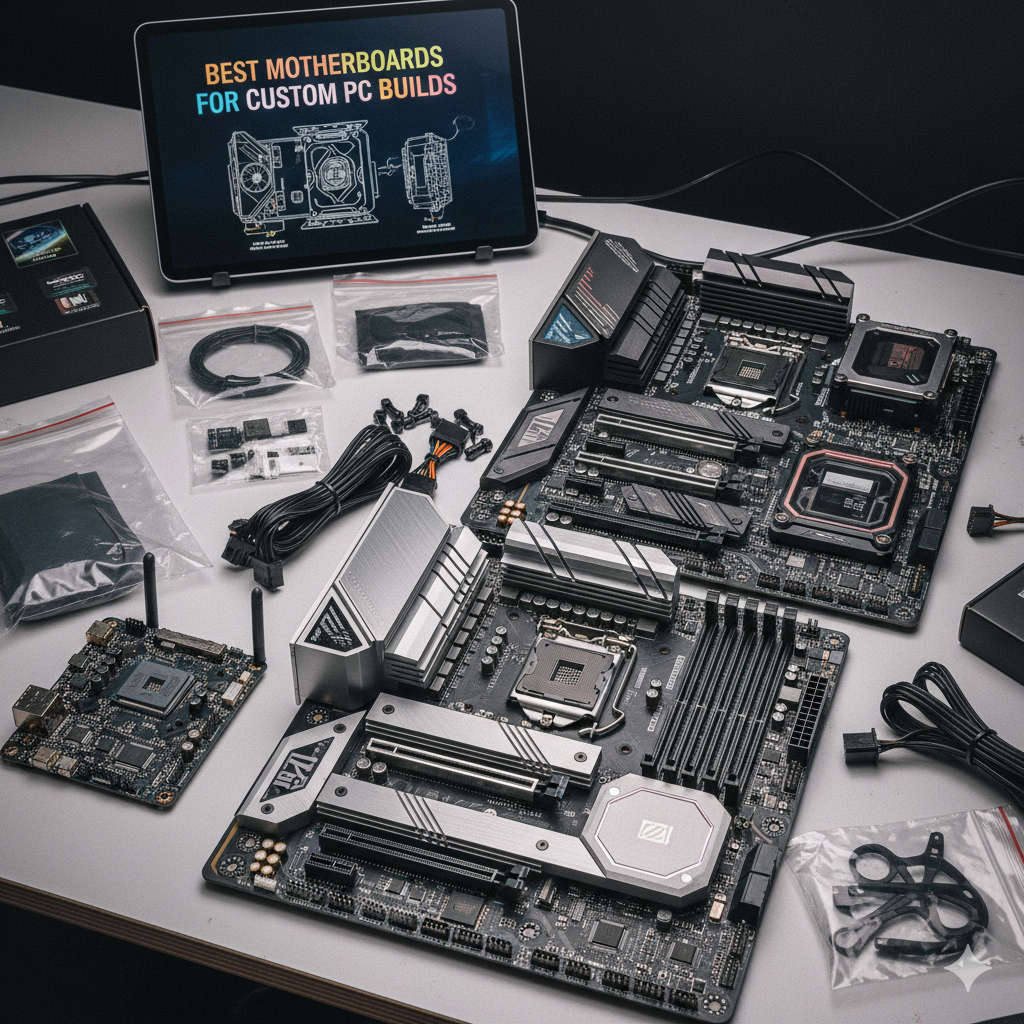
For this budget, you don’t need a flagship motherboard loaded with premium extras. What you do need is reliability, future upgrade support, and enough connectivity to keep your workflow efficient.
For Intel builds, a B760 chipset motherboard is the sweet spot. These boards support PCIe 4.0 storage, multiple M.2 slots for NVMe SSDs, and plenty of USB ports for connecting external drives, cameras, or audio gear. They’re also affordable compared to higher-end Z-series boards.
If you go the AMD route, look for a B650 motherboard. It offers similar features and supports Ryzen’s AM5 socket, which means you’ll be able to upgrade to more powerful Ryzen processors down the line without replacing the board.
The key here is not overspending. A solid mid-tier motherboard in the $80–$120 range is all you need for this build.
Memory (RAM): Why 32GB is Non-Negotiable
When it comes to RAM, more is always better for content creation. Applications like Adobe Premiere Pro, DaVinci Resolve, Photoshop, and After Effects eat memory for breakfast. If you try to work with just 16GB, you’ll constantly hit slowdowns as your system swaps data to the SSD.
That’s why this build prioritizes 32GB of DDR5 RAM (two 16GB sticks). DDR5 prices have dropped considerably in 2025, making it affordable even for budget builders. Running memory in dual-channel also ensures you get the full bandwidth, which is important for smooth playback and timeline performance.
This amount of memory allows you to comfortably edit multiple 4K video streams, keep several browser tabs open, run background music apps, and still avoid slowdowns. It’s one of the most important investments for a content creator’s PC.
Storage: Fast NVMe SSDs
Gone are the days when you could get by with a slow mechanical hard drive for creative work. In 2025, NVMe SSDs are essential for editing, because they offer lightning-fast read and write speeds compared to SATA SSDs or HDDs.
For this build, a 1TB NVMe PCIe 4.0 SSD is the best starting point. It gives you enough room for your operating system, creative applications, and several active projects. The speed ensures that your preview files and media cache are accessed instantly, which makes timeline scrubbing and preview rendering far smoother.
As your projects grow, you can always add more storage. A common upgrade is adding a second NVMe SSD or a large SATA SSD for archiving raw footage. But for now, 1TB of fast NVMe storage strikes the right balance of speed and affordability.
Graphics Card (GPU): Essential, But Optional at First
The GPU is where many budget builds face tough decisions. A dedicated graphics card accelerates rendering, playback, and effects in video editing programs. It’s also important if you do color grading or motion graphics.
In this budget range, one of the most practical choices is the Nvidia RTX 4060. It offers excellent performance for creative workloads, strong hardware encoding through NVENC, and plenty of driver support for popular editing software. If you find a good deal, a used RTX 3060 Ti or RTX 3070 can also provide fantastic value.
However, if your $800 budget is tight, you can start with the integrated GPU on the i5-14600 or Ryzen 5 7600G. This won’t give you the same acceleration as a dedicated GPU, but it will let you get up and running immediately. Later, when you have more funds, adding a mid-range GPU will breathe new life into the system without replacing any other components.
Case and Power Supply
Cases are often overlooked, but for content creators, airflow and noise levels matter. You’ll likely spend hours working at this machine, so you want it to run quietly and stay cool under heavy loads.
A mid-tower or micro-ATX case with good airflow is ideal. Look for cases with front mesh panels and space for multiple fans. Many affordable cases now come with pre-installed fans, saving you money.
For power, a 650W 80+ Bronze certified PSU is sufficient for this build. It provides enough wattage to power a mid-range GPU in the future, while remaining efficient and reliable. Never cheap out on the PSU — stability is critical when working on important projects.
Cooling Solutions
The stock cooler that comes with the Intel Core i5-14600 is adequate for light use, but if you plan on rendering long videos or working in a warm environment, upgrading to a budget-friendly tower cooler can reduce temperatures and noise.
A cooler in the $20–$40 range is more than enough to keep the CPU comfortable, ensuring consistent performance during long render sessions.
How This Build Performs in Real Life
So what can you expect from this budget PC build under $800 in 2025?
- Video editing: Smooth editing of 1080p and most 4K footage, especially if you use proxy files for heavier projects. With 32GB RAM and a fast SSD, timeline scrubbing is responsive.
- Rendering and exporting: Thanks to Quick Sync or NVENC, exports are significantly faster than older systems. A 10-minute 1080p project can render in just a few minutes, depending on effects used.
- Multitasking: You can comfortably run your editing program, a browser with research tabs, and background music or communication apps without slowdown.
- Streaming: The integrated encoder support allows for smooth live streams at 1080p, and a dedicated GPU upgrade later enables even higher quality streams.
- Future-proofing: With DDR5 memory, PCIe 4.0 storage, and a strong CPU, this build has a clear upgrade path. Adding a more powerful GPU or larger storage down the line will extend its lifespan significantly.
The Upgrade Path
One of the smartest aspects of this build is how upgradeable it is. While it’s fully functional on day one, you can improve it piece by piece as your needs grow.
- Step 1: Add a discrete GPU like an RTX 4060 or higher when your workload demands it.
- Step 2: Add a second NVMe SSD or a large HDD for long-term footage storage.
- Step 3: Upgrade to a higher-tier CPU within the same socket for even more rendering power.
- Step 4: Consider a larger case and additional cooling if you expand into more demanding workflows like 3D rendering.
By spreading upgrades over time, you avoid overspending upfront and can adapt your workstation to your career’s growth.
Cost Breakdown
Here’s a realistic price breakdown of this build in 2025 (rounded estimates based on average market pricing):
- Intel Core i5-14600: $200
- B760 motherboard: $100
- 32GB DDR5 RAM: $100
- 1TB NVMe PCIe 4.0 SSD: $70
- Nvidia RTX 4060 (optional at first): $220
- Case + 650W PSU: $100
- Aftermarket cooler: $30
Without a GPU, this build costs around $600–$650. With a GPU included, it reaches about $780–$800, perfectly aligned with the budget target.
Final Thoughts
For under $800, it’s possible to build a powerful, efficient, and upgradeable content creation PC in 2025. By prioritizing CPU performance, 32GB of RAM, and fast storage, you get a machine that can handle most creative tasks with ease. The option to delay a GPU purchase makes this build even more budget-friendly, giving creators the flexibility to start working immediately and upgrade later.
This system is perfect for new YouTubers, freelance editors, streamers, podcasters, and students who want professional performance without overspending. With smart part choices and a clear upgrade path, it’s a workstation that will serve you well today — and grow with you tomorrow.
You might also like,
- Best Monitors with Built-In Webcams (2025 Buyer’s Guide)
- The Best Monitors for Photo Editing in 2025: A Complete Guide
- Best Laptops for A-Level Students in 2025: Complete Buying Guide
- Top 5 Monitors with Built-In Speakers for Work, Play & Streaming (2025 Guide)
- Tech You Should Skip When Building a Budget PC Setup (Save Money on Smarter Choices)