As an office owner, you can have this thought whether your office is a perfect one. When I began my own office, I had been in this dilemma for a long. Time has passed, and I have learned many things that make a complete office. Now, I can help you with this by telling you about 10 types of office equipment that all American offices should have.
In this guide, I’ll start with some basic office equipment that you mandatorily need while starting an office. Then, I’ll gradually talk about the other advanced equipment to make your office workflow smooth. Later, I’ll answer some of the frequently asked questions to sort out any confusion you have.
So, stay with me till the end, and invest a little of your valuable time to make your office a perfect workplace for everyone.
10 Types of Office Equipment That All American Offices Should Have
While starting or running an office, you must invest in the equipment that will keep your office running. Just like you invest in the construction department or rent a flat, put aside a good amount of money for having quality equipment as well. Here, I’ll talk about some basic tools you need to start your office with.
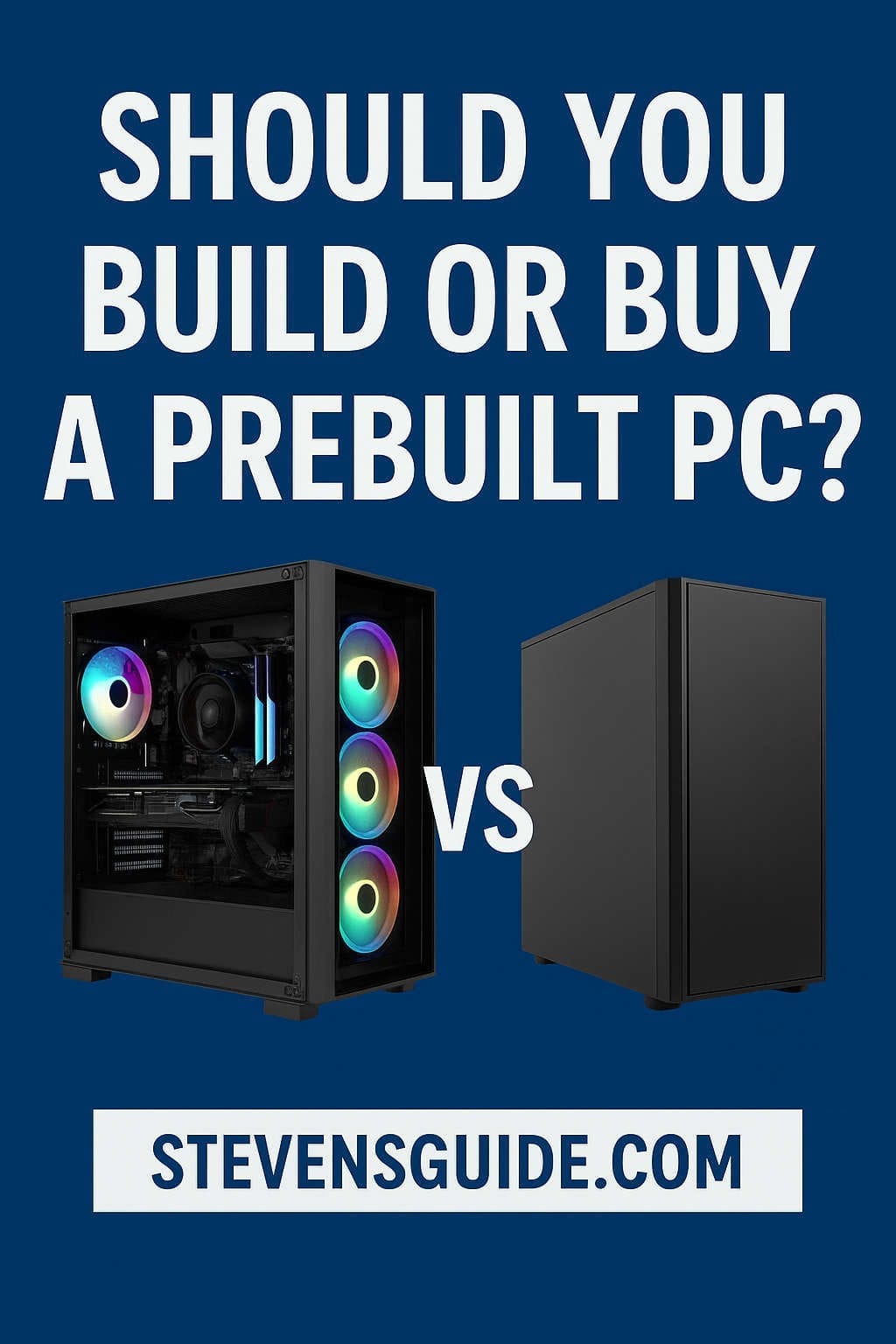
Computer
You can’t think of an office without a desktop computer, can you? That’s why it comes first on this list. A computer with a minimum of 4GB RAM supports multitasking with multiple software applications, but for better performance, consider 16GB of RAM.
Choosing an SSD (Solid State Drive) is advisable for faster loading times of the operating system and other programs. Additionally, look for models with larger hard drives that can hold all of the data you need unless you plan on storing your information remotely in the online cloud.
Telephone
An office telephone is the root of all communication. It also bears an identity. Not only with the employee, but you can also communicate with clients from your official telephone number.
A telephone will help your office function smoothly and maintain solid communication among the concerned individuals.
Printer
Whatever you have in softcopy needs to evolve in hardcopy for official purposes. A piece of printer would do it for you in no time. It’s a must-have equipment unless you have a virtual office.
While buying a printer, always go for the expensive ones because they can provide higher-resolution color printing.
Scanner
Even the papers need to be turned into electronic documents sometimes. A digital scanner will cover you up in this. My recommendation would be to buy a flatbed scanner for efficient work.
Paper Shredder
While operating an office, you will find some documents that need to be destroyed. For instance, bank statements, credit card bills, or any other papers containing private information are what you would like to dispose of at once. A piece of paper shredder will get your job done. So, mark this tool as your essential office equipment as well.
Computer Accessories
Along with computers, you’ll certainly need some other accessories to get your workflow smooth. So, when you buy a computer, purchase a mouse, keyboard, webcam, microphone, headset, router, speaker, surge protector, and mouse pad as well.
Office Furniture
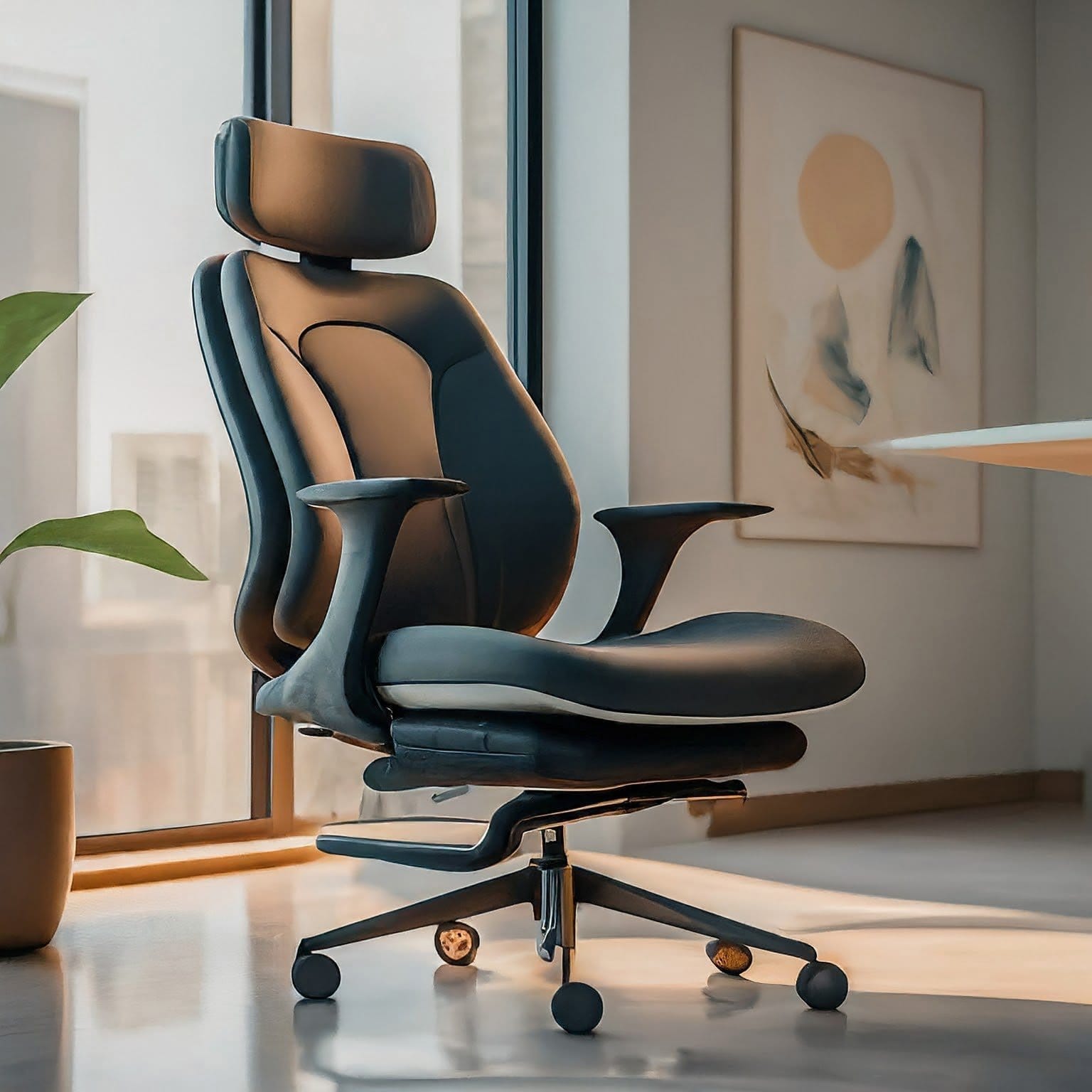
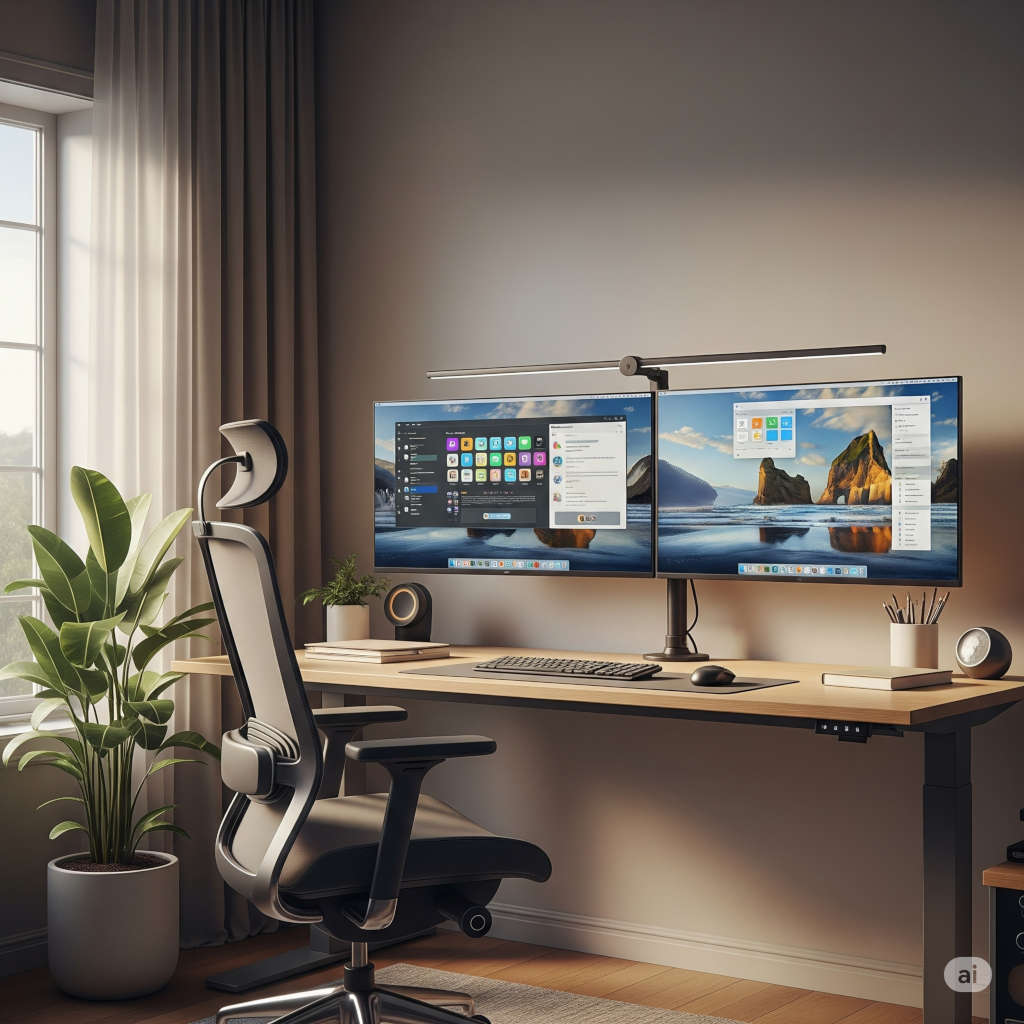
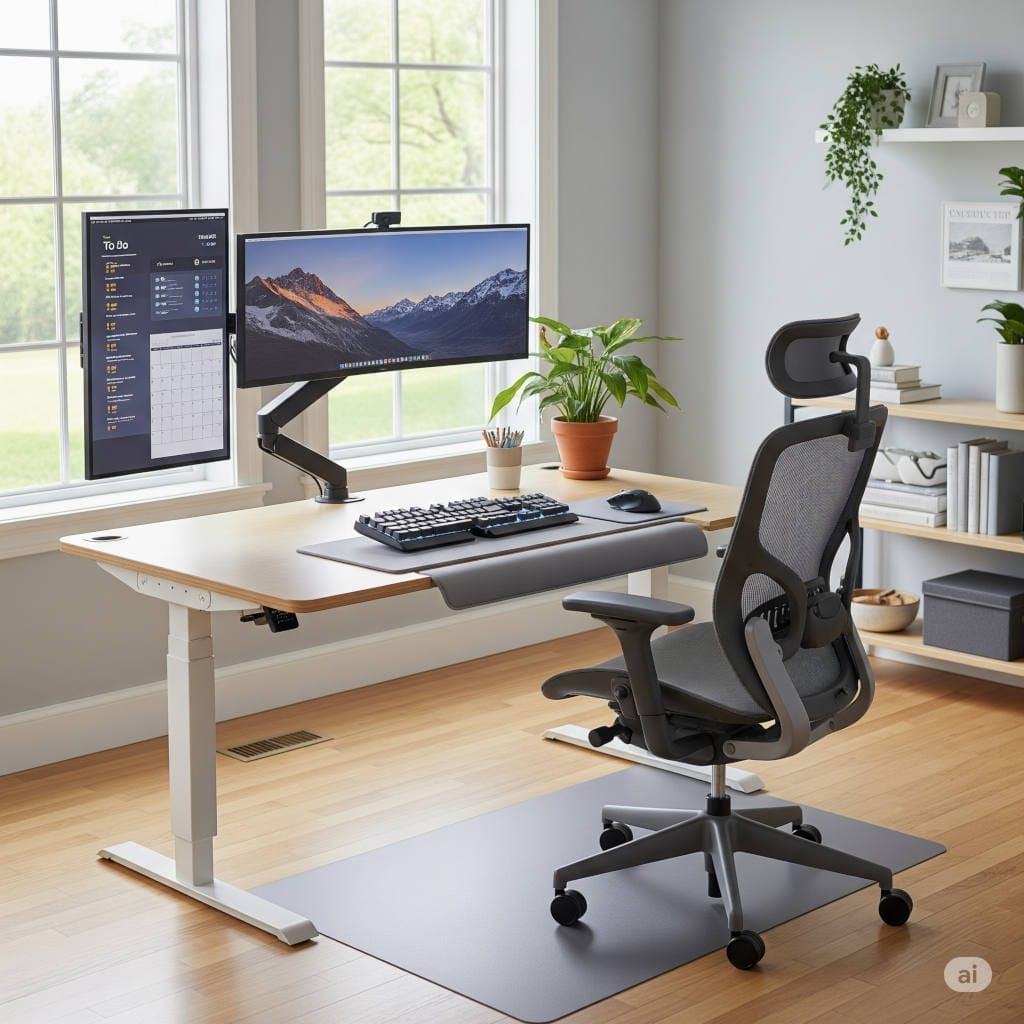
To decorate your office formally, you need some specific furniture to buy. A desk, some office chairs, tables, sofas, a mini fridge, a mini center table, and lighting are what will make your office gorgeous. So, always make a budget for this furniture section while creating an office.
Office Design
Office design elements such as wallpaper/wall art, flooring, and rugs can help create a pleasant and inviting workspace. Take help from a professional or an agency to create an aesthetic look in your office. Many available companies are experts in this work.
Office Productive Tools
Along with those essential office equipment, you must get some productive tools. These tools are not only necessary but also will help to make your office atmosphere a great one. Below are those tools that I find very special for an office:
- Whiteboard
- Bookshelf
- Filing cabinet
- Paper tray
- Business cards
- Binders
- Notepads
- Papers
- Envelopes
- Stamps
- Pens
- Markers
- Pencils
- Eraser
- Scale
- Sharpener
- Stapler
- Paperclips
- Rubber band
- Glue
- Tape
- Scissor
- Hole punch
Meeting Room Equipment
Last but not least, you must have some meeting room equipment to implement a meeting satisfactorily. Those pieces of equipment are a projector, a screen, and a conference phone.
Once you arrange all these types of equipment, your office becomes a complete office for a business.
Other Advanced Equipment Your Office Should Have
After setting up the essential office gear, are you thinking about adding some advanced equipment to upgrade your office even more? If you do, here are my recommendations for advanced office equipment you can buy.
Smartboards
Smartboards are interactive whiteboards. It’ll allow you to write, draw, and annotate on a large touchscreen display. These boards are great for presentations, brainstorming sessions, and team meetings. Some smartboards come with built-in cameras and microphones that make it easy for virtual meetings with remote team members.
Wireless Charging Pads
Wireless charging pads are a convenient way to charge your phone without the need for cables or cords. They are great for keeping your workspace organized and clutter-free. Some wireless charging pads can even charge multiple devices at once.
Virtual Assistants
Virtual assistants such as Amazon’s Alexa or Google Assistant can help automate tasks and streamline workflows. You can schedule appointments, set reminders, and even order office supplies through them. They can also be integrated with other smart devices in the office, such as smart lighting and thermostats.
Standing Desks
Standing desks are becoming increasingly popular because of their health benefits. They can reduce back pain, improve posture, and increase energy levels. Some standing desks come with a built-in treadmill through which you can walk while working alone.
Noise Cancelling Headphones
Moise-cancelling headphones will be great for blocking out distractions and creating a quiet workspace. This equipment is especially useful in open-plan offices where noise levels can be high. Certain noise-cancelling headphones have built-in microphones, allowing for seamless virtual meetings by eliminating background noise.
Best Equipment for Office Management And Administration
In America, managing an office and its administration becomes troublesome unless you have the right tools to possess. If you’re having a growing business, it’s high time you need to grab some tools to catch up with the race. Here’s what I have in my office for management and administration:
Office Management Software
Whether it’s project, employee, or document management, getting some software like ClickUp, Asana, or Trello will always help. They make work easier and boost productivity. So, as soon as you can, get used to them.
Portable Monitor
A portable monitor will allow you to take your screen anywhere you want. It’ll allow you to work when you’re on a journey or in a cab going somewhere. ViewSonic and ASUS provide effective portable monitors for office work.
External Hard Drive
You can always keep an external hard drive for backing up important files. Storing large amounts of data will be easier in this approach. Personally, I prefer Western Digital hard drives, but Seagate is also a reliable choice.
Best Equipment for Office Communication
Communication is the key to every success. We humans are the only species who can work as a team only because of our communication skills. To take this communication to a new level in your office, get the following equipment ASAP.
Zoom and Zoom Rooms Appliances
As we all know, Zoom can handle all the virtual meetings and conferences. If you don’t have this software, download it now. Besides, you can also opt for Zoom Rooms Appliance, which will let you arrange superior-quality audio and video.
Dropbox
Whenever you want to share larger files with your employees, working through Dropbox will be very fruitful. You can also store files in this software. File sharing and accessing files will be a piece of cake if you have this tool on your computer.
Airtable
Airtable is a cloud-based project management tool. It’ll allow you to organize and manage projects, tasks, and workflows. Aritable is ideal for collaborating with team members and tracking progress. You can see your office’s upwards and downwards in one click.
Things to Remember While Buying Office Equipment
When you’re planning to buy office equipment, you must take several things into consideration. Otherwise, you may end up in great disappointment by purchasing something that doesn’t meet your requirements. Keep reading, and I’ll share my experiences to help you make informed decisions when investing in office equipment.
Plan Your Budget
Budget planning is the first and foremost thing to wrap up. Before you start shopping, it’s important to determine how much you can afford to spend. Then, according to your budget, you can aim for a product that fits comfortably within your financial means.
Determine Your Needs
Make a list of the equipment you need to purchase. Consider the tasks you’ll be performing and the features you require. For example, if you’ll be printing a lot of documents, you’ll want to look for a printer with a high page yield.
Space Considerations
Think about the space you have available in your office. Ensure the equipment you purchase fits comfortably in your workspace. Consider the size of the equipment and any additional accessories you may need. And always leave room for walking.
Invest in High-Quality Equipment
It may sound expensive, but investing in high-quality equipment can actually save you money in the long run. High-quality equipment is often more durable and requires less maintenance than cheaper alternatives.
Choose Energy-Efficient Equipment
When buying office equipment, look for the ENERGY STAR label. This label indicates that the equipment meets energy efficiency guidelines set by the U.S. Environmental Protection Agency. It’ll help you save money on your energy bills.
Compatibility
Make sure that the equipment you purchase is compatible with your existing hardware and software. To check this out, get help from the experts or research on your own. It’ll help you avoid compatibility issues and ensure that your new equipment works seamlessly with your existing systems.
Reviews and Recommendations
Before purchasing office equipment, read customer reviews. You can also take recommendations from various forums or experienced people.
Warranty and Support
Look for equipment that comes with a warranty and good customer support. This can save you money on repairs and make sure you get help if your equipment has any problems.
Vendor Reputation
Do not purchase from vendors who don’t have any reputation. Reputed sellers dare to trade faulty equipment. Even if it costs you more money, always approach those dealers who are prominent.
Some Valuable Tips for Maintaining Office Equipment
Maintaining office equipment is necessary so that it stays put and works well as long as possible. When you regularly maintain and look after the equipment, it lasts longer, meaning you don’t have to spend money replacing it frequently. Giving maintenance a priority can also get you the most out of your equipment and keep the workplace running smoothly.
Regular Cleaning
Regular cleaning of office equipment is essential to keep it in good condition. Use a soft, dry cloth to clean paper dust from paper trays and feeders. Move dust away and out from document-entry areas. Carefully weep out outside parts with a clean, soft cloth. For computer equipment, use a can of compressed air to blow out dust and debris from the keyboard, mouse, and other components
Scheduled Maintainance Checks
Schedule regular inspections to ensure that your office equipment is in good working condition. It might cost you some penny, but in the long term, it will help you identify any issues early. Thus, you can prevent them from becoming more significant problems.
Employee Training
Train your employees on how to use and maintain office equipment properly. You can appoint a trainer for this. Ultimately, your trained employee will bring you profit for your company and cause no harm to any equipment.
Update Software Regularly
Regularly update office equipment software to address vulnerabilities, improve features, and maintain compatibility with other workplace software. You can check at least twice a week to see if there’s any software update.
Tracking System
Implement a tracking system to keep track of maintenance schedules, repairs, and replacements. It’ll help you stay on top of maintenance tasks and ensure that your equipment is always in good working condition.
Proper Storage
Store office equipment in a clean, dry, and secure location. Also, tell your maid to clean the storage even if the equipment is not in use.
Manufacturer’s Guidance
Whenever you troubleshoot an issue, update software, or set up office equipment, follow the manufacturer’s guidance. It’s the most basic and best way to avoid any harm to the equipment.
FAQs
Q: How Can I Set up An Office?
A: If you want to set up your office in the most comfy and productive way possible, inspect your workspace first. Then buy the equipment that doesn’t consume ample space and fits nicely in your office.
Q: How Can I Select the Best Equipment for My Office?
A: To select the best equipment for your office, always determine your needs, budget, and other requirements. Invest according to your demand and get the most out of it. Always look for those tools that come with extended warranty or durability.
Q: What Are Some Eco-friendly Office Equipment Options?
A: Some eco-friendly office equipment options are energy-efficient light bulbs, recycled paper, and refillable ink cartridges. You can also reduce paper waste by using digital documents and cloud storage.
Summary
Now that I have shared my thoughts on 10 types of office equipment that all American offices should have, I hope you have a better idea now. If any of the equipment you missing in your office, grab it now. Because in America, you can’t be slow behind the race. From a computer to a pencil to an Airtable, everything is essential for a professional office atmosphere.
Featured Photo by Annie Spratt on Unsplash
You might also like,
- Orthopedic Office Chair: Read Before You Buy
- Top 10 Must-Have Office Equipment for Your Home Office Setup in 2026
- The Best Office Desks for Home: Elevate Your Work-from-Home Experience
- 10 Proven Ways to Stay Productive While Working from Home (Backed by Experts)